
derBiggi - Minecraft Skins & Skin History
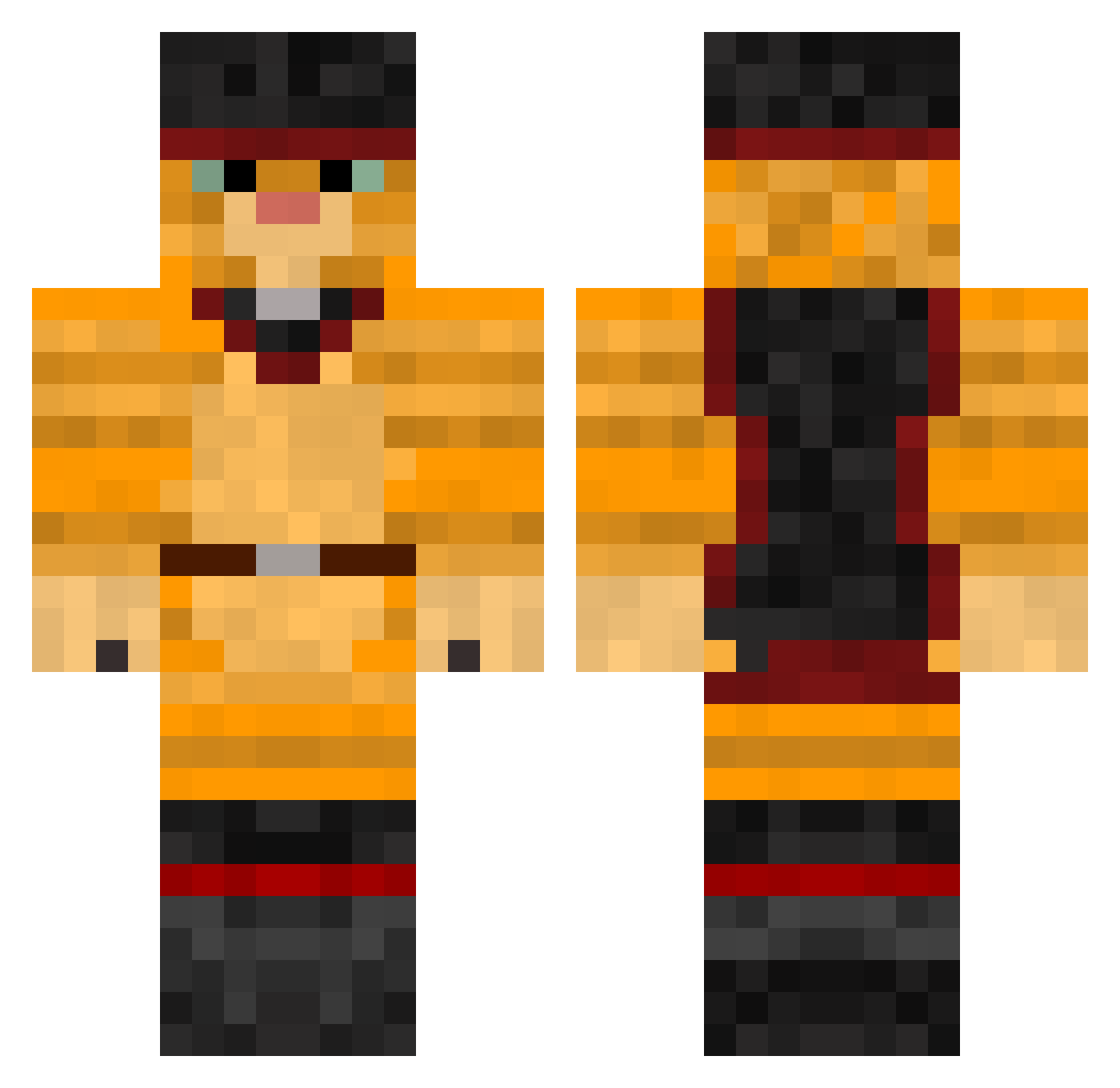
Current Minecraft skin of the player derBiggi, loaded from the official Mojang API. Rotate the 3D model with your mouse or finger, then download the skin as a PNG file and use it in Minecraft: Bedrock Edition or Java Edition for free. When derBiggi changes their skin, this page updates automatically and the old skin stays in the history below.
Other players with this skin (379)
derBiggi was the 131st player we have seen with this skin, first spotted on 28.08.2026. The same skin was seen on these players. Open a nickname to see their current skin and skin history.
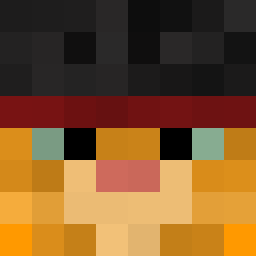 eden_333 lesleybrockbank EllieIsGreat wondrex Lekunga ydvjjhlhoxtgfrq maxbounty ellie2 Cheezzepuff Nos93 SwagOrClass wlwwarriorpride1 Spocket tango1231121 Phiana PeetaLover05 Iglomo Fabio_NH Inarik christopherok_ jojojojo89 o0oAdamso0o demakot Krisssi Pomai fluffy_kitten_64 Polushka33 Mr_Rocky70 justme014 lediable Ganacampo RaiderBeta Rebecca23645 the_python835 Zertox03 PurpleCatC slineware JomKippurHater JuHDude CaDaVeR71 supersicave xgalexyx Flipnotic GizmoGis LeQuatre hazey187 Salladen Ice_ten SplittSlave1 Caffe8 _Ninjacat_ lOOigi princesspalace snowball1800 Zagaton Alex2461 Shumpylol epicpatroman CaptainHogg99 DavidT02
More Puss In Boots Minecraft skins
See all 62 Puss In Boots skins
How to install the derBiggi skin
- Press the Download button above to save the skin as a PNG file.
- Minecraft: Bedrock Edition (PE): open the Dressing Room from the main menu (or tap your character → Edit Character), go to Classic Skins → Owned, press the + (new skin) button, choose the downloaded PNG and pick the Classic (Steve) model. Works on PC and mobile; consoles cannot import custom skins.
- Minecraft: Java Edition: open the Minecraft Launcher, go to the Skins tab, click New Skin, load the PNG, pick the Classic (Steve) model and press Save & Use. You can also upload it at minecraft.net → Profile → Change Skin.
The skin does not show up after import - what should I do?
Restart Minecraft and open the Dressing Room again - imported skins sometimes appear only after a restart. Also make sure you selected the imported skin and picked the Classic (Steve) model.
Which model should I choose, Classic or Slim?
This skin is designed for the Classic (Steve) model. If you pick the wrong model, the arms of the skin will look stretched or squeezed.
Is the skin of derBiggi free to download?
Yes. Press Download, save the PNG file and use it in Minecraft: Bedrock Edition or Java Edition - no payment or registration needed. The skin also works on multiplayer servers and Realms.
More skins
Looking for more? Go back to all Minecraft skins and check the top skins of the week, month and all time, or find any player's skin by nickname.