
deliwhobob - Minecraft Skins & Skin History
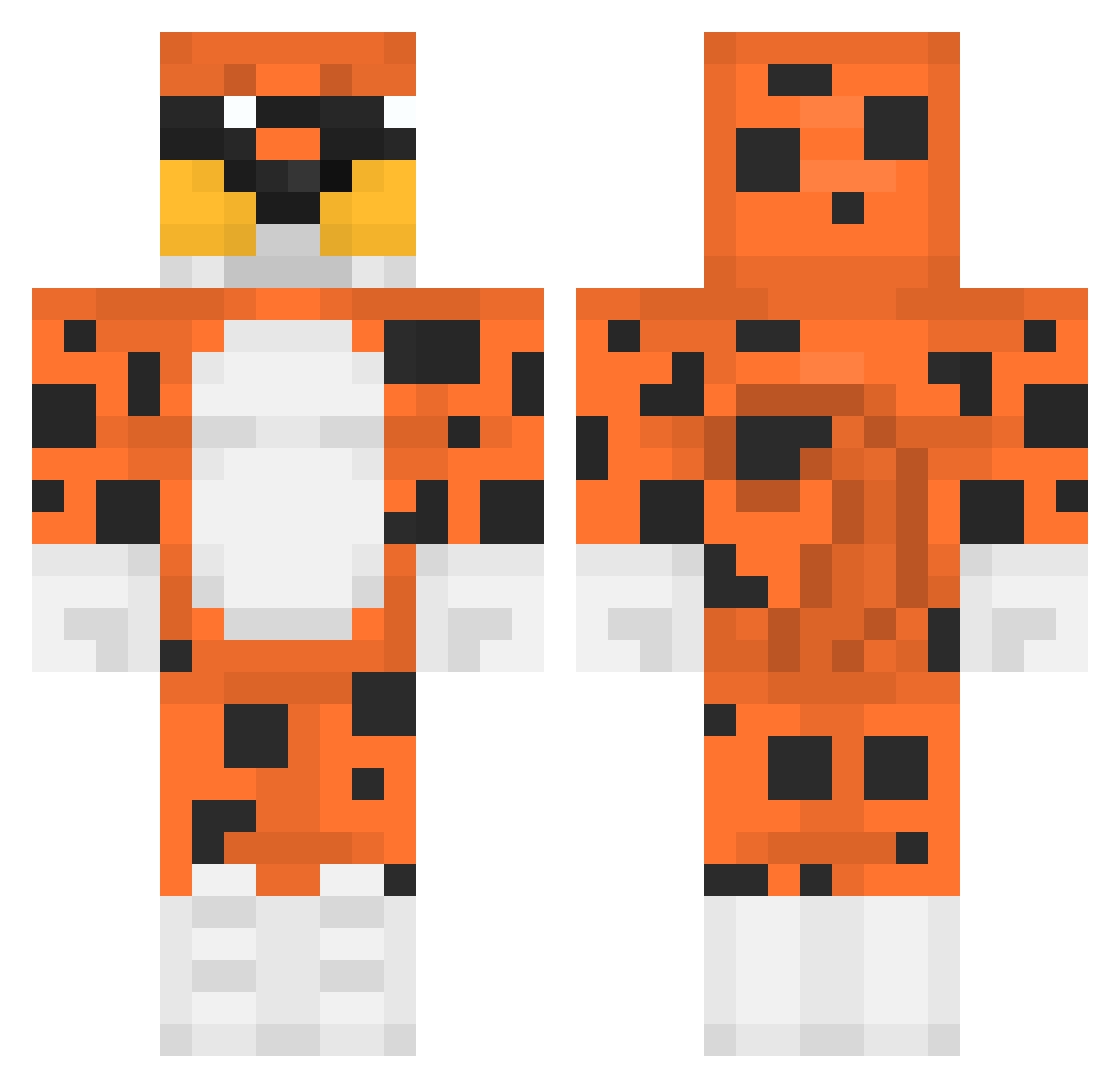
Current Minecraft skin of the player deliwhobob, loaded from the official Mojang API. Rotate the 3D model with your mouse or finger, then download the skin as a PNG file and use it in Minecraft: Bedrock Edition or Java Edition for free. When deliwhobob changes their skin, this page updates automatically and the old skin stays in the history below.
Other players with this skin (465)
deliwhobob was the 324th player we have seen with this skin, first spotted on 16.10.2026. The same skin was seen on these players. Open a nickname to see their current skin and skin history.
 johan6974 fatbootyjudy Mazzx12 PhoenixGolden QQQ909 4silentvoice bianca9726 RodolfoElCerdo Evalix Stewee99 WheezyCheeto dripyoffaduhyurk OdenTheGOAT dxms LilMoco69 SkyVision45 xPanch0X nielubieplackow1 Impaulempirico Crunk69420 BIoodystump bagink DevoradorXElite Kawa455 yobaii Hybrations CaillouFeodal iloveraving lemoniardo Salebs SableAble choedak kv2z Domin0_08 1qb_msmc_a7c TheAlphaLife ly_rUDlw_0301 Sagastizado wikayis JJREKZ SidoineHauvet aBigmoist LokoBrGamer EBAYU Atomic951 showmakerplaymak g1xnbro xleb161 Tamael Weirdmine Kislyception Noksi123 XsteeveX TheEddOfTheStory Helu159 lukingo17 Shak4_ MyaShelly _agatti FroppyFlop
More Leopard Minecraft skins
How to install the deliwhobob skin
- Press the Download button above to save the skin as a PNG file.
- Minecraft: Bedrock Edition (PE): open the Dressing Room from the main menu (or tap your character → Edit Character), go to Classic Skins → Owned, press the + (new skin) button, choose the downloaded PNG and pick the Classic (Steve) model. Works on PC and mobile; consoles cannot import custom skins.
- Minecraft: Java Edition: open the Minecraft Launcher, go to the Skins tab, click New Skin, load the PNG, pick the Classic (Steve) model and press Save & Use. You can also upload it at minecraft.net → Profile → Change Skin.
The skin does not show up after import - what should I do?
Restart Minecraft and open the Dressing Room again - imported skins sometimes appear only after a restart. Also make sure you selected the imported skin and picked the Classic (Steve) model.
Which model should I choose, Classic or Slim?
This skin is designed for the Classic (Steve) model. If you pick the wrong model, the arms of the skin will look stretched or squeezed.
Is the skin of deliwhobob free to download?
Yes. Press Download, save the PNG file and use it in Minecraft: Bedrock Edition or Java Edition - no payment or registration needed. The skin also works on multiplayer servers and Realms.
More skins
Looking for more? Go back to all Minecraft skins and check the top skins of the week, month and all time, or find any player's skin by nickname.