
ddrballoon - Minecraft Skins & Skin History
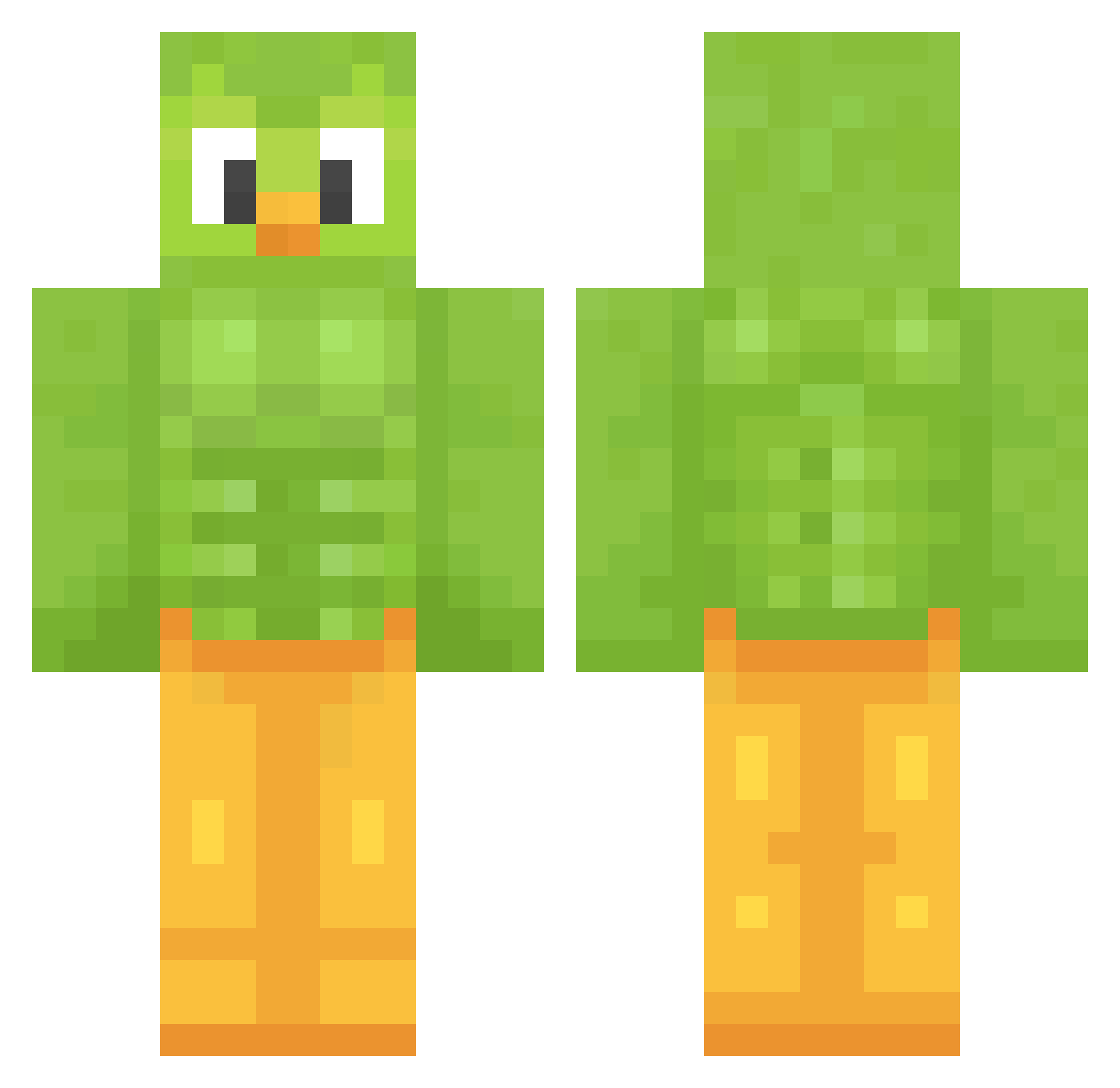
Current Minecraft skin of the player ddrballoon, loaded from the official Mojang API. Rotate the 3D model with your mouse or finger, then download the skin as a PNG file and use it in Minecraft: Bedrock Edition or Java Edition for free. When ddrballoon changes their skin, this page updates automatically and the old skin stays in the history below.
Other players with this skin (1206)
ddrballoon was the 977th player we have seen with this skin, first spotted on 13.10.2026. The same skin was seen on these players. Open a nickname to see their current skin and skin history.
 Breadanator3000 memesther LeaoBicalho Lucabate Tazyk_ chobro3 Hekuetille TheOldFox Biberoom NewCesam Puulaa15 Jaynxpayn SBASCR DS_ray Naradab October28th TayXD04 Szymus295 horunjin victordrilboor Wolf0_ Lucas090210 4rbr3 MrYaako ValkyrieQueen99 arrecio Harke2203 DjTieso69 ultrasikici31 LASKONHASKO LeifBjarne tlw1219 UTOPEK213 Kligor13 chako21 PremiereGnat111 Paopaoppppp Ikuyim1 strepeke FleetFoley Darckbleys18 SoltheSock Reverse_Mode A_Harbinger ActuallyLuna Jimichug SpicyFruitLoops PollitoSetsi ethancool485 GoChadwick yosima Lyftfreeeze69 daviderler Marcdog25 elephant55688 Doblelingo xyolomaster420x ukampka Sir_Cicir seoyooon
More Duo Minecraft skins
How to install the ddrballoon skin
- Press the Download button above to save the skin as a PNG file.
- Minecraft: Bedrock Edition (PE): open the Dressing Room from the main menu (or tap your character → Edit Character), go to Classic Skins → Owned, press the + (new skin) button, choose the downloaded PNG and pick the Classic (Steve) model. Works on PC and mobile; consoles cannot import custom skins.
- Minecraft: Java Edition: open the Minecraft Launcher, go to the Skins tab, click New Skin, load the PNG, pick the Classic (Steve) model and press Save & Use. You can also upload it at minecraft.net → Profile → Change Skin.
The skin does not show up after import - what should I do?
Restart Minecraft and open the Dressing Room again - imported skins sometimes appear only after a restart. Also make sure you selected the imported skin and picked the Classic (Steve) model.
Which model should I choose, Classic or Slim?
This skin is designed for the Classic (Steve) model. If you pick the wrong model, the arms of the skin will look stretched or squeezed.
Is the skin of ddrballoon free to download?
Yes. Press Download, save the PNG file and use it in Minecraft: Bedrock Edition or Java Edition - no payment or registration needed. The skin also works on multiplayer servers and Realms.
More skins
Looking for more? Go back to all Minecraft skins and check the top skins of the week, month and all time, or find any player's skin by nickname.