
daycomeback - Minecraft Skins & Skin History
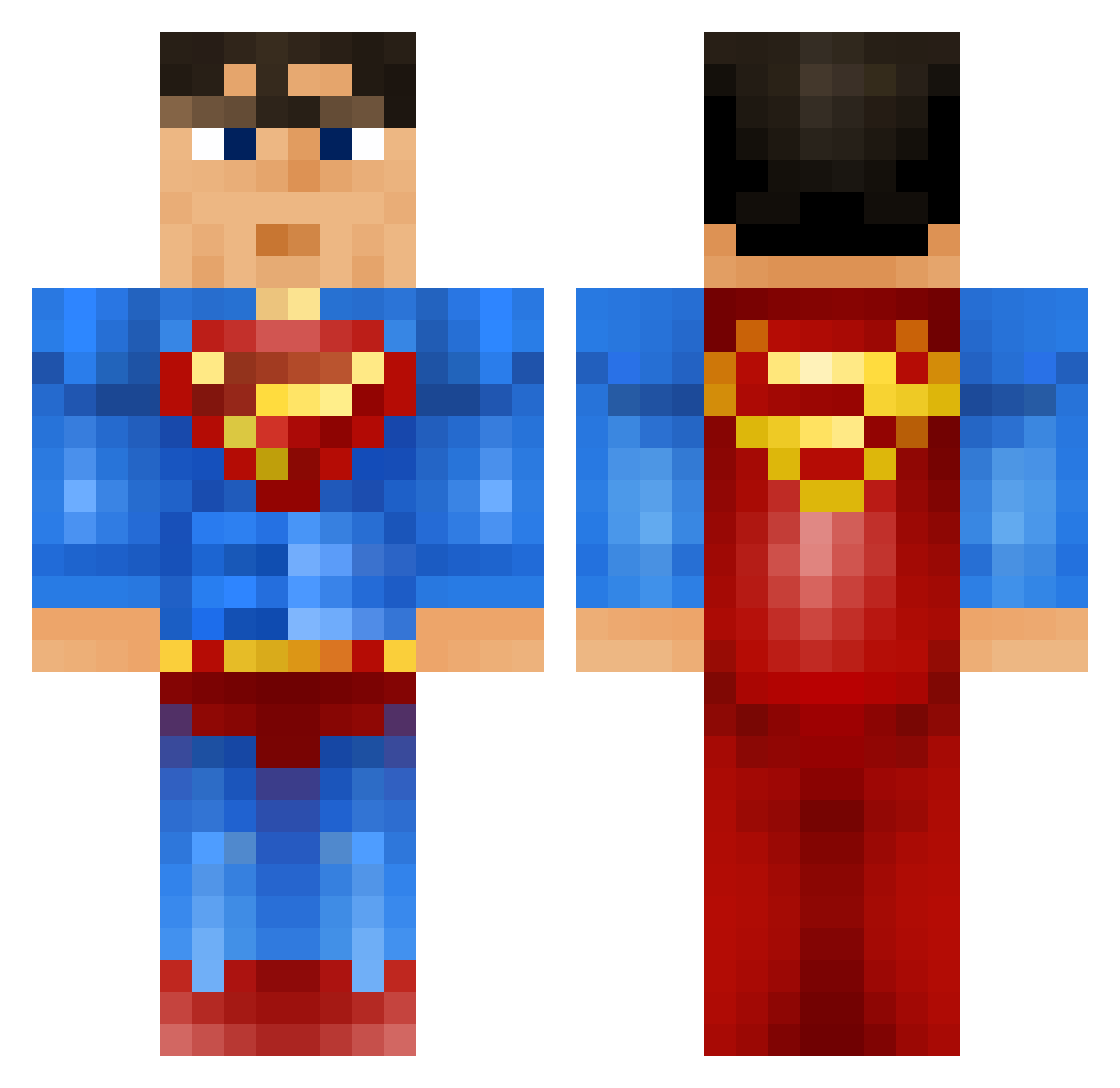
Current Minecraft skin of the player daycomeback, loaded from the official Mojang API. Rotate the 3D model with your mouse or finger, then download the skin as a PNG file and use it in Minecraft: Bedrock Edition or Java Edition for free. When daycomeback changes their skin, this page updates automatically and the old skin stays in the history below.
Other players with this skin (917)
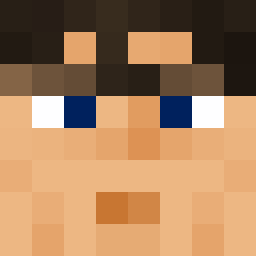
daycomeback was the 758th player we have seen with this skin, first spotted on 17.10.2026. The same skin was seen on these players. Open a nickname to see their current skin and skin history.
 squirrel1029 bouna13 bebe_coool Kingzasse NinjaAsian Supa_Slaya karamellie02 Winsie5 petergriffen101 Jeveritt Wargrider96 LudwigSandberg joekeee 2626 Squeaks2396 Termlk Cranka CrypticFrog ReyDiego2003 KieranMcD123 Curti24 marco_schuessele belmontblast suppenmann123 TheEnder2507 XupraZ video2413 Sallyna Thepredetor cubesRus Nico_521 wekkuli10 kclubb oliverterp darybern Arrow_Head1 Gaahrr martin280606 dannyboy12345 Presington camzidog Kokebok LilMooch jwilhelm bens4269 jugears Winningjtd Megabane88 XalexPvP Choynk ColonelKermit1 BlckInfi SuperManTD chwinn pickle666 nicolaiphillip EpicSmog s2dve Xpurge88 Enzowned
More Superman Minecraft skins
How to install the daycomeback skin
- Press the Download button above to save the skin as a PNG file.
- Minecraft: Bedrock Edition (PE): open the Dressing Room from the main menu (or tap your character → Edit Character), go to Classic Skins → Owned, press the + (new skin) button, choose the downloaded PNG and pick the Classic (Steve) model. Works on PC and mobile; consoles cannot import custom skins.
- Minecraft: Java Edition: open the Minecraft Launcher, go to the Skins tab, click New Skin, load the PNG, pick the Classic (Steve) model and press Save & Use. You can also upload it at minecraft.net → Profile → Change Skin.
The skin does not show up after import - what should I do?
Restart Minecraft and open the Dressing Room again - imported skins sometimes appear only after a restart. Also make sure you selected the imported skin and picked the Classic (Steve) model.
Which model should I choose, Classic or Slim?
This skin is designed for the Classic (Steve) model. If you pick the wrong model, the arms of the skin will look stretched or squeezed.
Is the skin of daycomeback free to download?
Yes. Press Download, save the PNG file and use it in Minecraft: Bedrock Edition or Java Edition - no payment or registration needed. The skin also works on multiplayer servers and Realms.
More skins
Looking for more? Go back to all Minecraft skins and check the top skins of the week, month and all time, or find any player's skin by nickname.