
dashushuu - Minecraft Skins & Skin History
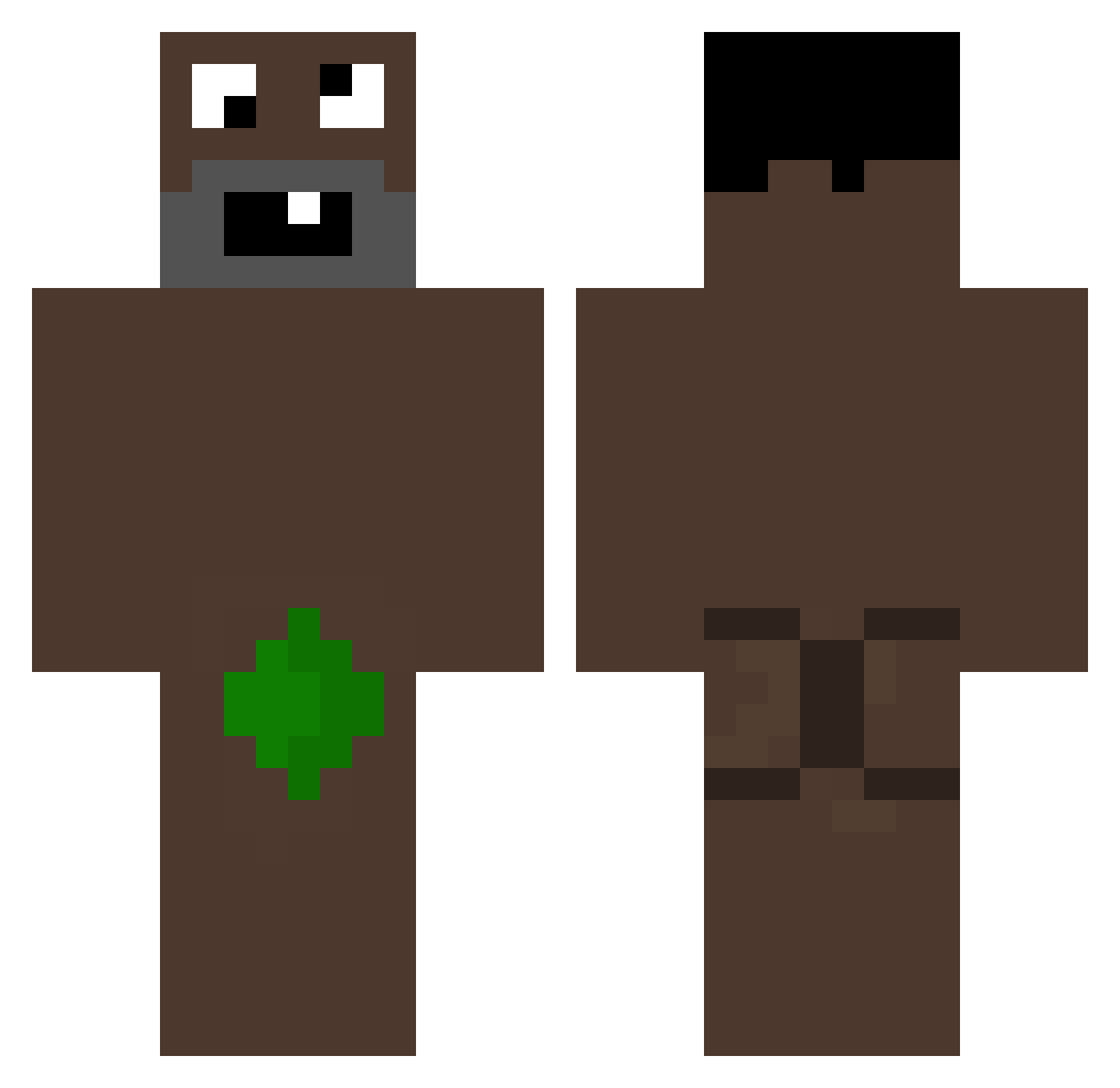
Current Minecraft skin of the player dashushuu, loaded from the official Mojang API. Rotate the 3D model with your mouse or finger, then download the skin as a PNG file and use it in Minecraft: Bedrock Edition or Java Edition for free. When dashushuu changes their skin, this page updates automatically and the old skin stays in the history below.
Other players with this skin (84)
dashushuu was the 44th player we have seen with this skin, first spotted on 20.09.2026. The same skin was seen on these players. Open a nickname to see their current skin and skin history.
 Destine123 wtl500 pxtrizi0 yoyobender xRizon PatoMalcriado Franu1aa lkw3304 _zapiekanka342_ uinr hapek333 lubiedziecijesc Get_Away Renzzzo jh79 Sheva73 vyrve MAksi_10 246hz_ YesSkye eongcan qfqwfqf CJX9_B xqvrp KT_Brendan alaamri89 picas4535 T0M4tu2 Huxals GRIMMTERA kimhanjun14 tayyzer_ dvwc marcymax pxlitty minminnim NinjaidanYt Syriake_ JUBASH10 VonLumpXd TrietDepTraiVCL mkvrh leonaedix Xoyur 4rd4k Comandantu junhuyck TOFFIYY yakary23 StAaSR Kabesalon PockyABC LaPetitRubys
 nusuntken WalleDanmark Vtrox2121 Denismen Sh_89x
 m1nxzy
 Naxiozz
How to install the dashushuu skin
- Press the Download button above to save the skin as a PNG file.
- Minecraft: Bedrock Edition (PE): open the Dressing Room from the main menu (or tap your character → Edit Character), go to Classic Skins → Owned, press the + (new skin) button, choose the downloaded PNG and pick the Classic (Steve) model. Works on PC and mobile; consoles cannot import custom skins.
- Minecraft: Java Edition: open the Minecraft Launcher, go to the Skins tab, click New Skin, load the PNG, pick the Classic (Steve) model and press Save & Use. You can also upload it at minecraft.net → Profile → Change Skin.
The skin does not show up after import - what should I do?
Restart Minecraft and open the Dressing Room again - imported skins sometimes appear only after a restart. Also make sure you selected the imported skin and picked the Classic (Steve) model.
Which model should I choose, Classic or Slim?
This skin is designed for the Classic (Steve) model. If you pick the wrong model, the arms of the skin will look stretched or squeezed.
Is the skin of dashushuu free to download?
Yes. Press Download, save the PNG file and use it in Minecraft: Bedrock Edition or Java Edition - no payment or registration needed. The skin also works on multiplayer servers and Realms.
More skins
Looking for more? Go back to all Minecraft skins and check the top skins of the week, month and all time, or find any player's skin by nickname.