
dank007 - Minecraft Skins & Skin History
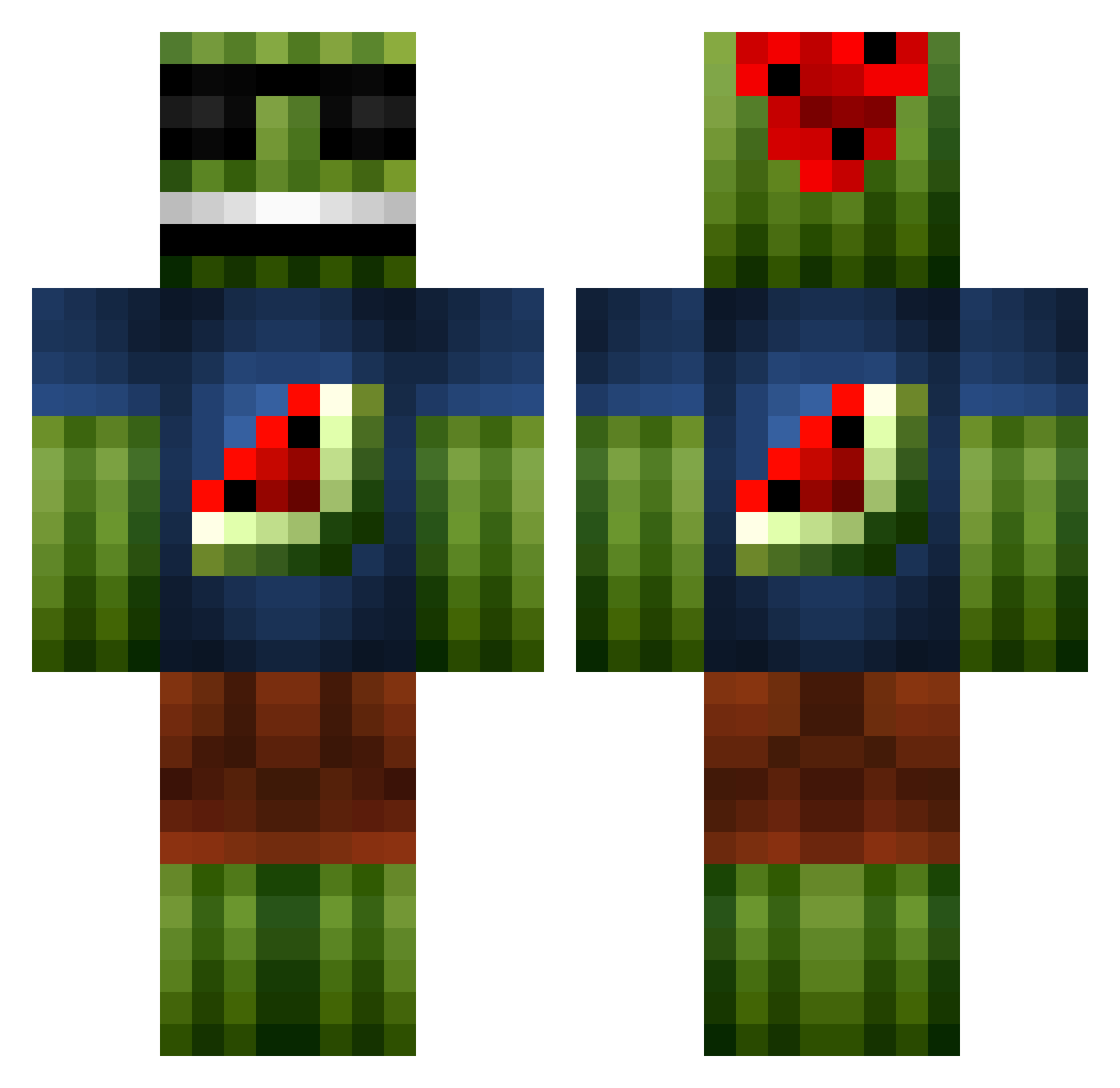
Current Minecraft skin of the player dank007, loaded from the official Mojang API. Rotate the 3D model with your mouse or finger, then download the skin as a PNG file and use it in Minecraft: Bedrock Edition or Java Edition for free. When dank007 changes their skin, this page updates automatically and the old skin stays in the history below.
Other players with this skin (1097)
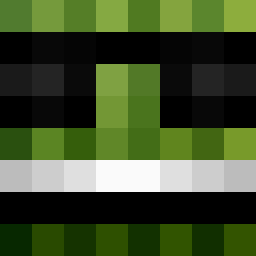
dank007 was the 882nd player we have seen with this skin, first spotted on 19.10.2026. The same skin was seen on these players. Open a nickname to see their current skin and skin history.
 Jejuni xXMinecraftC yann95510 PGSgaming gH0stL1nk Hot_Jacuzzi Omac27 _niek BlueChampion99 reidiebaby tartanbones FadedCow Geimere thomas8967 DerGeileBadboy X_stormshadow_X atomarfanta3 Beasty5150 Sikimp benjinio44 Head__Shot101 033H Herr_Herobrine minibeier Kian17HD TheKillingGhost1 cjhockey00 Doomham7 Bosshaft95 Martino101010 Dolechek45 bryan138 Mochoman2000 FergusHD nvasknetz Dan_Kozman zone955 footy_fan_13 willvacc octopus170 Nonny0_2 deathshark44 nicolasruan007 jonas0318 melon_farmer2 Shooey7 xander_vdd Hellfire009 S1monAhl CBLegoDude SimonRydder Mr_Galla Evilgigant rsweeney289812 RichiRobi Frank10STRcz ahnmark01 Lucasweon1 The_Cha11enger_ AdkiN
More Watermelon Minecraft skins
How to install the dank007 skin
- Press the Download button above to save the skin as a PNG file.
- Minecraft: Bedrock Edition (PE): open the Dressing Room from the main menu (or tap your character → Edit Character), go to Classic Skins → Owned, press the + (new skin) button, choose the downloaded PNG and pick the Classic (Steve) model. Works on PC and mobile; consoles cannot import custom skins.
- Minecraft: Java Edition: open the Minecraft Launcher, go to the Skins tab, click New Skin, load the PNG, pick the Classic (Steve) model and press Save & Use. You can also upload it at minecraft.net → Profile → Change Skin.
The skin does not show up after import - what should I do?
Restart Minecraft and open the Dressing Room again - imported skins sometimes appear only after a restart. Also make sure you selected the imported skin and picked the Classic (Steve) model.
Which model should I choose, Classic or Slim?
This skin is designed for the Classic (Steve) model. If you pick the wrong model, the arms of the skin will look stretched or squeezed.
Is the skin of dank007 free to download?
Yes. Press Download, save the PNG file and use it in Minecraft: Bedrock Edition or Java Edition - no payment or registration needed. The skin also works on multiplayer servers and Realms.
More skins
Looking for more? Go back to all Minecraft skins and check the top skins of the week, month and all time, or find any player's skin by nickname.