
daavEzz - Minecraft Skins & Skin History
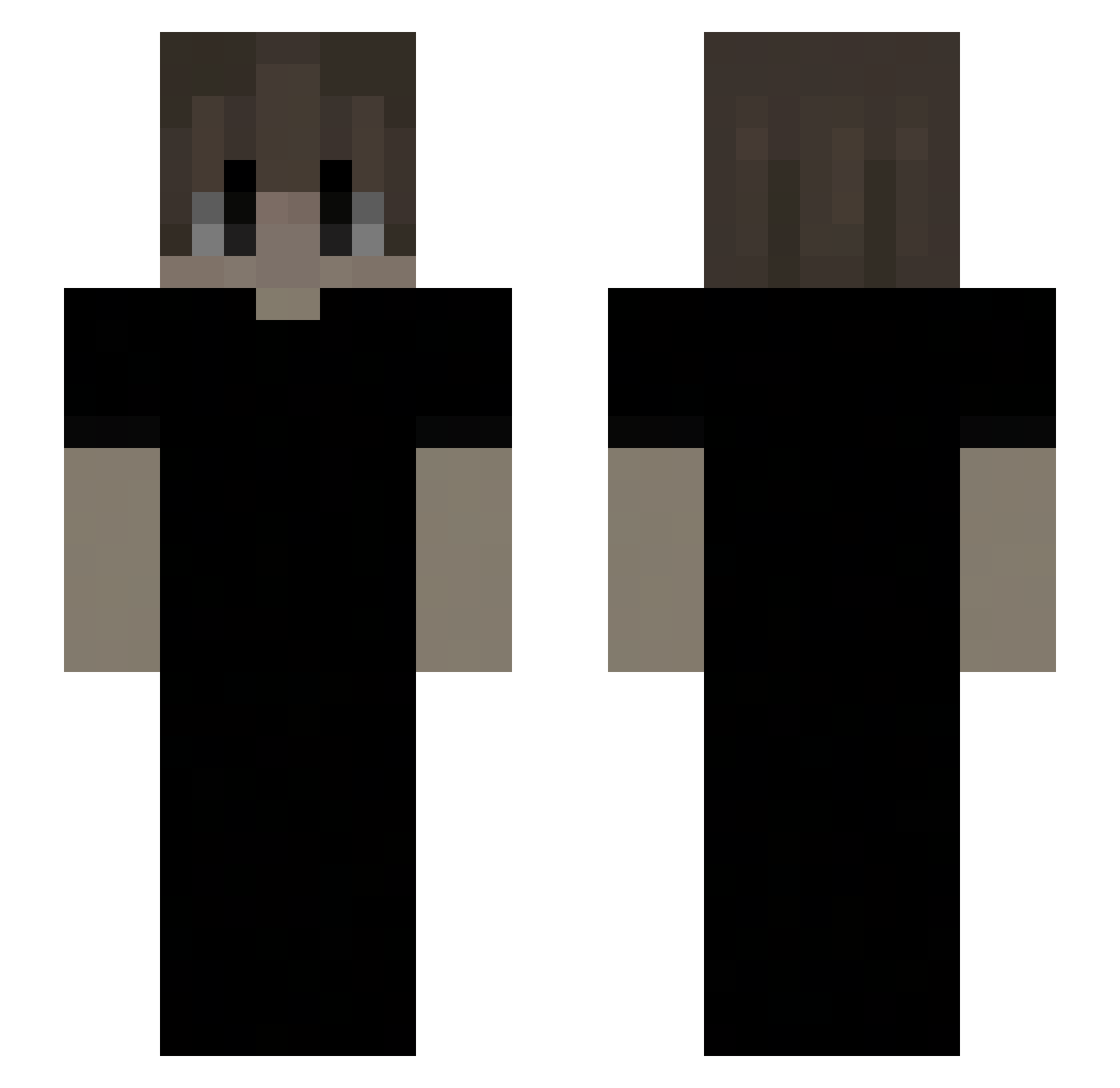
Current Minecraft skin of the player daavEzz, loaded from the official Mojang API. Rotate the 3D model with your mouse or finger, then download the skin as a PNG file and use it in Minecraft: Bedrock Edition or Java Edition for free. When daavEzz changes their skin, this page updates automatically and the old skin stays in the history below.
Other players with this skin (148)
daavEzz was the 110th player we have seen with this skin, first spotted on 06.10.2026. The same skin was seen on these players. Open a nickname to see their current skin and skin history.
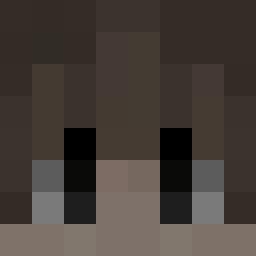 Shiro_Zz LcR_2030 3llawi1 6thc vgmp regulation0905 mcymxn PiatellaHash Feloox0 ryprex Xternalish Lee_Esq qqxw i4nit5 twister87 8dcs Yuqy_ v1torftn deivinbacana babyboyishhh cys0705 wanglbork iwillslaydragon bodytrace nippytune lordslain Magnalexis Maschcow m3n3057 De_Matthias1 SkibidiMatysek teeheee ZEMTORIX ATkun iixam Z590PROWIFI ihatepvp Limoky alevks SoyVolu Sosaaa92 Wartaaz wzneves Andr3y76 Yuki3492 Trasurea Kamenzi Waterboost LMK59_ Adriprosito2305 Volera YourCasualSweat ZXWITTY sonicistweich wimf Ajxeer steppaaaa Dark_2040 gjghfht Skylog147
How to install the daavEzz skin
- Press the Download button above to save the skin as a PNG file.
- Minecraft: Bedrock Edition (PE): open the Dressing Room from the main menu (or tap your character → Edit Character), go to Classic Skins → Owned, press the + (new skin) button, choose the downloaded PNG and pick the Slim (Alex) model. Works on PC and mobile; consoles cannot import custom skins.
- Minecraft: Java Edition: open the Minecraft Launcher, go to the Skins tab, click New Skin, load the PNG, pick the Slim (Alex) model and press Save & Use. You can also upload it at minecraft.net → Profile → Change Skin.
The skin does not show up after import - what should I do?
Restart Minecraft and open the Dressing Room again - imported skins sometimes appear only after a restart. Also make sure you selected the imported skin and picked the Slim (Alex) model.
Which model should I choose, Classic or Slim?
This skin is designed for the Slim (Alex) model. If you pick the wrong model, the arms of the skin will look stretched or squeezed.
Is the skin of daavEzz free to download?
Yes. Press Download, save the PNG file and use it in Minecraft: Bedrock Edition or Java Edition - no payment or registration needed. The skin also works on multiplayer servers and Realms.
More skins
Looking for more? Go back to all Minecraft skins and check the top skins of the week, month and all time, or find any player's skin by nickname.