
cyprianobanino87 - Minecraft Skins & Skin History
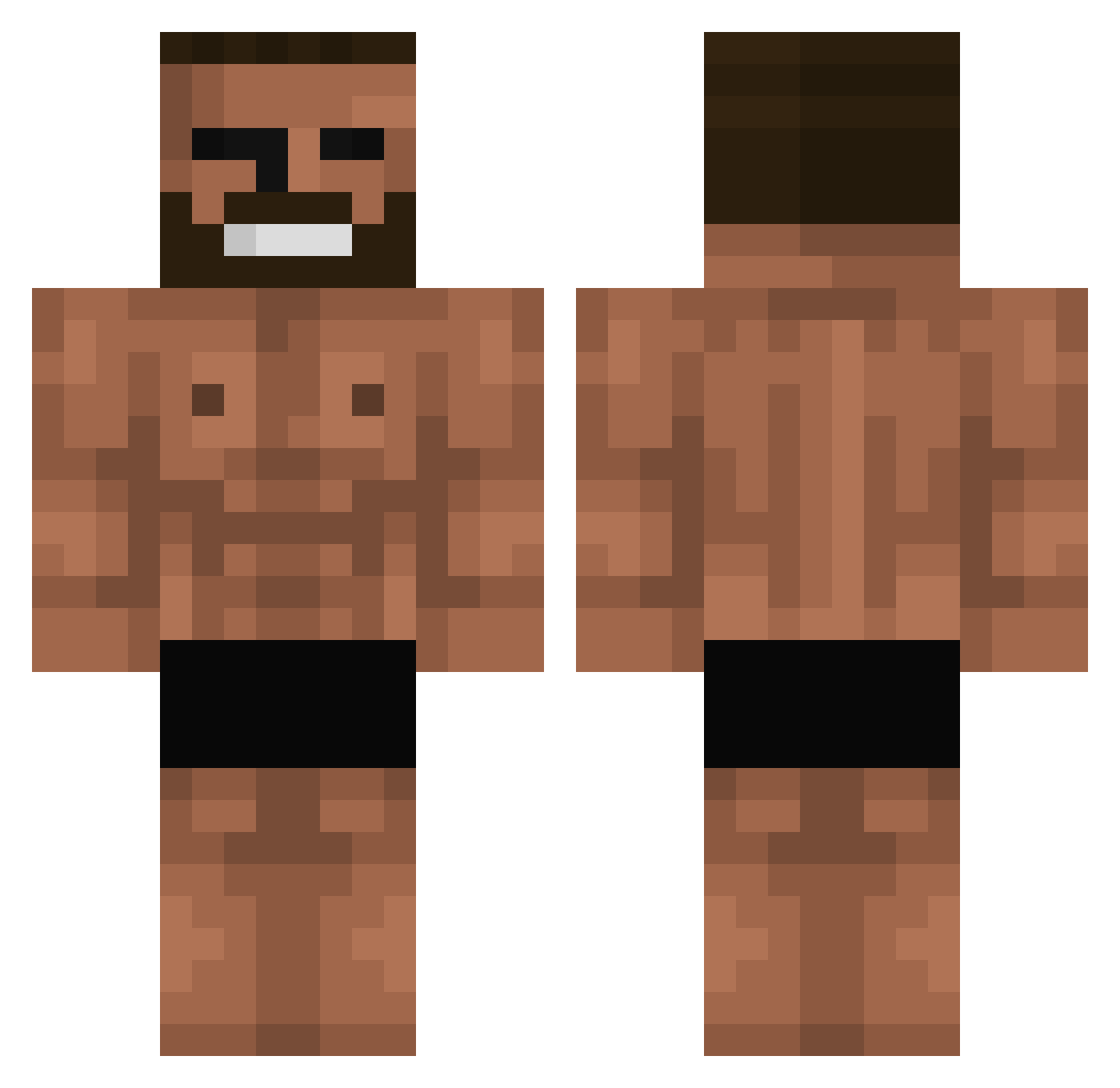
Current Minecraft skin of the player cyprianobanino87, loaded from the official Mojang API. Rotate the 3D model with your mouse or finger, then download the skin as a PNG file and use it in Minecraft: Bedrock Edition or Java Edition for free. When cyprianobanino87 changes their skin, this page updates automatically and the old skin stays in the history below.
Other players with this skin (699)
cyprianobanino87 was the 632nd player we have seen with this skin, first spotted on 22.10.2026. The same skin was seen on these players. Open a nickname to see their current skin and skin history.
 Cweky BananaSundae18 EUEU412 Vector4F Sobbyss MrFab06 Schuffler10 ZeColmeiaFC ChadRevive GewoonGiovanni Marcin237117 wargaga kinetic__ Maxmerock123 hyunsky98 BongwaterBaptist Firuf Vicktor_Black Zcrro Daburkesad belleyyy Kiko_Costa06 Budj1 poiupio niknack123444 MidnightLife PoKaPow Gigasad DiscoSluhhht issza jsai3 Dingjin Kianu_ Jarming K999999999999999 zilarno XueLaoBan kunaii69 Bombasterka Dr_CurseD NyangNyang96 sheck_wes_13 Rush_33 SrFat BBAANNDDYY JeongHagui Wakott WANGAICAI ClearMarbles Un__known__ btw_nacky ZippyBling Dominox12 katti227 EdouardPetit guray21 toxicbigboy JeTtYmc Septelal Flourll
More Gigachad Minecraft skins
How to install the cyprianobanino87 skin
- Press the Download button above to save the skin as a PNG file.
- Minecraft: Bedrock Edition (PE): open the Dressing Room from the main menu (or tap your character → Edit Character), go to Classic Skins → Owned, press the + (new skin) button, choose the downloaded PNG and pick the Classic (Steve) model. Works on PC and mobile; consoles cannot import custom skins.
- Minecraft: Java Edition: open the Minecraft Launcher, go to the Skins tab, click New Skin, load the PNG, pick the Classic (Steve) model and press Save & Use. You can also upload it at minecraft.net → Profile → Change Skin.
The skin does not show up after import - what should I do?
Restart Minecraft and open the Dressing Room again - imported skins sometimes appear only after a restart. Also make sure you selected the imported skin and picked the Classic (Steve) model.
Which model should I choose, Classic or Slim?
This skin is designed for the Classic (Steve) model. If you pick the wrong model, the arms of the skin will look stretched or squeezed.
Is the skin of cyprianobanino87 free to download?
Yes. Press Download, save the PNG file and use it in Minecraft: Bedrock Edition or Java Edition - no payment or registration needed. The skin also works on multiplayer servers and Realms.
More skins
Looking for more? Go back to all Minecraft skins and check the top skins of the week, month and all time, or find any player's skin by nickname.