
cyanine83 - Minecraft Skins & Skin History
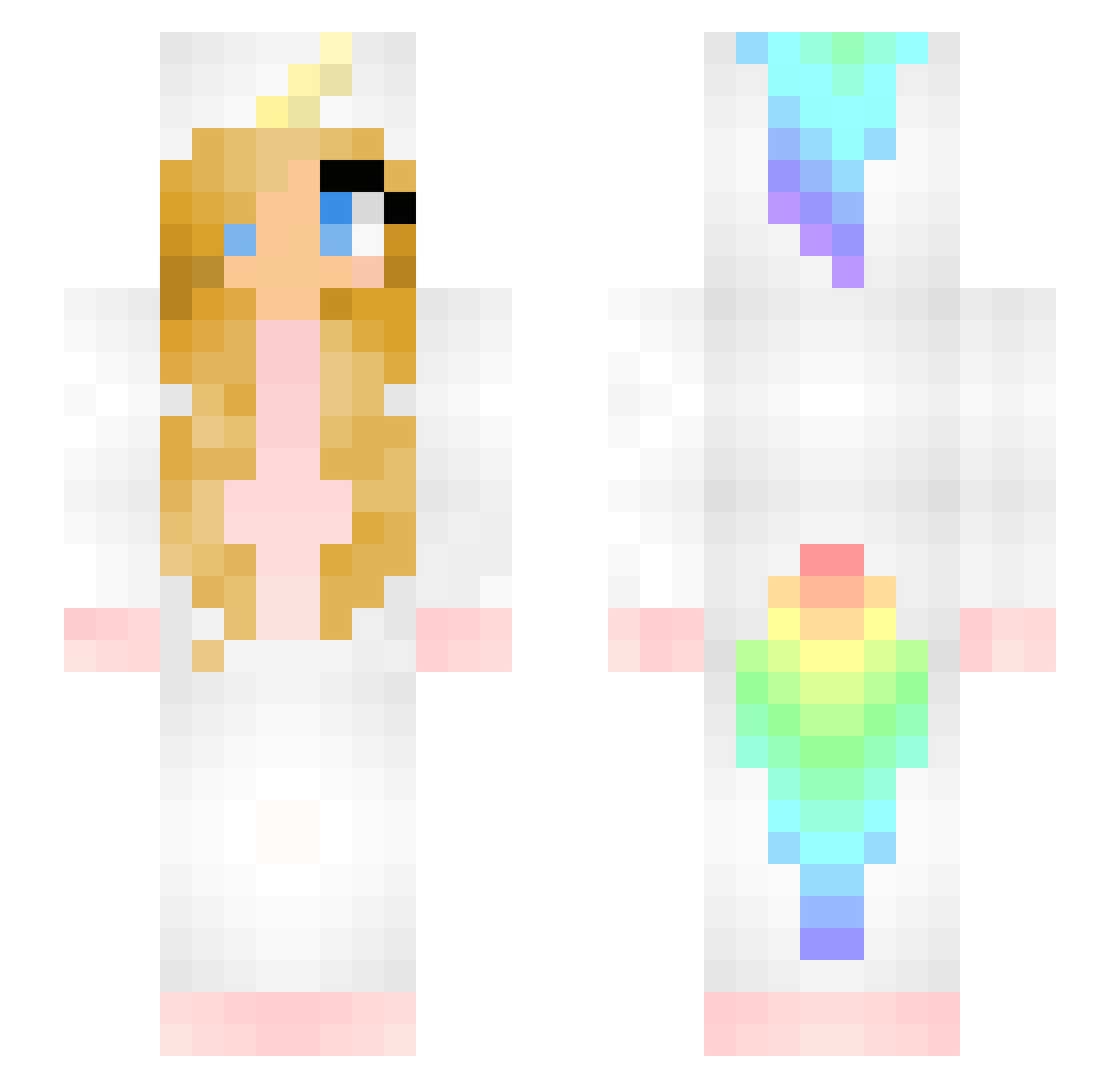
Current Minecraft skin of the player cyanine83, loaded from the official Mojang API. Rotate the 3D model with your mouse or finger, then download the skin as a PNG file and use it in Minecraft: Bedrock Edition or Java Edition for free. When cyanine83 changes their skin, this page updates automatically and the old skin stays in the history below.
Other players with this skin (121)
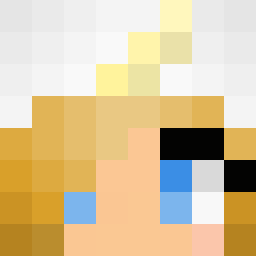
cyanine83 was the 107th player we have seen with this skin, first spotted on 24.10.2026. The same skin was seen on these players. Open a nickname to see their current skin and skin history.
 Unic0rn_Queen nana_blanka Ahnma_ Leonhardt01 z_jasmin Meikaless PandaGymnast06 aestheticvenus a_kedziora_a Amber_Sunset Taravanholland Cute_Carrot CaroX93 unicorn737918645 helssy MissSteffi Mastergamero DEVERLOP Magic_Izzie MartinJD Schnullcki BaconPancakesAU DinoMinha Himiko_Yuki tyeisbae11 RiverFlowsInMe tecnico89 arincochan zuk69 Noxysm _Lily_Art ril3yJune3 Bekynka hannziee AbbyPlayzMc Melaviryas ZKROOT skylarkuz Huffle_Puff_Cat kajusa emiliamaried Vatipadi Daisyse LuzGamingxd tormenator moltke4 21315 MegsterTV Ivechen crsy654 Lindicka Mircsi8 EmilieW annkuzochka lolinchi123 sparklebria Einhornfee246 MalloryUnicorn10 Mobbida03 nessaaliisa
More Unicorn Minecraft skins
How to install the cyanine83 skin
- Press the Download button above to save the skin as a PNG file.
- Minecraft: Bedrock Edition (PE): open the Dressing Room from the main menu (or tap your character → Edit Character), go to Classic Skins → Owned, press the + (new skin) button, choose the downloaded PNG and pick the Slim (Alex) model. Works on PC and mobile; consoles cannot import custom skins.
- Minecraft: Java Edition: open the Minecraft Launcher, go to the Skins tab, click New Skin, load the PNG, pick the Slim (Alex) model and press Save & Use. You can also upload it at minecraft.net → Profile → Change Skin.
The skin does not show up after import - what should I do?
Restart Minecraft and open the Dressing Room again - imported skins sometimes appear only after a restart. Also make sure you selected the imported skin and picked the Slim (Alex) model.
Which model should I choose, Classic or Slim?
This skin is designed for the Slim (Alex) model. If you pick the wrong model, the arms of the skin will look stretched or squeezed.
Is the skin of cyanine83 free to download?
Yes. Press Download, save the PNG file and use it in Minecraft: Bedrock Edition or Java Edition - no payment or registration needed. The skin also works on multiplayer servers and Realms.
More skins
Looking for more? Go back to all Minecraft skins and check the top skins of the week, month and all time, or find any player's skin by nickname.