
cqshout - Minecraft Skins & Skin History
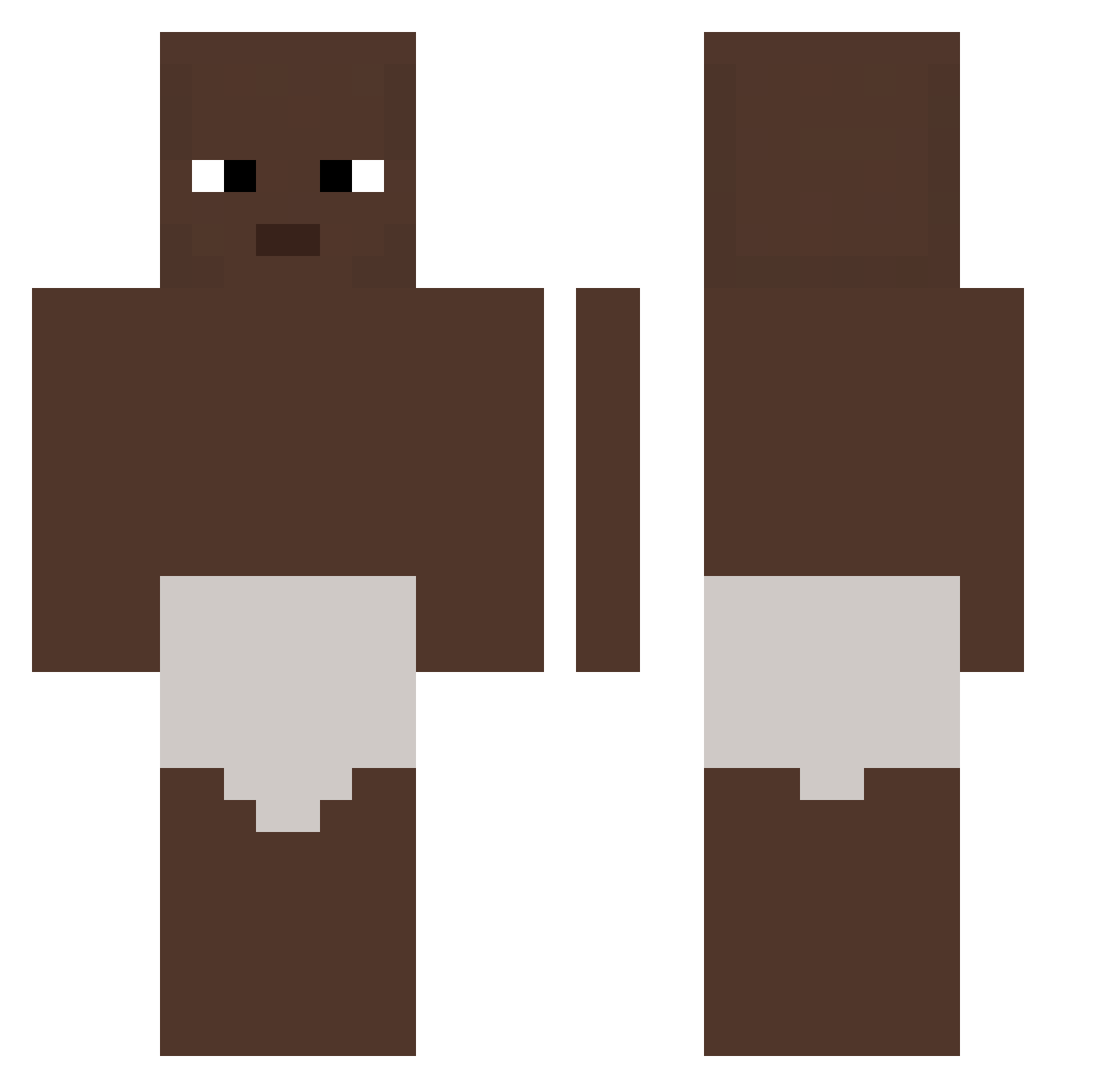
Current Minecraft skin of the player cqshout, loaded from the official Mojang API. Rotate the 3D model with your mouse or finger, then download the skin as a PNG file and use it in Minecraft: Bedrock Edition or Java Edition for free. When cqshout changes their skin, this page updates automatically and the old skin stays in the history below.
Other players with this skin (326)
cqshout was the 15th player we have seen with this skin, first spotted on 26.07.2026. The same skin was seen on these players. Open a nickname to see their current skin and skin history.
 no0ppe Petergaming95
 Asuna_1105 Jaypnwhz khyfufuufut R4nd0m_Schnitzel
 souhsa Mihuyek JDCzx HIHIHAHA_Darkii no212 angeluzrey2004 dawidsz HOSHIRYO GoofyCard762460 intexraden Rsp08797 ELCACAS10 DemianDragon7 tanzhong CrystalSmith73 ErickASimp scnawar Shemyboi
 Adri29an08 CharleyBear128 Teepi kubaswag kultalusikka1
 frenchlop CyberBearex g0x1x alter_og3 Tiago142 Shrek1912 HXREvan
 DarkiLine slisy EN_nike STRONGSEXY Summer_Invasion 326ms Petersbug00 Chiefx4 HeroBlieX2 whiteytegf Berol4700 MCFLOAT222 Einzbern___ 7hxg MAMAMAMAMAMAMAL Fencing0514 Glgb Laymannn conclusao
 clearixxx OnurG123 Javi01123 PedroAFolly GodZac
More Baby Minecraft skins
How to install the cqshout skin
- Press the Download button above to save the skin as a PNG file.
- Minecraft: Bedrock Edition (PE): open the Dressing Room from the main menu (or tap your character → Edit Character), go to Classic Skins → Owned, press the + (new skin) button, choose the downloaded PNG and pick the Classic (Steve) model. Works on PC and mobile; consoles cannot import custom skins.
- Minecraft: Java Edition: open the Minecraft Launcher, go to the Skins tab, click New Skin, load the PNG, pick the Classic (Steve) model and press Save & Use. You can also upload it at minecraft.net → Profile → Change Skin.
The skin does not show up after import - what should I do?
Restart Minecraft and open the Dressing Room again - imported skins sometimes appear only after a restart. Also make sure you selected the imported skin and picked the Classic (Steve) model.
Which model should I choose, Classic or Slim?
This skin is designed for the Classic (Steve) model. If you pick the wrong model, the arms of the skin will look stretched or squeezed.
Is the skin of cqshout free to download?
Yes. Press Download, save the PNG file and use it in Minecraft: Bedrock Edition or Java Edition - no payment or registration needed. The skin also works on multiplayer servers and Realms.
More skins
Looking for more? Go back to all Minecraft skins and check the top skins of the week, month and all time, or find any player's skin by nickname.