
cornflakes77 - Minecraft Skins & Skin History
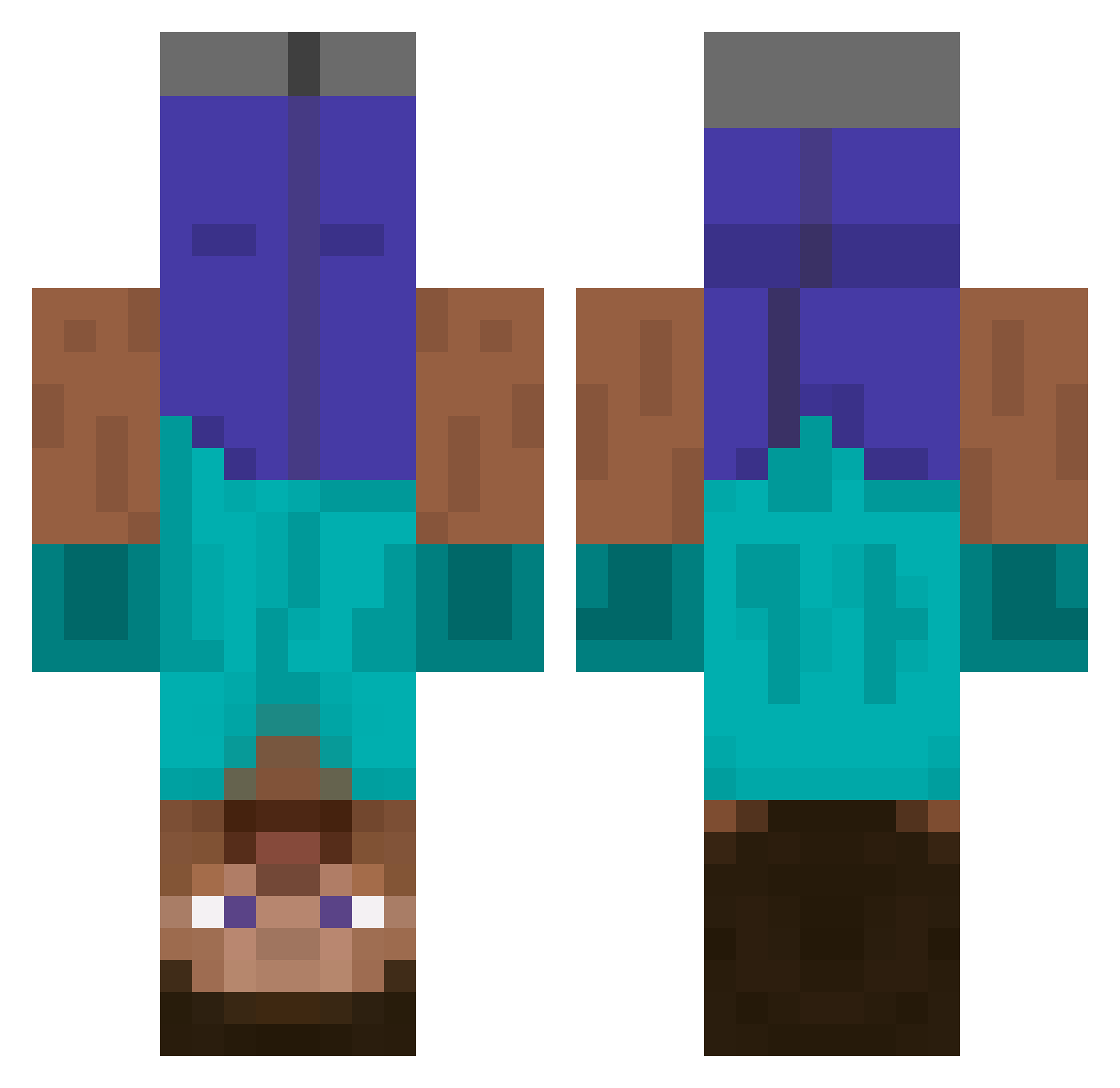
Current Minecraft skin of the player cornflakes77, loaded from the official Mojang API. Rotate the 3D model with your mouse or finger, then download the skin as a PNG file and use it in Minecraft: Bedrock Edition or Java Edition for free. When cornflakes77 changes their skin, this page updates automatically and the old skin stays in the history below.
Other players with this skin (438)
cornflakes77 was the 181st player we have seen with this skin, first spotted on 05.09.2026. The same skin was seen on these players. Open a nickname to see their current skin and skin history.
 370H_SSV Byron123321 KonZone MR_Stubbs AndyWiltshireNZ Sulya ginger6900 Testuser_001 Headless_Bob manuli EmmaK809 Samppara TraumaV2 jg1249 supersoilder70 mariofatplumber BlatataRatata Fer00m Castii kingkongjosh Machacacubos Valiantvalor mrrykler igob8a OlliieXD sweetruy1 Bertruger rmgraef Mextreem KONRED Binkleplease atlantabro_joe hakonla Cravendale Wesley_Willis cormac322 wtf_im_aog banzaiib thisisaids hugomin Sohcahtoa82 Rand0m168 B0NERMASTER wurstnitemare Koeda Sweaty_Iced_Milk j3parker Zeuscrafter themoat Schmiteh michaeltb123 kylok The_Comedian_97 Jawsman99 flyingpenguin42 Yong_Jie Mare002 CapnDorcas SKOGSTURK3N patrick246
More Dinnerbone Minecraft skins
How to install the cornflakes77 skin
- Press the Download button above to save the skin as a PNG file.
- Minecraft: Bedrock Edition (PE): open the Dressing Room from the main menu (or tap your character → Edit Character), go to Classic Skins → Owned, press the + (new skin) button, choose the downloaded PNG and pick the Classic (Steve) model. Works on PC and mobile; consoles cannot import custom skins.
- Minecraft: Java Edition: open the Minecraft Launcher, go to the Skins tab, click New Skin, load the PNG, pick the Classic (Steve) model and press Save & Use. You can also upload it at minecraft.net → Profile → Change Skin.
The skin does not show up after import - what should I do?
Restart Minecraft and open the Dressing Room again - imported skins sometimes appear only after a restart. Also make sure you selected the imported skin and picked the Classic (Steve) model.
Which model should I choose, Classic or Slim?
This skin is designed for the Classic (Steve) model. If you pick the wrong model, the arms of the skin will look stretched or squeezed.
Is the skin of cornflakes77 free to download?
Yes. Press Download, save the PNG file and use it in Minecraft: Bedrock Edition or Java Edition - no payment or registration needed. The skin also works on multiplayer servers and Realms.
More skins
Looking for more? Go back to all Minecraft skins and check the top skins of the week, month and all time, or find any player's skin by nickname.