
coolman255201 - Minecraft Skins & Skin History
Current Minecraft skin of the player coolman255201, loaded from the official Mojang API. Rotate the 3D model with your mouse or finger, then download the skin as a PNG file and use it in Minecraft: Bedrock Edition or Java Edition for free. When coolman255201 changes their skin, this page updates automatically and the old skin stays in the history below.
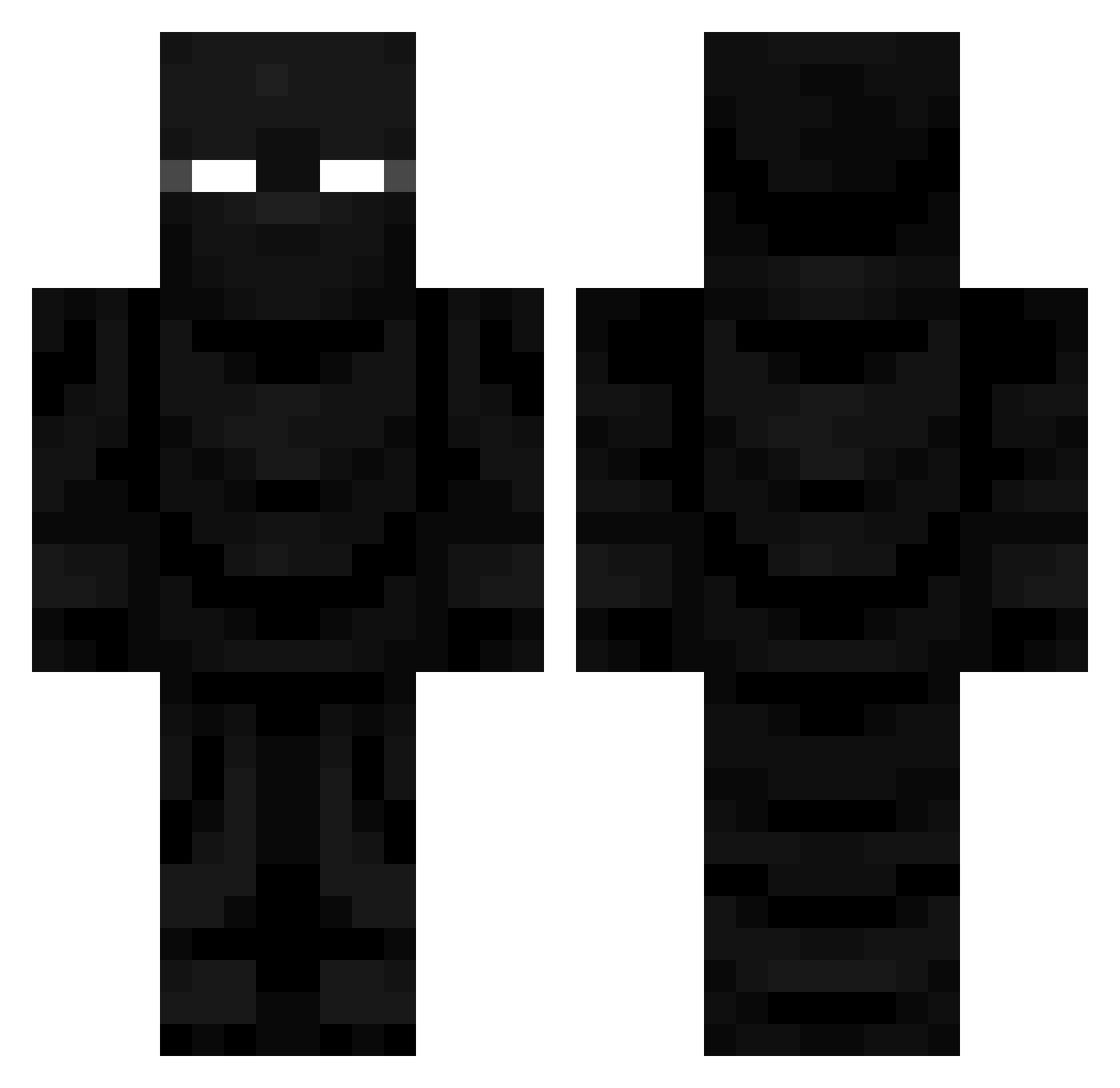
Other players with this skin (735)
coolman255201 was the 572nd player we have seen with this skin, first spotted on 17.10.2026. The same skin was seen on these players. Open a nickname to see their current skin and skin history.
 _HASINO_ Tossablez outcicle SameFloor DeinozeDino MightyNetwork Lupiaka_ D3m0nicZ3ro Bannyscrame WizardOfOof CZjedou kristianscott1 Thisnameblows SixsBurgh vvMau malakove UsuriousTuna231 Jenova90 Perseus_2007 Sir_Squiggles MrVigry ohFavian FeiziDo meeraa_8 abzy1828 Alcven Cwalkk18 88806 Varricorn ChronosOfChaos OperationDogg0 Devonthekid10 Hrnecmore jamesbondjnr N3ONC4T jkisor101 HanSchoenjr r4hhh IAMF0RKY jimmy1604 ZeNeX_sss D4RKISMID epicgamer696720 VizXile TheStranded23 Shoeman75 AirshipLeader7 MrScrumpy01 JPUDDIN san974 laslime pickleexpress julmath991 OppaBear DinoDylan1231 Ludulf rodas12gf patheon Kaer_Eredin EVELYN_ENJOYER
More Ninja Minecraft skins
How to install the coolman255201 skin
- Press the Download button above to save the skin as a PNG file.
- Minecraft: Bedrock Edition (PE): open the Dressing Room from the main menu (or tap your character → Edit Character), go to Classic Skins → Owned, press the + (new skin) button, choose the downloaded PNG and pick the Classic (Steve) model. Works on PC and mobile; consoles cannot import custom skins.
- Minecraft: Java Edition: open the Minecraft Launcher, go to the Skins tab, click New Skin, load the PNG, pick the Classic (Steve) model and press Save & Use. You can also upload it at minecraft.net → Profile → Change Skin.
The skin does not show up after import - what should I do?
Restart Minecraft and open the Dressing Room again - imported skins sometimes appear only after a restart. Also make sure you selected the imported skin and picked the Classic (Steve) model.
Which model should I choose, Classic or Slim?
This skin is designed for the Classic (Steve) model. If you pick the wrong model, the arms of the skin will look stretched or squeezed.
Is the skin of coolman255201 free to download?
Yes. Press Download, save the PNG file and use it in Minecraft: Bedrock Edition or Java Edition - no payment or registration needed. The skin also works on multiplayer servers and Realms.
More skins
Looking for more? Go back to all Minecraft skins and check the top skins of the week, month and all time, or find any player's skin by nickname.