
coolguy1785 - Minecraft Skins & Skin History
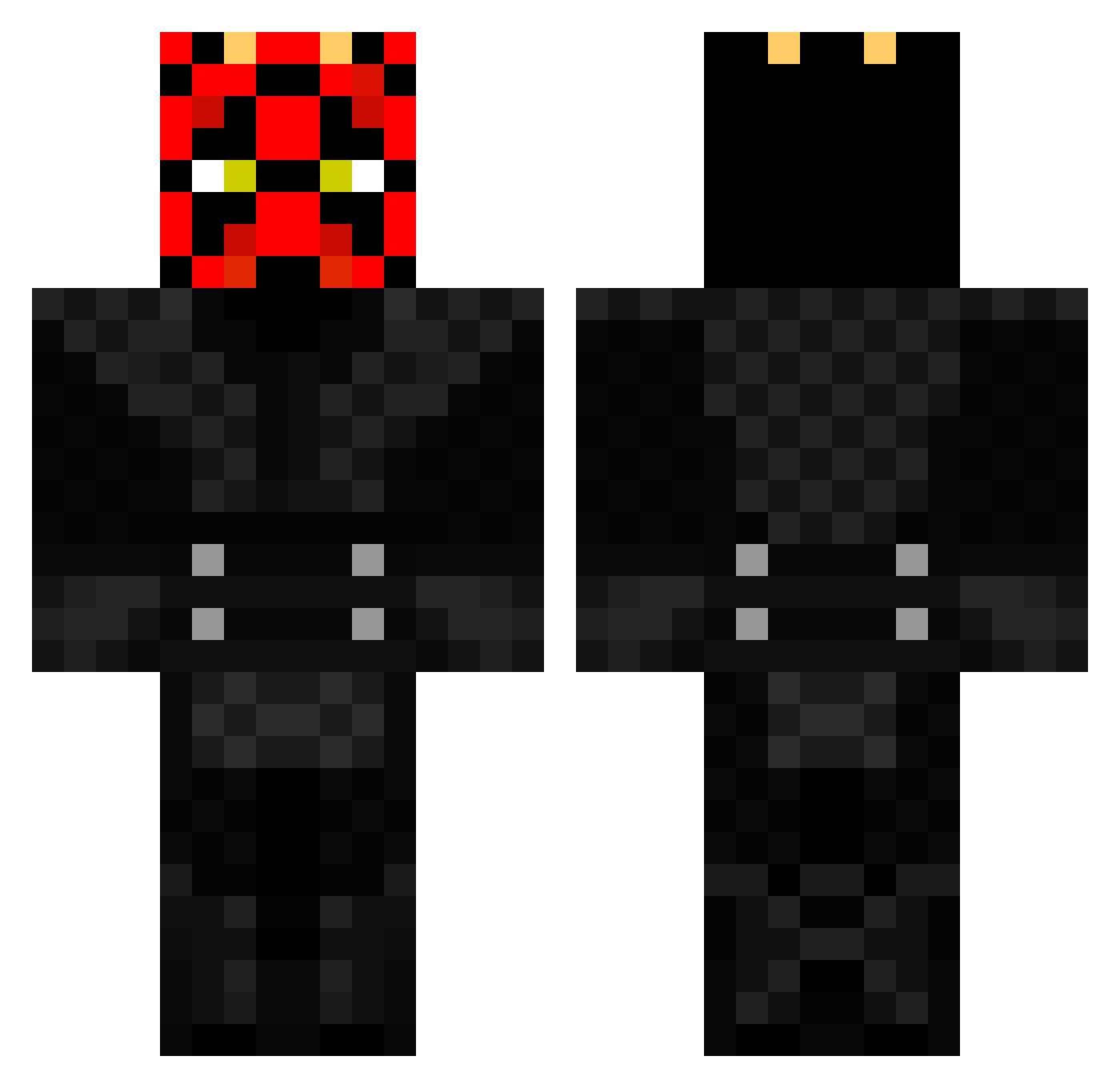
Current Minecraft skin of the player coolguy1785, loaded from the official Mojang API. Rotate the 3D model with your mouse or finger, then download the skin as a PNG file and use it in Minecraft: Bedrock Edition or Java Edition for free. When coolguy1785 changes their skin, this page updates automatically and the old skin stays in the history below.
Other players with this skin (369)
coolguy1785 was the 88th player we have seen with this skin, first spotted on 16.08.2026. The same skin was seen on these players. Open a nickname to see their current skin and skin history.
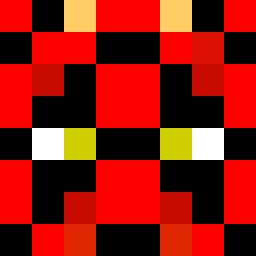 andimariexx BSpitfire Gishalisha MAZR1198 Saam510 InkedReclaimer ctnelsen braybray101 juiceslayer1 BDS27 DrivenMantis381 qdog7700 DARTH_CRAFTER88 StaPetJr mr_mc10 Squishified Cooliolest Baby_Viking Zonk3di mba6 mrlo03 simonbsk protect2000 sashaale TrowaPX Bla66a King_Koffi DylanZuraff NochoBros Minesenberg Pro_Tupi SethuskLT Rehroch DaFastMan Ratman_03 MisterLego1104 RNGeebus BeerThirty robbinvh JediMaster10_ Priest89 Wil37 TheSizest Kaosreborn YesFTop sanoFC AnBoer csmkickin ArvMarv TheAviator1917 kevinpeclat synyster_matt ShockAttack32 kcaj61 YinWraith1 Wabbittt thegamecreep Bengal18 hausschwein1 DougieG109
More Darth Maul Minecraft skins
How to install the coolguy1785 skin
- Press the Download button above to save the skin as a PNG file.
- Minecraft: Bedrock Edition (PE): open the Dressing Room from the main menu (or tap your character → Edit Character), go to Classic Skins → Owned, press the + (new skin) button, choose the downloaded PNG and pick the Classic (Steve) model. Works on PC and mobile; consoles cannot import custom skins.
- Minecraft: Java Edition: open the Minecraft Launcher, go to the Skins tab, click New Skin, load the PNG, pick the Classic (Steve) model and press Save & Use. You can also upload it at minecraft.net → Profile → Change Skin.
The skin does not show up after import - what should I do?
Restart Minecraft and open the Dressing Room again - imported skins sometimes appear only after a restart. Also make sure you selected the imported skin and picked the Classic (Steve) model.
Which model should I choose, Classic or Slim?
This skin is designed for the Classic (Steve) model. If you pick the wrong model, the arms of the skin will look stretched or squeezed.
Is the skin of coolguy1785 free to download?
Yes. Press Download, save the PNG file and use it in Minecraft: Bedrock Edition or Java Edition - no payment or registration needed. The skin also works on multiplayer servers and Realms.
More skins
Looking for more? Go back to all Minecraft skins and check the top skins of the week, month and all time, or find any player's skin by nickname.