
coolbananasgames - Minecraft Skins & Skin History
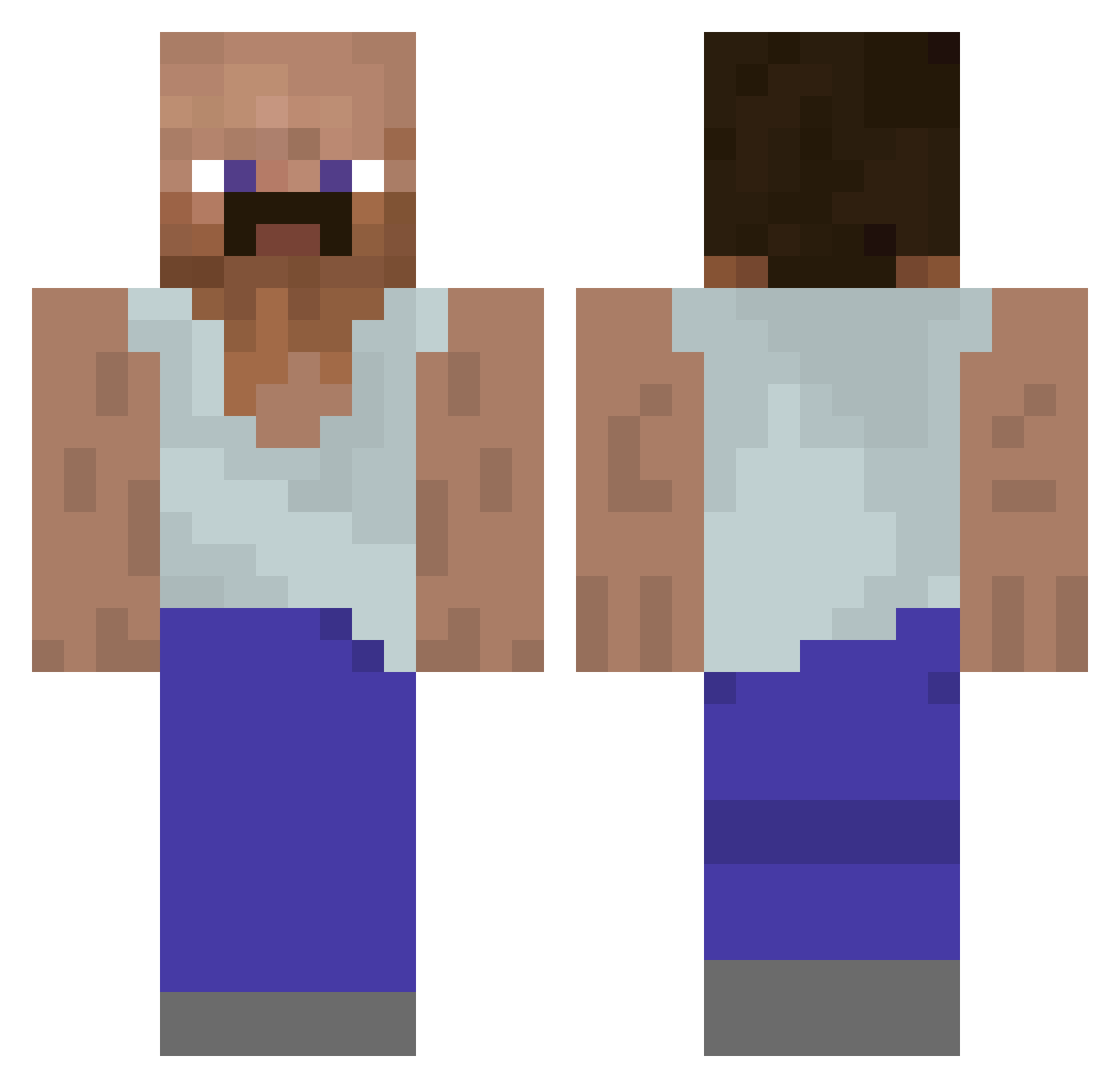
Current Minecraft skin of the player coolbananasgames, loaded from the official Mojang API. Rotate the 3D model with your mouse or finger, then download the skin as a PNG file and use it in Minecraft: Bedrock Edition or Java Edition for free. When coolbananasgames changes their skin, this page updates automatically and the old skin stays in the history below.
Other players with this skin (1128)
coolbananasgames was the 994th player we have seen with this skin, first spotted on 07.11.2026. The same skin was seen on these players. Open a nickname to see their current skin and skin history.
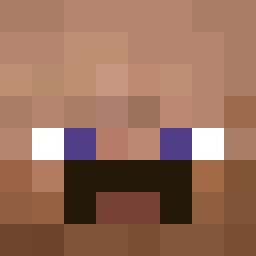 Dongyeon0926 klapekstar fleece8888 zbigniew_chrzast svtf280 wensiou spidamanfan11 DANCAGATINHO123 Fordlightningsvt Dem1d56 Camo451 Rics1538 metal444 ryanpell97 RickyP419 Grafigma ___FJ___ Bliq7 Fizzy4355 kreizYkreks YushiMitsu HeroPlayerMN uhhhriley CemoJ julesdeboules DUDU27xx Razzyxsabr16 ApeEater___ Nomancnd crungnuts Preservedeggs1 Daftan Nassang_im LightAmnesia EgbertHD Sheffins Mesino motairex TheKonaz7 53LaZ53 Meodwy_ TheOneAndOnly58 nYYPPAxd Sawa2969 Simon_197 PadreDeLuis Derprofidigar MavTV MEFJU4YOU anaisdsb Der_Moosmann mustywheat2468 Flamusaurus Bonczuszek Justinn__ Emeror_Gold drafteiei OldMiggaBaby MUHTARMERT Blxck_Shxdow_
More Mustache Minecraft skins
How to install the coolbananasgames skin
- Press the Download button above to save the skin as a PNG file.
- Minecraft: Bedrock Edition (PE): open the Dressing Room from the main menu (or tap your character → Edit Character), go to Classic Skins → Owned, press the + (new skin) button, choose the downloaded PNG and pick the Classic (Steve) model. Works on PC and mobile; consoles cannot import custom skins.
- Minecraft: Java Edition: open the Minecraft Launcher, go to the Skins tab, click New Skin, load the PNG, pick the Classic (Steve) model and press Save & Use. You can also upload it at minecraft.net → Profile → Change Skin.
The skin does not show up after import - what should I do?
Restart Minecraft and open the Dressing Room again - imported skins sometimes appear only after a restart. Also make sure you selected the imported skin and picked the Classic (Steve) model.
Which model should I choose, Classic or Slim?
This skin is designed for the Classic (Steve) model. If you pick the wrong model, the arms of the skin will look stretched or squeezed.
Is the skin of coolbananasgames free to download?
Yes. Press Download, save the PNG file and use it in Minecraft: Bedrock Edition or Java Edition - no payment or registration needed. The skin also works on multiplayer servers and Realms.
More skins
Looking for more? Go back to all Minecraft skins and check the top skins of the week, month and all time, or find any player's skin by nickname.