
conigiba - Minecraft Skins & Skin History
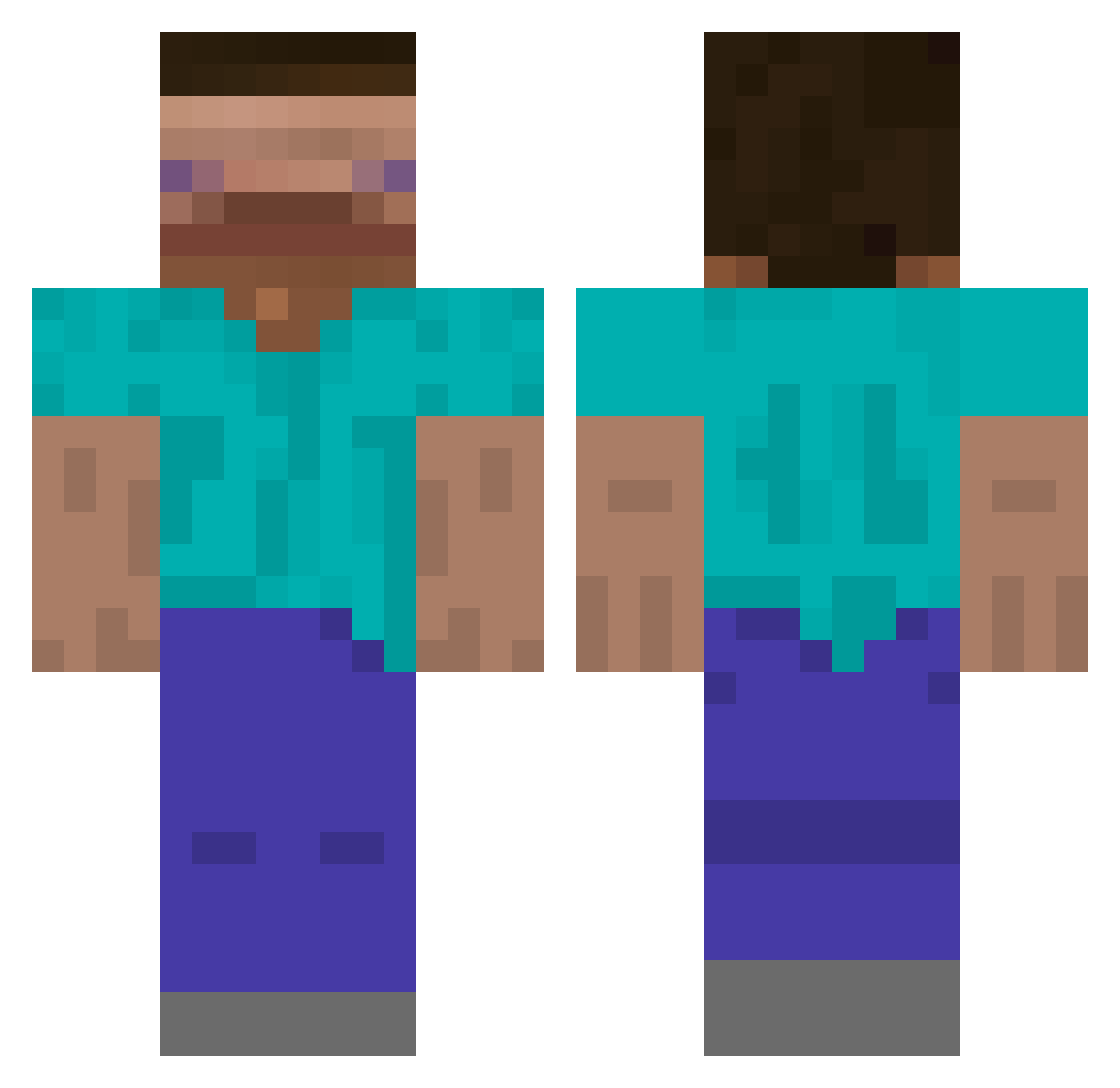
Current Minecraft skin of the player conigiba, loaded from the official Mojang API. Rotate the 3D model with your mouse or finger, then download the skin as a PNG file and use it in Minecraft: Bedrock Edition or Java Edition for free. When conigiba changes their skin, this page updates automatically and the old skin stays in the history below.
Other players with this skin (542)
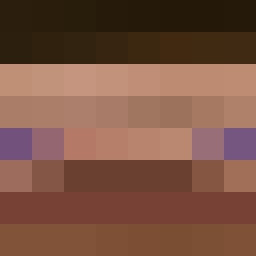
conigiba was the 404th player we have seen with this skin, first spotted on 01.10.2026. The same skin was seen on these players. Open a nickname to see their current skin and skin history.
 haydonio44 Skybound299 _Minecraft420 EpicStrik3 JopotusPrime Lil_Guzt Adammah _yoinky_sploinky Shloppie Josu0_0 Cero311 c1ggies boberek123 DreamIsMyHero spacetoaster200 Dunken Nutella_Kwark Skibiriz nematode451 02x1 EldonIstEinFurry allotype Fr0st007 Max_Tea zenglujun dolphinscanbebad josh2fast eewitsevan Lord_Fabian McDowel_ John2Chan ostrzyciel YYAGO homebrewlean JaJaJoJe tjwns486 SWAGAPIN0_ Czworokat muxxr joonneeyy LingChen_YH Tr4sh_Pl4yer dkalto Marage TryTane _GoldenLord_ ajb1208 MonaCo_007 DWaveOnEm Kimyongwoo Hazinel poopei toastedez edp445nft MuhannadV Balik16 Letimou Damonic_ I_ER_LORT ELOoOJ
How to install the conigiba skin
- Press the Download button above to save the skin as a PNG file.
- Minecraft: Bedrock Edition (PE): open the Dressing Room from the main menu (or tap your character → Edit Character), go to Classic Skins → Owned, press the + (new skin) button, choose the downloaded PNG and pick the Classic (Steve) model. Works on PC and mobile; consoles cannot import custom skins.
- Minecraft: Java Edition: open the Minecraft Launcher, go to the Skins tab, click New Skin, load the PNG, pick the Classic (Steve) model and press Save & Use. You can also upload it at minecraft.net → Profile → Change Skin.
The skin does not show up after import - what should I do?
Restart Minecraft and open the Dressing Room again - imported skins sometimes appear only after a restart. Also make sure you selected the imported skin and picked the Classic (Steve) model.
Which model should I choose, Classic or Slim?
This skin is designed for the Classic (Steve) model. If you pick the wrong model, the arms of the skin will look stretched or squeezed.
Is the skin of conigiba free to download?
Yes. Press Download, save the PNG file and use it in Minecraft: Bedrock Edition or Java Edition - no payment or registration needed. The skin also works on multiplayer servers and Realms.
More skins
Looking for more? Go back to all Minecraft skins and check the top skins of the week, month and all time, or find any player's skin by nickname.