
conhecimentos - Minecraft Skins & Skin History
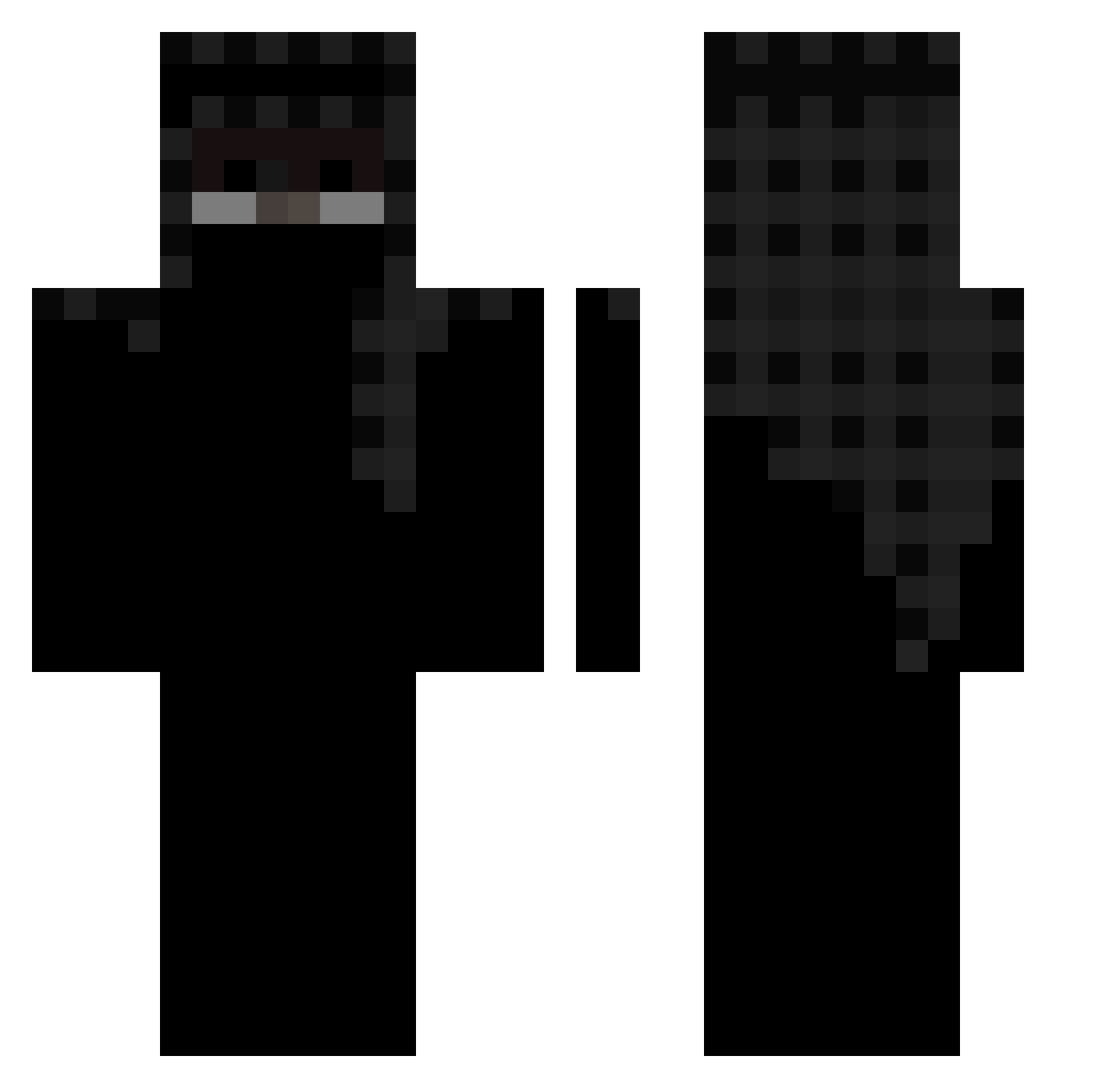
Current Minecraft skin of the player conhecimentos, loaded from the official Mojang API. Rotate the 3D model with your mouse or finger, then download the skin as a PNG file and use it in Minecraft: Bedrock Edition or Java Edition for free. When conhecimentos changes their skin, this page updates automatically and the old skin stays in the history below.
Other players with this skin (456)
conhecimentos was the 257th player we have seen with this skin, first spotted on 24.09.2026. The same skin was seen on these players. Open a nickname to see their current skin and skin history.
 PotQuicker elytracursersSon soren_gg Lacky32 BrokenRideX EfanIsBetter rvux phoenix444 TheLittleSpark KO__DI BVNGER Xenonjh elcran Maxl0 ubrtj negrassss ImaBob Szymonsigma2115 RusselTheSlave StellarsArise BootyStrong ItzRather_ Willinga GARBOL GamemasterFinn BreadWithCream xItsPear Overtaxer lildvrk ClouteFan annajo24 SlavaEditor B1gAdzoon1337 athq SOMsofa ItsRonald thrxw slowlofi SoleneIsMyDiaman ThisAccountExist IRealSena K007s genralminors matthx_ egoistbbz TheLegendDav PaperSaver sk1gamer Fabos9 3zw valtykk mrtop8043 wa7a informated superladdaren LeandroJS_ combedbydefault Dexentity PunjabiPresPres champwind03
More Headscarf Minecraft skins
How to install the conhecimentos skin
- Press the Download button above to save the skin as a PNG file.
- Minecraft: Bedrock Edition (PE): open the Dressing Room from the main menu (or tap your character → Edit Character), go to Classic Skins → Owned, press the + (new skin) button, choose the downloaded PNG and pick the Classic (Steve) model. Works on PC and mobile; consoles cannot import custom skins.
- Minecraft: Java Edition: open the Minecraft Launcher, go to the Skins tab, click New Skin, load the PNG, pick the Classic (Steve) model and press Save & Use. You can also upload it at minecraft.net → Profile → Change Skin.
The skin does not show up after import - what should I do?
Restart Minecraft and open the Dressing Room again - imported skins sometimes appear only after a restart. Also make sure you selected the imported skin and picked the Classic (Steve) model.
Which model should I choose, Classic or Slim?
This skin is designed for the Classic (Steve) model. If you pick the wrong model, the arms of the skin will look stretched or squeezed.
Is the skin of conhecimentos free to download?
Yes. Press Download, save the PNG file and use it in Minecraft: Bedrock Edition or Java Edition - no payment or registration needed. The skin also works on multiplayer servers and Realms.
More skins
Looking for more? Go back to all Minecraft skins and check the top skins of the week, month and all time, or find any player's skin by nickname.