
commoncle - Minecraft Skins & Skin History
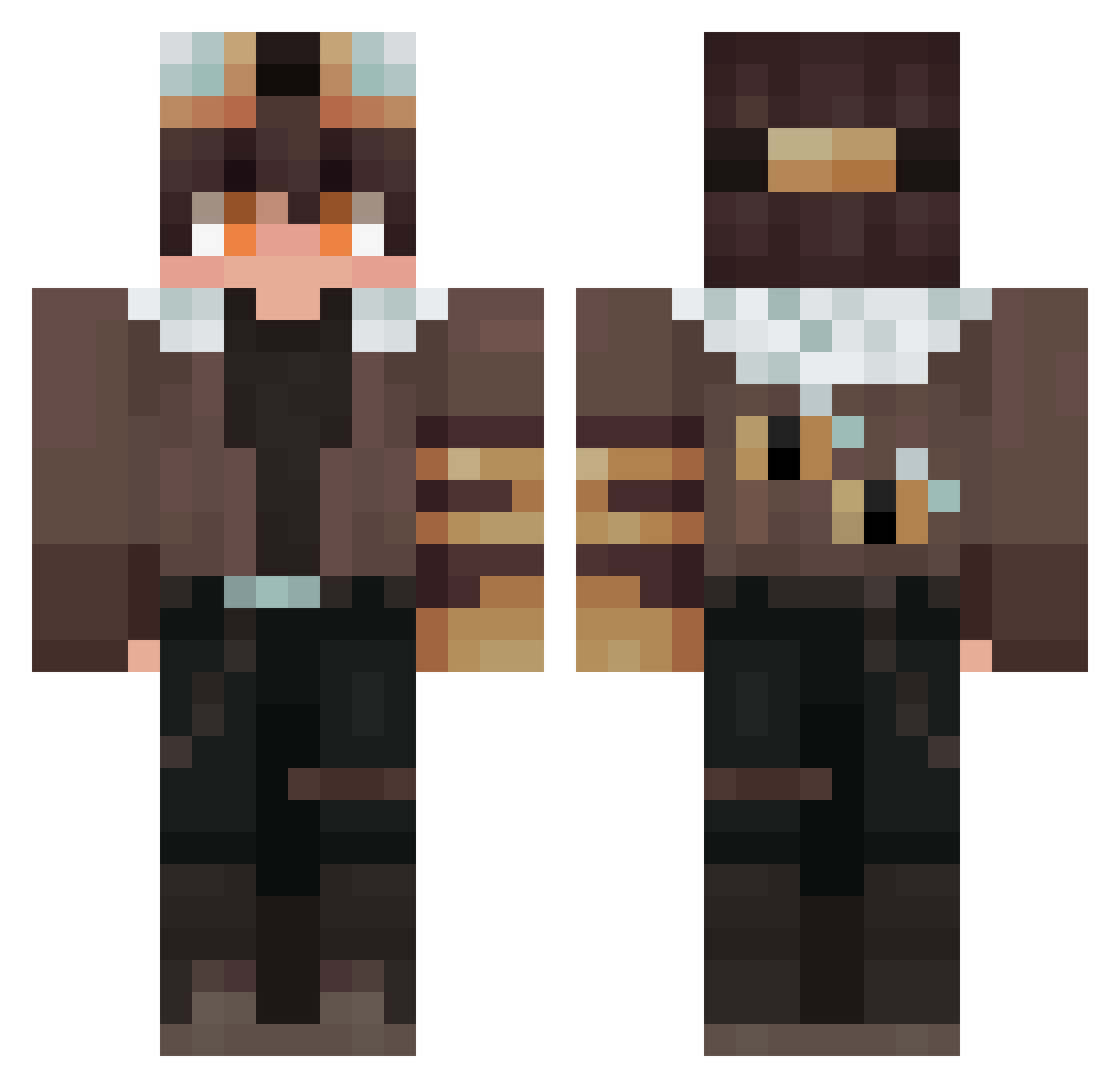
Current Minecraft skin of the player commoncle, loaded from the official Mojang API. Rotate the 3D model with your mouse or finger, then download the skin as a PNG file and use it in Minecraft: Bedrock Edition or Java Edition for free. When commoncle changes their skin, this page updates automatically and the old skin stays in the history below.
Other players with this skin (284)
commoncle was the 58th player we have seen with this skin, first spotted on 20.08.2026. The same skin was seen on these players. Open a nickname to see their current skin and skin history.
 SrAmiru The_SnaaKe jakobscott1 Mavlers silver221 ArthurQi Xr0mEx_ Hirsh228 dflpkq UnknownO5 Barrett_nog CharlesVa Father_Levi Hachimtsu Leaxim_MC RottenTofuu Mustafaiaqi sutouisme Name_26 jansynotox Aidaton okiocoocK bulbul360 PaliLlo101 oscarvalentine ToraYuuki DEESSSAA datflaffyboi Popyway Azuz7515 Eduuz3058 EtheresGate HamletBr lalexfl PinkBubble_0604 Noraa96 btwmane LAST233 wangzhe7509 ShadowNeedsSleep NewtonIII
 Zazakiri Nobrand_ SpoopySpoopsXD banana200o La_Gaboche Cri3me Kazon_0323 ugug10124 enderdragon2556 swiftaura38 neigedose Mitsudragnir ChevetteCapotado baobaobao23 fusheng55 Clintkit hyunkeun_212 SENSECEN JoJio_o
More Aviator Minecraft skins
How to install the commoncle skin
- Press the Download button above to save the skin as a PNG file.
- Minecraft: Bedrock Edition (PE): open the Dressing Room from the main menu (or tap your character → Edit Character), go to Classic Skins → Owned, press the + (new skin) button, choose the downloaded PNG and pick the Classic (Steve) model. Works on PC and mobile; consoles cannot import custom skins.
- Minecraft: Java Edition: open the Minecraft Launcher, go to the Skins tab, click New Skin, load the PNG, pick the Classic (Steve) model and press Save & Use. You can also upload it at minecraft.net → Profile → Change Skin.
The skin does not show up after import - what should I do?
Restart Minecraft and open the Dressing Room again - imported skins sometimes appear only after a restart. Also make sure you selected the imported skin and picked the Classic (Steve) model.
Which model should I choose, Classic or Slim?
This skin is designed for the Classic (Steve) model. If you pick the wrong model, the arms of the skin will look stretched or squeezed.
Is the skin of commoncle free to download?
Yes. Press Download, save the PNG file and use it in Minecraft: Bedrock Edition or Java Edition - no payment or registration needed. The skin also works on multiplayer servers and Realms.
More skins
Looking for more? Go back to all Minecraft skins and check the top skins of the week, month and all time, or find any player's skin by nickname.