
coledool - Minecraft Skins & Skin History
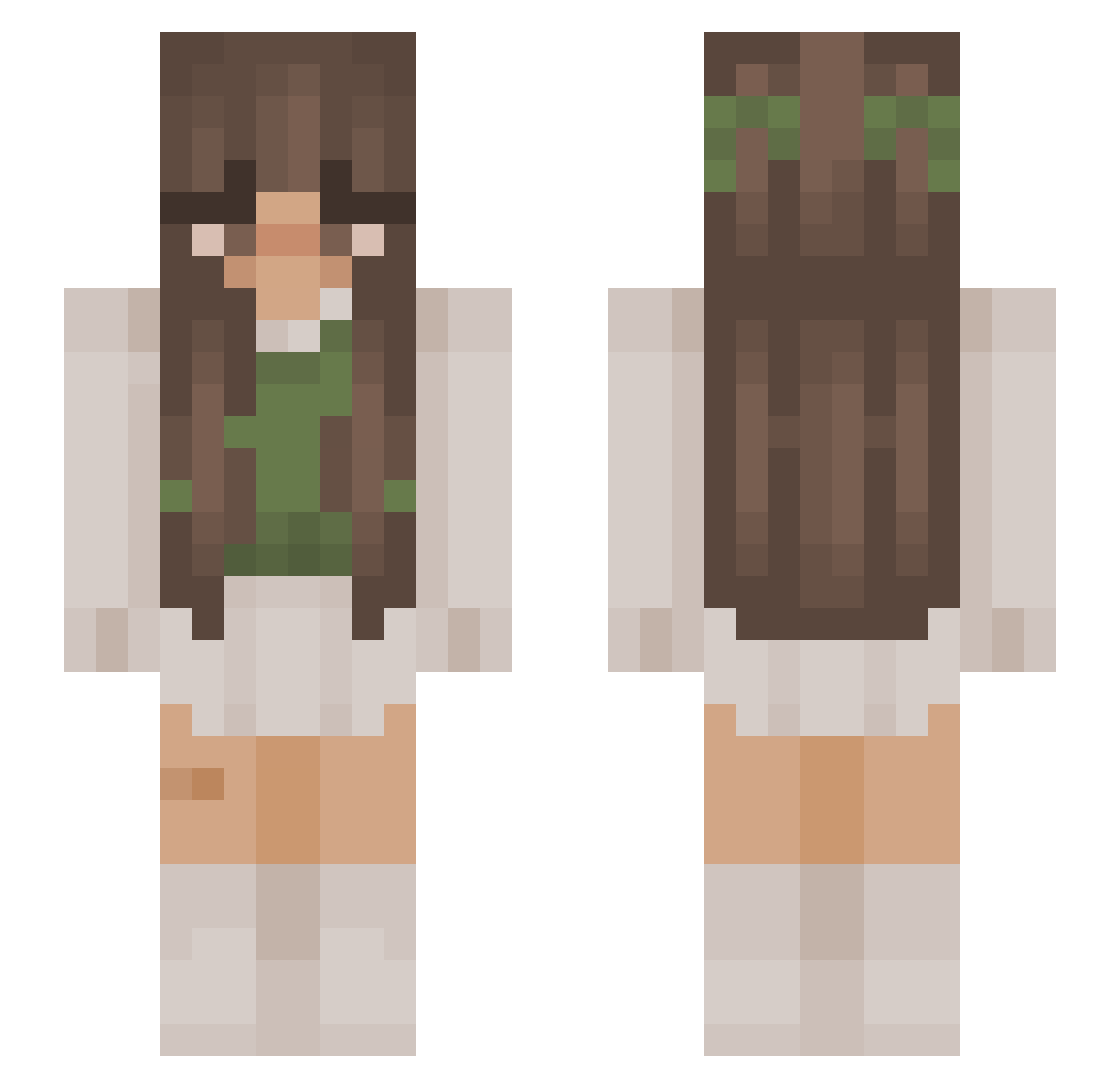
Current Minecraft skin of the player coledool, loaded from the official Mojang API. Rotate the 3D model with your mouse or finger, then download the skin as a PNG file and use it in Minecraft: Bedrock Edition or Java Edition for free. When coledool changes their skin, this page updates automatically and the old skin stays in the history below.
Other players with this skin (1077)
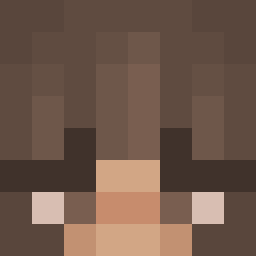
coledool was the 935th player we have seen with this skin, first spotted on 27.10.2026. The same skin was seen on these players. Open a nickname to see their current skin and skin history.
 svphi TamarixxX Annie_lmao nana_pookie h0neyb1scuit_ jjod1e Emma_2180 cactifruit TheNeolek12 Locati05 snakkles PA292 1perceptible frainboww _____Juju_____ merlyyy PrimalPaw1 BrazenNights Flavoche Renizzle_ MommyPyper Adan110904 mula2312 GAVIN_CHEN claudiaa_ teliza0 xXZero0TwoXx Gilgamesh040 BeantheBean_ imfefe athenatheesen LightningStory Desmond711 Macjuju59 YoungTropZ Alixman206 mivmc Xx_XYUJIUIIIA_xX Nica0306 Swimiss nuriiafonseca DelicatoBollen Jusa798 SieBbyx Lensberry inalika lionFTW bianca20370 YukiPoops ketalentine Kenpachi325 n3shi3 axolotlroxo njxk sagittarius1337 MadValkyrie _Lil4x NikkixTH EmpressBellaBoo Aleybean
More Cottagecore Minecraft skins
See all 7028 Cottagecore skins
How to install the coledool skin
- Press the Download button above to save the skin as a PNG file.
- Minecraft: Bedrock Edition (PE): open the Dressing Room from the main menu (or tap your character → Edit Character), go to Classic Skins → Owned, press the + (new skin) button, choose the downloaded PNG and pick the Slim (Alex) model. Works on PC and mobile; consoles cannot import custom skins.
- Minecraft: Java Edition: open the Minecraft Launcher, go to the Skins tab, click New Skin, load the PNG, pick the Slim (Alex) model and press Save & Use. You can also upload it at minecraft.net → Profile → Change Skin.
The skin does not show up after import - what should I do?
Restart Minecraft and open the Dressing Room again - imported skins sometimes appear only after a restart. Also make sure you selected the imported skin and picked the Slim (Alex) model.
Which model should I choose, Classic or Slim?
This skin is designed for the Slim (Alex) model. If you pick the wrong model, the arms of the skin will look stretched or squeezed.
Is the skin of coledool free to download?
Yes. Press Download, save the PNG file and use it in Minecraft: Bedrock Edition or Java Edition - no payment or registration needed. The skin also works on multiplayer servers and Realms.
More skins
Looking for more? Go back to all Minecraft skins and check the top skins of the week, month and all time, or find any player's skin by nickname.