
cojuszek - Minecraft Skins & Skin History
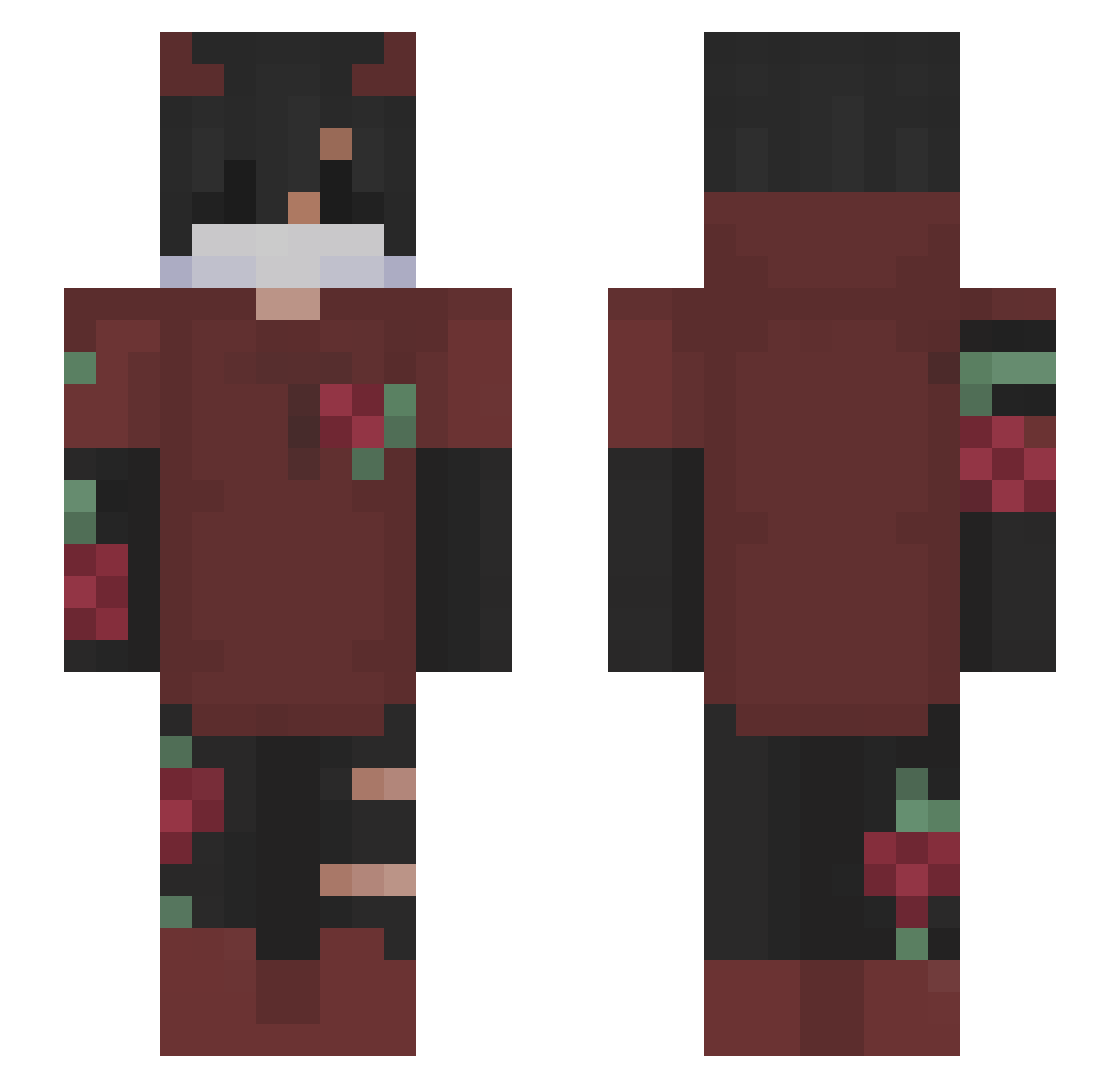
Current Minecraft skin of the player cojuszek, loaded from the official Mojang API. Rotate the 3D model with your mouse or finger, then download the skin as a PNG file and use it in Minecraft: Bedrock Edition or Java Edition for free. When cojuszek changes their skin, this page updates automatically and the old skin stays in the history below.
Other players with this skin (188)
cojuszek was the 172nd player we have seen with this skin, first spotted on 31.10.2026. The same skin was seen on these players. Open a nickname to see their current skin and skin history.
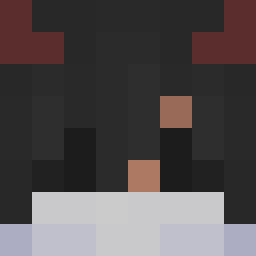 FunkyTunky frutekszmato beamer445 Razor_Bolt Waynski Megafiks Gungerbrod Tomale Sway_J lemmeoooof loco81350 BorschSoupBowl makapaka_THC Bananonana Babomeister200O YT_TrimselHD leqit_Dino_65 Daro_8 D4nsTZY_ XxxKoro slapmegurl Grenade_games JackieBoy3434 Ace_Tony LiterallyASalad Masquerde Marauder Joshhhiii Ejko919 Epharda sadUruru TheRadykaliosSK Frostpick1 ThePokepro95 NoxisPracta Moola56777 GuaCbtw slumzs Dyzher Mayo21 ckfN1KE verytall Mineking43 HakanLegendTr Haider_Ahmed999 Deezed_Niassuh JQkcc pvp_matheus11 g7ssen Vince_27 MysticBolt17 Bertram03 lxis__2 Monster9827 thecure567 arc4m JetGamlng NectarYTT AigleChauve68 gabodlt
More Demon Horns Minecraft skins
How to install the cojuszek skin
- Press the Download button above to save the skin as a PNG file.
- Minecraft: Bedrock Edition (PE): open the Dressing Room from the main menu (or tap your character → Edit Character), go to Classic Skins → Owned, press the + (new skin) button, choose the downloaded PNG and pick the Slim (Alex) model. Works on PC and mobile; consoles cannot import custom skins.
- Minecraft: Java Edition: open the Minecraft Launcher, go to the Skins tab, click New Skin, load the PNG, pick the Slim (Alex) model and press Save & Use. You can also upload it at minecraft.net → Profile → Change Skin.
The skin does not show up after import - what should I do?
Restart Minecraft and open the Dressing Room again - imported skins sometimes appear only after a restart. Also make sure you selected the imported skin and picked the Slim (Alex) model.
Which model should I choose, Classic or Slim?
This skin is designed for the Slim (Alex) model. If you pick the wrong model, the arms of the skin will look stretched or squeezed.
Is the skin of cojuszek free to download?
Yes. Press Download, save the PNG file and use it in Minecraft: Bedrock Edition or Java Edition - no payment or registration needed. The skin also works on multiplayer servers and Realms.
More skins
Looking for more? Go back to all Minecraft skins and check the top skins of the week, month and all time, or find any player's skin by nickname.