
codyh72 - Minecraft Skins & Skin History
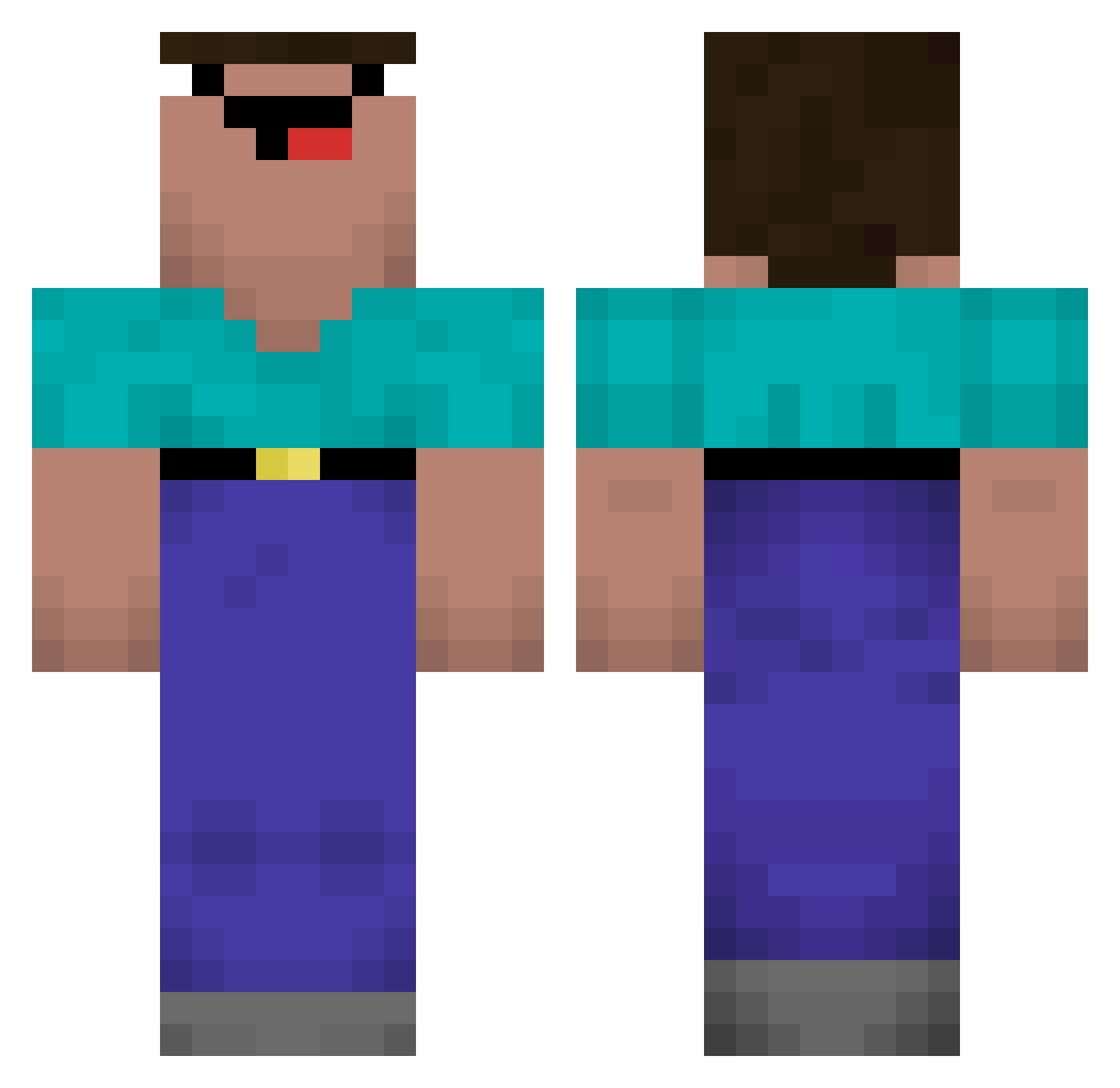
Current Minecraft skin of the player codyh72, loaded from the official Mojang API. Rotate the 3D model with your mouse or finger, then download the skin as a PNG file and use it in Minecraft: Bedrock Edition or Java Edition for free. When codyh72 changes their skin, this page updates automatically and the old skin stays in the history below.
Other players with this skin (569)
codyh72 was the 142nd player we have seen with this skin, first spotted on 25.08.2026. The same skin was seen on these players. Open a nickname to see their current skin and skin history.
 PROUTE03 wildrexo 0n1x_x Takkuone Banan31123 hitman1086 Maslo205 VirtoMarques LeZuz lommy88 KotVya Axlent antpepe michaela2501 allenlee0622 luid67 Maxim_dummi Ajinlee Nikolaj1885 Coralle0815 Deathinred wasasaby henny964 handsomeJack1030 DonutMing Fkenji_BR melliw purut_ Scholdkt Jacentyy Komszed QaLLafo zimbabwe_ooga ERICKCOSTA21 DRCasanova gig0602 Brucecy kaxuans travesti22 Wo_ist_das_Gold HideYoKidz1 julian_gm_09 sittesasaa Benish2012 xImLowest Linasahla tzCredo Yrox_07 01lowi Leehowoo gabrielzinho69 pedrom1309 ZERO_THRU_NINE yomom123 Nugget1601
 k2wri TRACKONTOP P1ayboiRage xGuuHx Thoriam
More Classic Minecraft skins
How to install the codyh72 skin
- Press the Download button above to save the skin as a PNG file.
- Minecraft: Bedrock Edition (PE): open the Dressing Room from the main menu (or tap your character → Edit Character), go to Classic Skins → Owned, press the + (new skin) button, choose the downloaded PNG and pick the Classic (Steve) model. Works on PC and mobile; consoles cannot import custom skins.
- Minecraft: Java Edition: open the Minecraft Launcher, go to the Skins tab, click New Skin, load the PNG, pick the Classic (Steve) model and press Save & Use. You can also upload it at minecraft.net → Profile → Change Skin.
The skin does not show up after import - what should I do?
Restart Minecraft and open the Dressing Room again - imported skins sometimes appear only after a restart. Also make sure you selected the imported skin and picked the Classic (Steve) model.
Which model should I choose, Classic or Slim?
This skin is designed for the Classic (Steve) model. If you pick the wrong model, the arms of the skin will look stretched or squeezed.
Is the skin of codyh72 free to download?
Yes. Press Download, save the PNG file and use it in Minecraft: Bedrock Edition or Java Edition - no payment or registration needed. The skin also works on multiplayer servers and Realms.
More skins
Looking for more? Go back to all Minecraft skins and check the top skins of the week, month and all time, or find any player's skin by nickname.