
cleverpenguin878 - Minecraft Skins & Skin History
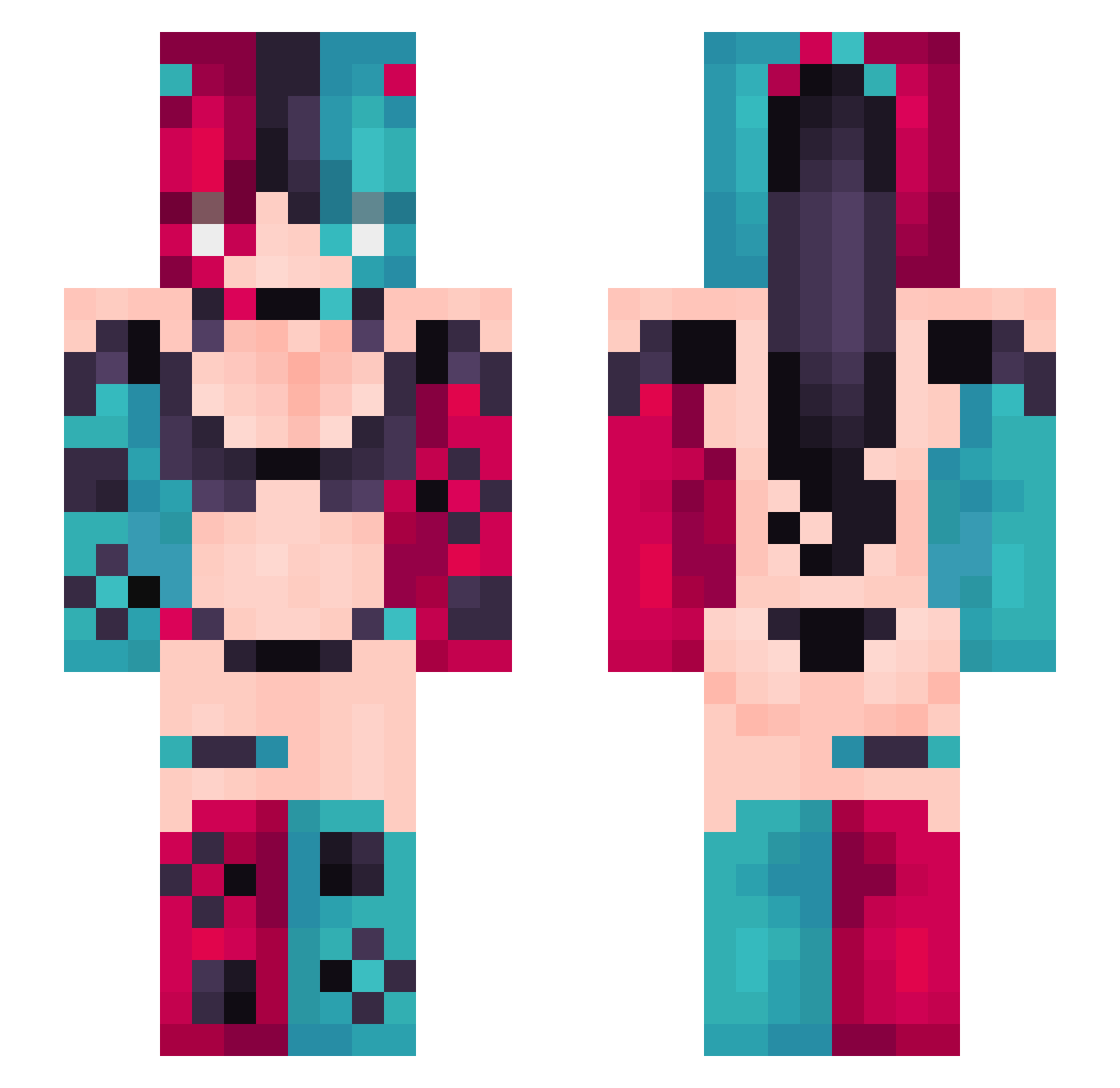
Current Minecraft skin of the player cleverpenguin878, loaded from the official Mojang API. Rotate the 3D model with your mouse or finger, then download the skin as a PNG file and use it in Minecraft: Bedrock Edition or Java Edition for free. When cleverpenguin878 changes their skin, this page updates automatically and the old skin stays in the history below.
Other players with this skin (476)
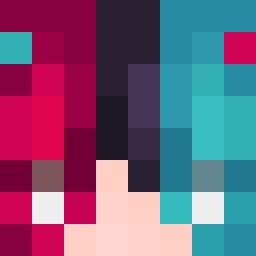
cleverpenguin878 was the 452nd player we have seen with this skin, first spotted on 13.11.2026. The same skin was seen on these players. Open a nickname to see their current skin and skin history.
 don4666 LinuxZLY Illoep kittymumu Xin2023 Bandeng119 Shyn011 0xiao0 WildHunterGreen dedede233 Wolfyi19 RebekkaN sadsweets MarkussBros ARK111000 MakkuSotu seadje Netkiriya veru005 breemy_og Rebirth_Miku 2T4F Vexa_girls TGW_Sak1k0 AceSwing1 sofrimento1 mankbro lapan234 Azllll iN7R_ XinKong2333 Honaminnnn B3LEKIKI Vywnn Vitauser15 dfygh heziyu6 SOV_IEN phonicF guchengwuyv SirPersimon caijin123 XxBonnie8luexX Cueteepie SemNL_ Payacan GigantRebell Swagnolatti RinooKzZ DSTG iakingly HugoDGR x25486 zkeke Aliz3tor44 Dankizzy ShadowTiger0402 Quantor1 LilithXx13 Peres_Pookie
More Nintendo Switch Minecraft skins
See all 26 Nintendo Switch skins
How to install the cleverpenguin878 skin
- Press the Download button above to save the skin as a PNG file.
- Minecraft: Bedrock Edition (PE): open the Dressing Room from the main menu (or tap your character → Edit Character), go to Classic Skins → Owned, press the + (new skin) button, choose the downloaded PNG and pick the Slim (Alex) model. Works on PC and mobile; consoles cannot import custom skins.
- Minecraft: Java Edition: open the Minecraft Launcher, go to the Skins tab, click New Skin, load the PNG, pick the Slim (Alex) model and press Save & Use. You can also upload it at minecraft.net → Profile → Change Skin.
The skin does not show up after import - what should I do?
Restart Minecraft and open the Dressing Room again - imported skins sometimes appear only after a restart. Also make sure you selected the imported skin and picked the Slim (Alex) model.
Which model should I choose, Classic or Slim?
This skin is designed for the Slim (Alex) model. If you pick the wrong model, the arms of the skin will look stretched or squeezed.
Is the skin of cleverpenguin878 free to download?
Yes. Press Download, save the PNG file and use it in Minecraft: Bedrock Edition or Java Edition - no payment or registration needed. The skin also works on multiplayer servers and Realms.
More skins
Looking for more? Go back to all Minecraft skins and check the top skins of the week, month and all time, or find any player's skin by nickname.