
chuwws - Minecraft Skins & Skin History
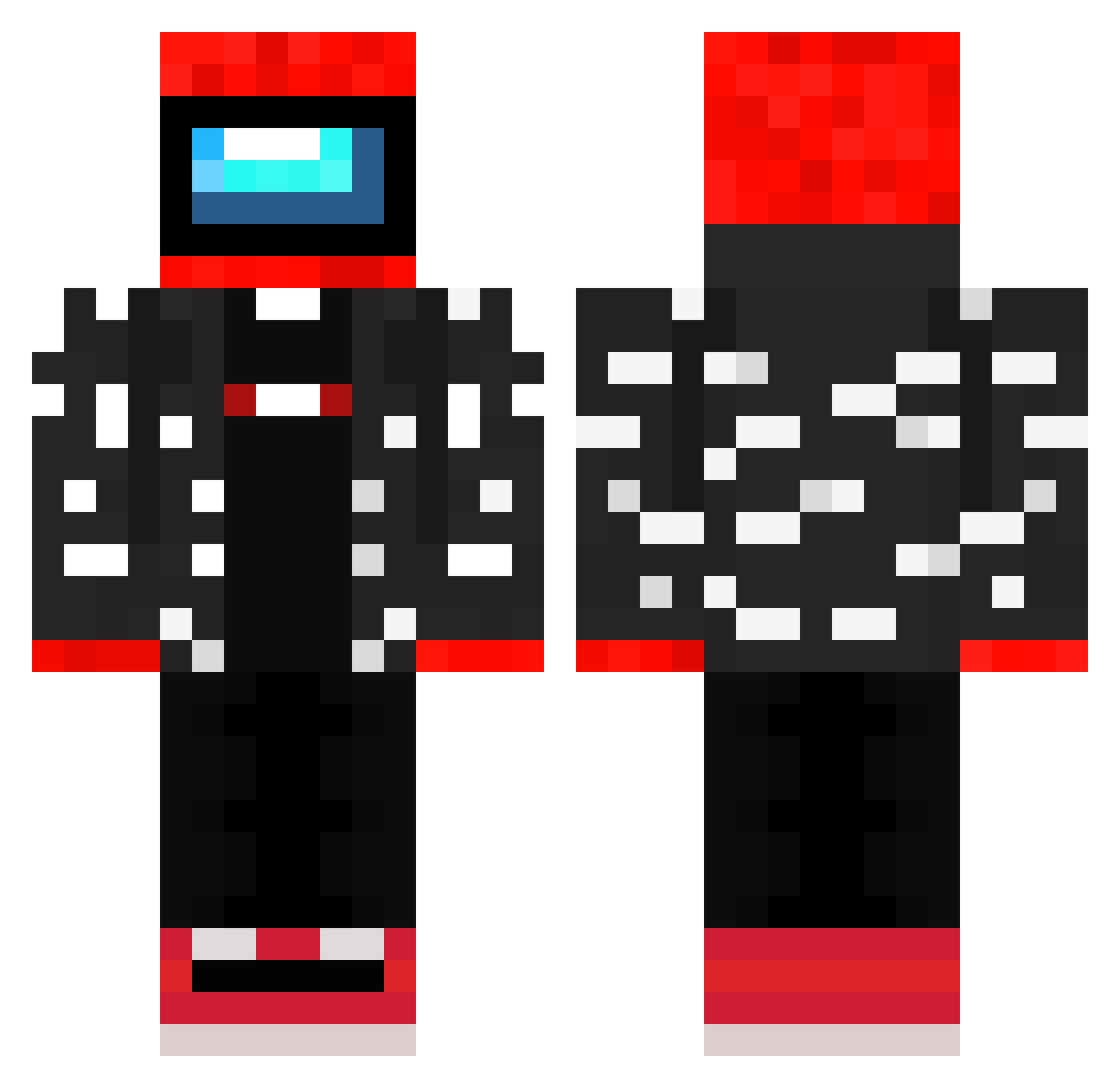
Current Minecraft skin of the player chuwws, loaded from the official Mojang API. Rotate the 3D model with your mouse or finger, then download the skin as a PNG file and use it in Minecraft: Bedrock Edition or Java Edition for free. When chuwws changes their skin, this page updates automatically and the old skin stays in the history below.
Other players with this skin (298)
chuwws was the 264th player we have seen with this skin, first spotted on 06.11.2026. The same skin was seen on these players. Open a nickname to see their current skin and skin history.
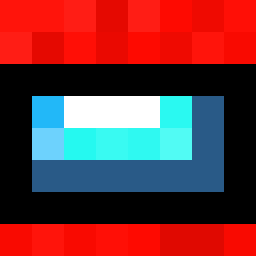 _Narke Matrix2561 xeltobo steeeeeeeve1 NicelGamer_GD Jhon_F_Kennedy thybam P1K1L1 RyanLeb amon_gus53 MadeInRede SMLafayette LukieG99 boxedbento PowerZ100 DaddyBezerk MateNF nyancosplay PongLeanis2077 Pelacraft Colcshtein EL_TIAGOWINNER Kazalt41 geekdu1742 yunnyunnmasumi DrSauCe1027 AJChanexe PekuBlindo Akenav Tsm_LordChungAss adamisanesma SlimeSlayer102 tomo0922 LastRain12 hahalolbak meth_taker vincentd200 itsD6D BasedTroll4ge666 mendosuke kingpsgaming Renatinho_Bobox rumasama siegeCast yTheusz Ziny999 jaehwalee ResNoorus LeeNzee Leoncino6000 tomatofetish vanotaku radek0533 ContentCreator18 Bowman_Bombs_99 OwnageOG Unknown1714 oleczko FrankRipper860 Daarkin
More Drip Minecraft skins
How to install the chuwws skin
- Press the Download button above to save the skin as a PNG file.
- Minecraft: Bedrock Edition (PE): open the Dressing Room from the main menu (or tap your character → Edit Character), go to Classic Skins → Owned, press the + (new skin) button, choose the downloaded PNG and pick the Classic (Steve) model. Works on PC and mobile; consoles cannot import custom skins.
- Minecraft: Java Edition: open the Minecraft Launcher, go to the Skins tab, click New Skin, load the PNG, pick the Classic (Steve) model and press Save & Use. You can also upload it at minecraft.net → Profile → Change Skin.
The skin does not show up after import - what should I do?
Restart Minecraft and open the Dressing Room again - imported skins sometimes appear only after a restart. Also make sure you selected the imported skin and picked the Classic (Steve) model.
Which model should I choose, Classic or Slim?
This skin is designed for the Classic (Steve) model. If you pick the wrong model, the arms of the skin will look stretched or squeezed.
Is the skin of chuwws free to download?
Yes. Press Download, save the PNG file and use it in Minecraft: Bedrock Edition or Java Edition - no payment or registration needed. The skin also works on multiplayer servers and Realms.
More skins
Looking for more? Go back to all Minecraft skins and check the top skins of the week, month and all time, or find any player's skin by nickname.