
chrononiki - Minecraft Skins & Skin History
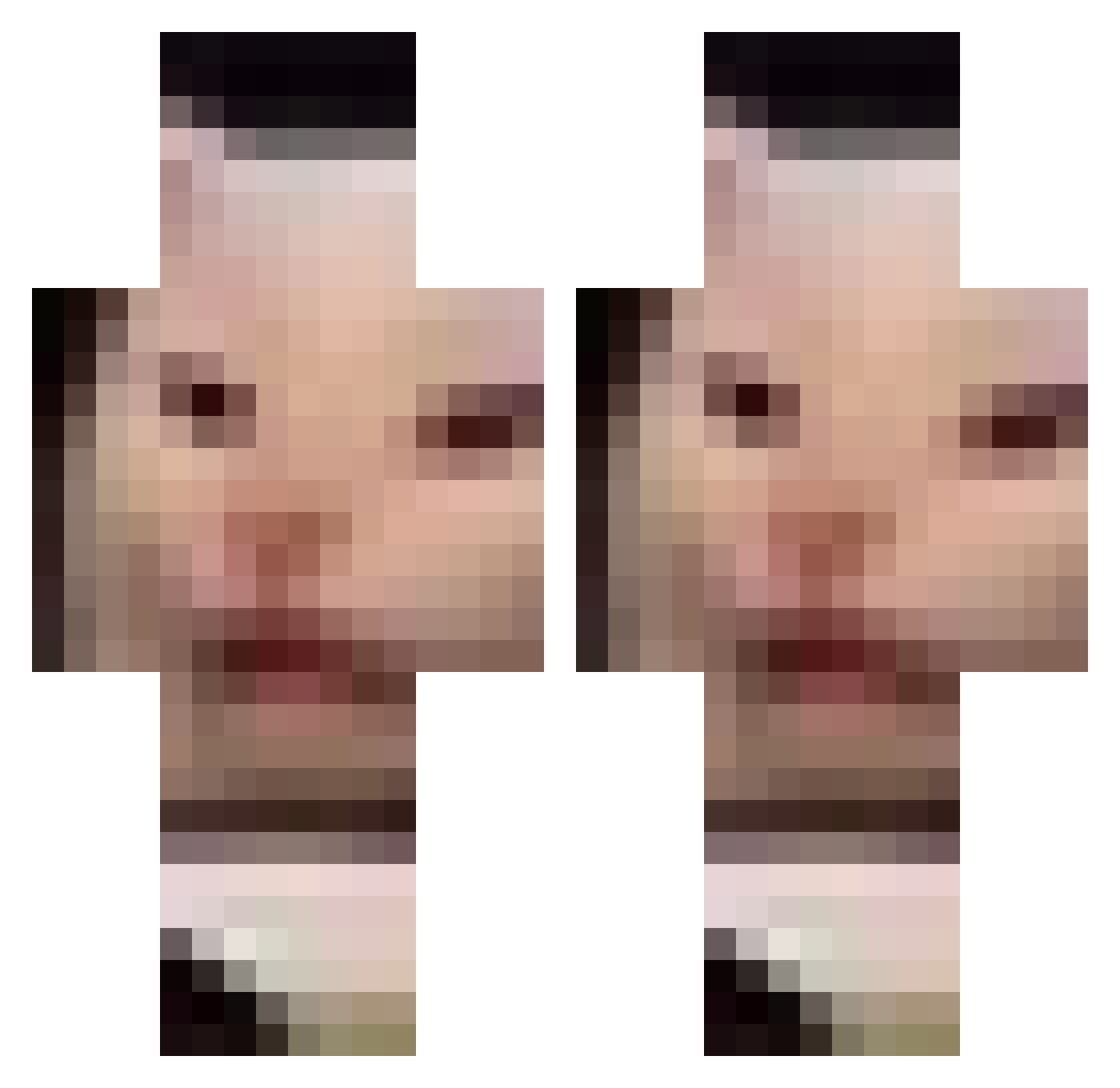
Current Minecraft skin of the player chrononiki, loaded from the official Mojang API. Rotate the 3D model with your mouse or finger, then download the skin as a PNG file and use it in Minecraft: Bedrock Edition or Java Edition for free. When chrononiki changes their skin, this page updates automatically and the old skin stays in the history below.
Other players with this skin (126)
chrononiki was the 95th player we have seen with this skin, first spotted on 10.10.2026. The same skin was seen on these players. Open a nickname to see their current skin and skin history.
 buyuktimkin Ploqueur xQwO MeowDa10221 Kamiii1536 swissgwen lilville methprodigy acidplay FlopTop1 nanmollayou DoubleJump_ Megtendo So_popo_Edo Brendinhaa AngryySnekk mjh4717 WorkGiraffe179 GreedyLemon guilty_Learner NevajnoKto Fuinha___ FlikrX lissa4 lefaterian LongTonJim reiuuu danishnish03 Erin23 Chaosmili07 Give_Me_Biscuits xiaowonbao aleeo321 Bogvoui Papablito siyul0323 Thett_oo weenor7 erinII SaucyRamsey ILOVE41_67 gustafinthehouse Hobbs13254 cuyine Reefridgerator Hankatt Payynuz McMJose DizZLike Bush_did_COVID19 Its_Aya_Gill naudiacarson nokku_ Durbby goosejoose68 OnlyKBC MrPossyCat TheWoefulOweful 5hhh hokoneko
More Meme Cat Minecraft skins
How to install the chrononiki skin
- Press the Download button above to save the skin as a PNG file.
- Minecraft: Bedrock Edition (PE): open the Dressing Room from the main menu (or tap your character → Edit Character), go to Classic Skins → Owned, press the + (new skin) button, choose the downloaded PNG and pick the Classic (Steve) model. Works on PC and mobile; consoles cannot import custom skins.
- Minecraft: Java Edition: open the Minecraft Launcher, go to the Skins tab, click New Skin, load the PNG, pick the Classic (Steve) model and press Save & Use. You can also upload it at minecraft.net → Profile → Change Skin.
The skin does not show up after import - what should I do?
Restart Minecraft and open the Dressing Room again - imported skins sometimes appear only after a restart. Also make sure you selected the imported skin and picked the Classic (Steve) model.
Which model should I choose, Classic or Slim?
This skin is designed for the Classic (Steve) model. If you pick the wrong model, the arms of the skin will look stretched or squeezed.
Is the skin of chrononiki free to download?
Yes. Press Download, save the PNG file and use it in Minecraft: Bedrock Edition or Java Edition - no payment or registration needed. The skin also works on multiplayer servers and Realms.
More skins
Looking for more? Go back to all Minecraft skins and check the top skins of the week, month and all time, or find any player's skin by nickname.