
christopherpmg - Minecraft Skins & Skin History
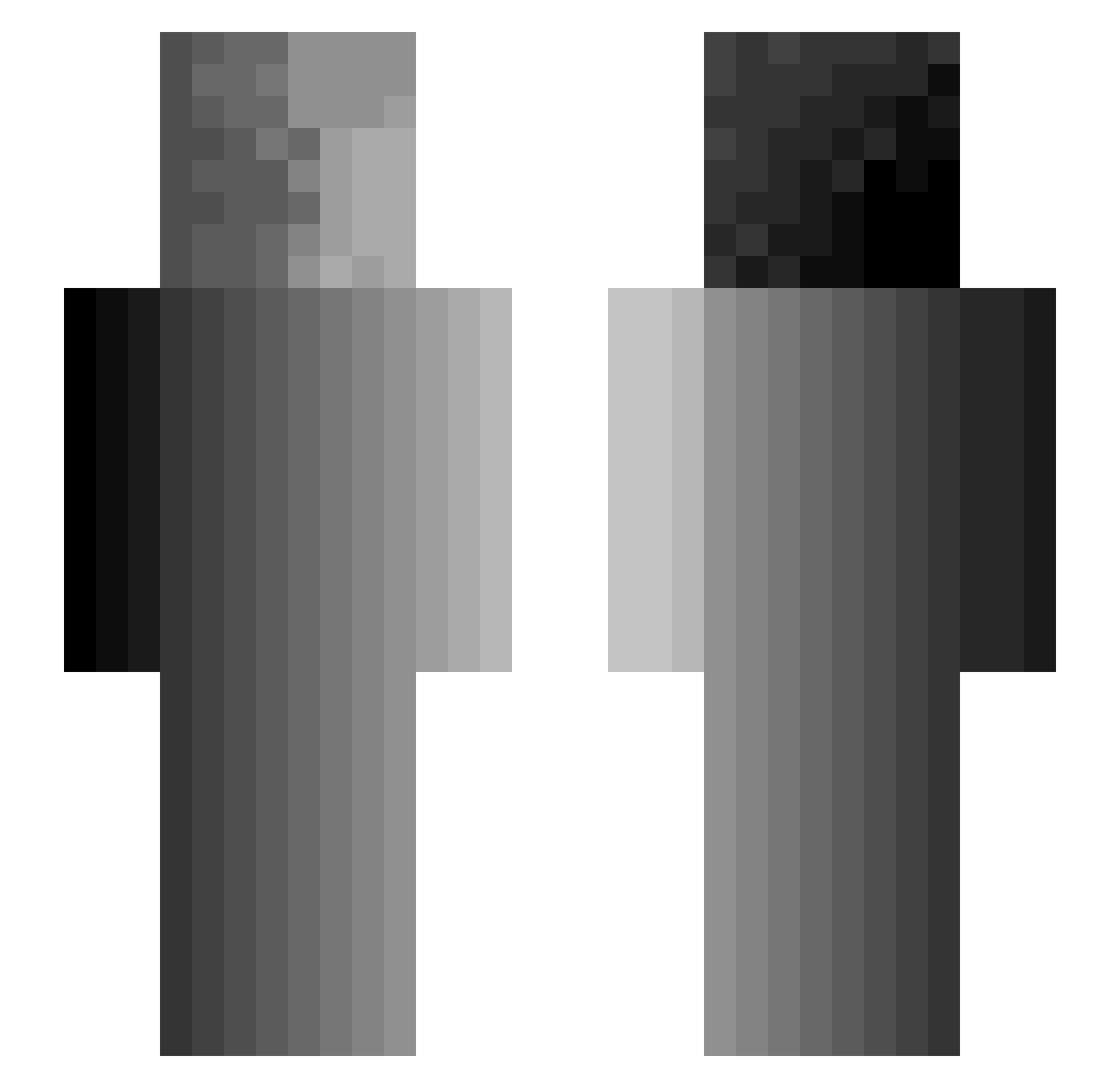
Current Minecraft skin of the player christopherpmg, loaded from the official Mojang API. Rotate the 3D model with your mouse or finger, then download the skin as a PNG file and use it in Minecraft: Bedrock Edition or Java Edition for free. When christopherpmg changes their skin, this page updates automatically and the old skin stays in the history below.
Other players with this skin (300)
christopherpmg was the 264th player we have seen with this skin, first spotted on 13.10.2026. The same skin was seen on these players. Open a nickname to see their current skin and skin history.
 B3NA_HN Me1000 EcoDivinity Liamvant Tezon_ IrishAssassim TheKillerAll KyleF2121 vn_62 SqueezyBob xxxMomSlayerxx NiftyStorme highzoptv Ralf_Kambodscha Schweine_Braten AlexXeno __2015__ Vinixu SeniorCito MrSquooge Nowak_24 Jona883N Drooppee Professionals SinaminDB kurobir sxruth Ludevandentop SevereLucky Pontierent KraigJonesthe1st pxvlQQ Xequery BOONETH BTKX akaKyren hiesenburg420 LoneDescendent g0oberz Qeori SilentWraith02 Celux132 ChingChongrubber Kasper274 AnotherCorpse jenthecroc FilleBoll t0dd_ SouraYT struan23 Lo_Rln Jos3rGamer24 HazzaDazza69 XmckenzieX0 broccoligood preefirexd HardDoorNail Murray_Bookchin HTJPxxx grizzlygiant
How to install the christopherpmg skin
- Press the Download button above to save the skin as a PNG file.
- Minecraft: Bedrock Edition (PE): open the Dressing Room from the main menu (or tap your character → Edit Character), go to Classic Skins → Owned, press the + (new skin) button, choose the downloaded PNG and pick the Slim (Alex) model. Works on PC and mobile; consoles cannot import custom skins.
- Minecraft: Java Edition: open the Minecraft Launcher, go to the Skins tab, click New Skin, load the PNG, pick the Slim (Alex) model and press Save & Use. You can also upload it at minecraft.net → Profile → Change Skin.
The skin does not show up after import - what should I do?
Restart Minecraft and open the Dressing Room again - imported skins sometimes appear only after a restart. Also make sure you selected the imported skin and picked the Slim (Alex) model.
Which model should I choose, Classic or Slim?
This skin is designed for the Slim (Alex) model. If you pick the wrong model, the arms of the skin will look stretched or squeezed.
Is the skin of christopherpmg free to download?
Yes. Press Download, save the PNG file and use it in Minecraft: Bedrock Edition or Java Edition - no payment or registration needed. The skin also works on multiplayer servers and Realms.
More skins
Looking for more? Go back to all Minecraft skins and check the top skins of the week, month and all time, or find any player's skin by nickname.