
chrisbrown_ - Minecraft Skins & Skin History
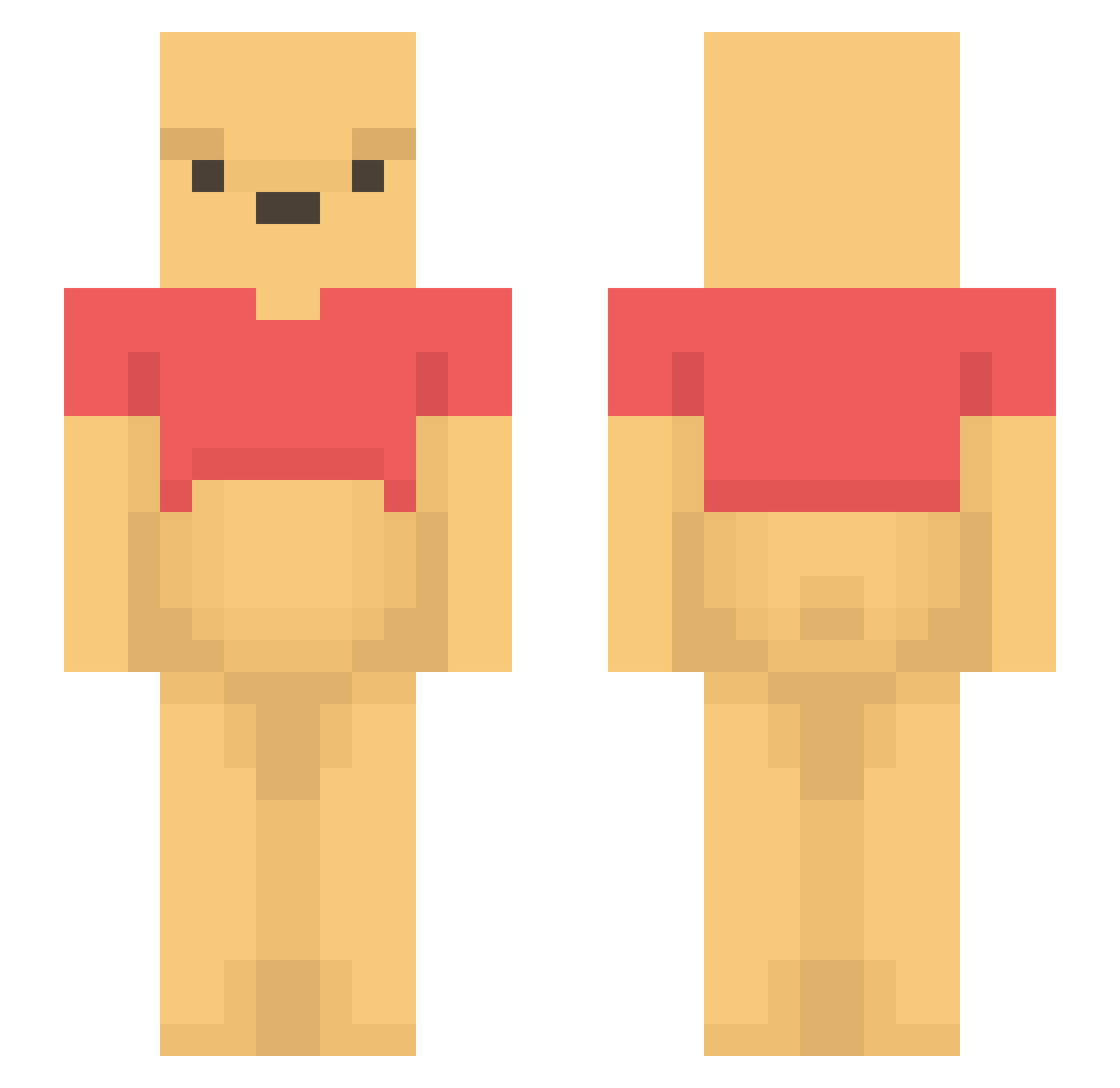
Current Minecraft skin of the player chrisbrown_, loaded from the official Mojang API. Rotate the 3D model with your mouse or finger, then download the skin as a PNG file and use it in Minecraft: Bedrock Edition or Java Edition for free. When chrisbrown_ changes their skin, this page updates automatically and the old skin stays in the history below.
Other players with this skin (1202)
chrisbrown_ was the 29th player we have seen with this skin, first spotted on 24.07.2026. The same skin was seen on these players. Open a nickname to see their current skin and skin history.
 kimmies_monkey_1 pocard shadejunior MasterFrog33 CarlEspadaDeDima doigkim mindcontrol030 Hajimara tbappa NiklasErik123 PRADAtalk fujimiyahanami Chungus420 5chan LongT1meNoSee Eixeh MrMan3296 Uley its_Xi_Jinping CatRose93 Winniethepooh120 danwefly leolam_17 blocks4200 Myrzi Choofitsu Rongsansan ALSCO nonojrss boiled_dumplings 1123_jh TaylorGaming1 matrubio patiru taffygib75 Leeth00 ronald_MC_nugget damdung MisterBiker itssslauraaa LastStand1 NoResort lenlen0802 Ass_Splitter kluseczka2121 melee_troop Mrdolos Monoese gachiOWL raslemand Ackroma_ joohee005 Mins3 Cunrom Elooo990 The1TikeMyson Limbuzz Zhizheng YABALMAN Jemils11
More Winnie The Pooh Minecraft skins
See all 306 Winnie The Pooh skins
How to install the chrisbrown_ skin
- Press the Download button above to save the skin as a PNG file.
- Minecraft: Bedrock Edition (PE): open the Dressing Room from the main menu (or tap your character → Edit Character), go to Classic Skins → Owned, press the + (new skin) button, choose the downloaded PNG and pick the Slim (Alex) model. Works on PC and mobile; consoles cannot import custom skins.
- Minecraft: Java Edition: open the Minecraft Launcher, go to the Skins tab, click New Skin, load the PNG, pick the Slim (Alex) model and press Save & Use. You can also upload it at minecraft.net → Profile → Change Skin.
The skin does not show up after import - what should I do?
Restart Minecraft and open the Dressing Room again - imported skins sometimes appear only after a restart. Also make sure you selected the imported skin and picked the Slim (Alex) model.
Which model should I choose, Classic or Slim?
This skin is designed for the Slim (Alex) model. If you pick the wrong model, the arms of the skin will look stretched or squeezed.
Is the skin of chrisbrown_ free to download?
Yes. Press Download, save the PNG file and use it in Minecraft: Bedrock Edition or Java Edition - no payment or registration needed. The skin also works on multiplayer servers and Realms.
More skins
Looking for more? Go back to all Minecraft skins and check the top skins of the week, month and all time, or find any player's skin by nickname.