
chingychangchong - Minecraft Skins & Skin History
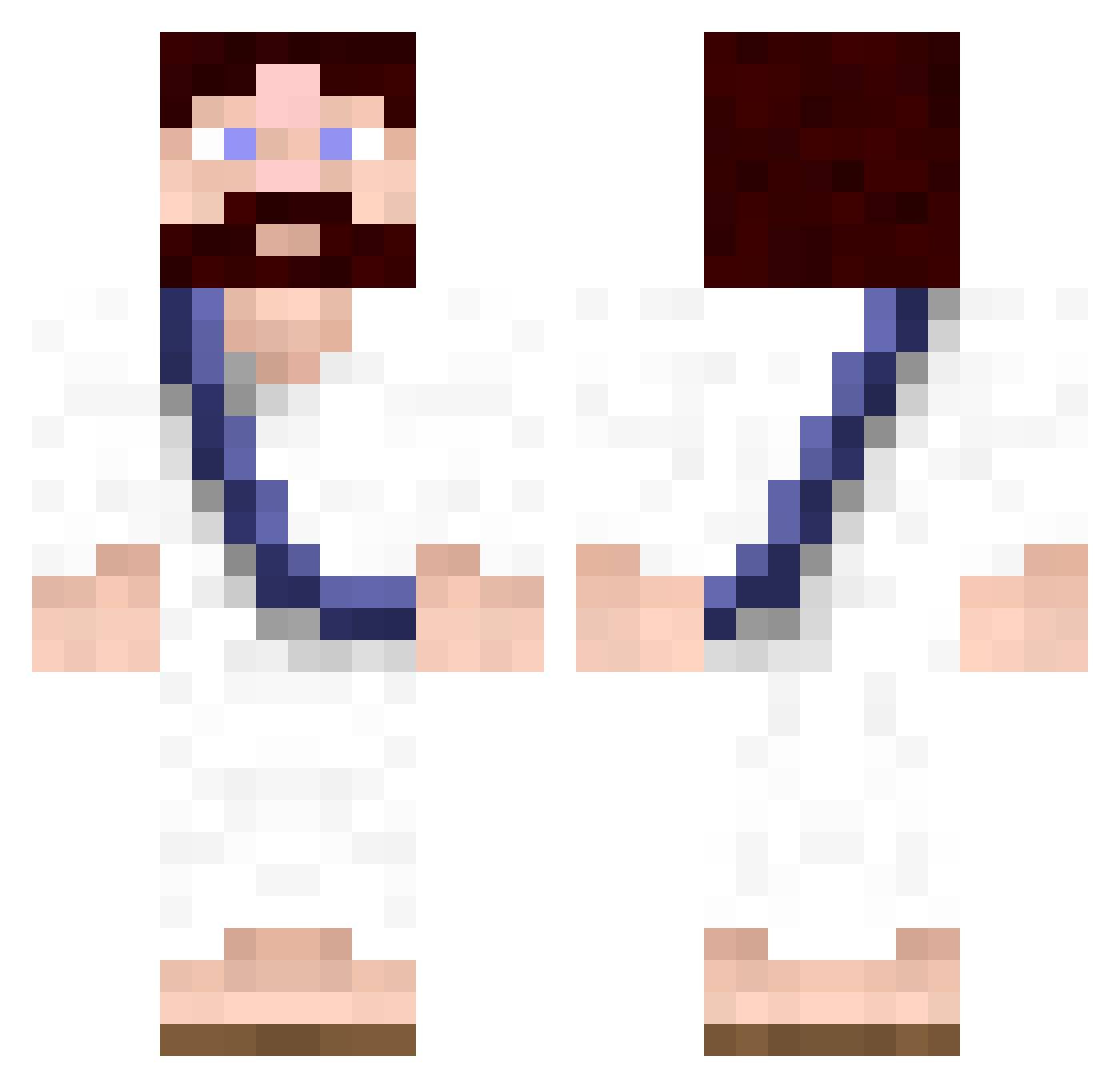
Current Minecraft skin of the player chingychangchong, loaded from the official Mojang API. Rotate the 3D model with your mouse or finger, then download the skin as a PNG file and use it in Minecraft: Bedrock Edition or Java Edition for free. When chingychangchong changes their skin, this page updates automatically and the old skin stays in the history below.
Other players with this skin (622)
chingychangchong was the 458th player we have seen with this skin, first spotted on 09.10.2026. The same skin was seen on these players. Open a nickname to see their current skin and skin history.
 Afume keatdawg69 Carpe_Canem _ShooteR_fr Oxhorn xbot32 bradthelad lundgrenx5 WhisperNot sircoolwalk Awesomeness8567 jonny65 ZackBLATANT STEALTHY_bEaN OperaGhost64 Schokokeks2345 francis992 Flo7S matauga Dark_Aero Haystack97 Thyfoe Seeznoevilx MrRingolo jasonnickson1991 P3teYo Ckas TPClunchlauh qiimp chabae Itreksjod minecraft40099 Facelid TooHardd Gesmoyer mosieurtibo HonestSpade8 TheoR2 charliehorse83 Epapp Mish76 NobleKarizma Zaaa_xD mvr cha7l1e Naturmensch ManipulusPL TRMyth Dustink SirNebros Kablen the_doctor1993 nrhughes Stayphoenix Falxy killerczar iifernius Gimborc tomsack Blackberd
More Bible Minecraft skins
How to install the chingychangchong skin
- Press the Download button above to save the skin as a PNG file.
- Minecraft: Bedrock Edition (PE): open the Dressing Room from the main menu (or tap your character → Edit Character), go to Classic Skins → Owned, press the + (new skin) button, choose the downloaded PNG and pick the Classic (Steve) model. Works on PC and mobile; consoles cannot import custom skins.
- Minecraft: Java Edition: open the Minecraft Launcher, go to the Skins tab, click New Skin, load the PNG, pick the Classic (Steve) model and press Save & Use. You can also upload it at minecraft.net → Profile → Change Skin.
The skin does not show up after import - what should I do?
Restart Minecraft and open the Dressing Room again - imported skins sometimes appear only after a restart. Also make sure you selected the imported skin and picked the Classic (Steve) model.
Which model should I choose, Classic or Slim?
This skin is designed for the Classic (Steve) model. If you pick the wrong model, the arms of the skin will look stretched or squeezed.
Is the skin of chingychangchong free to download?
Yes. Press Download, save the PNG file and use it in Minecraft: Bedrock Edition or Java Edition - no payment or registration needed. The skin also works on multiplayer servers and Realms.
More skins
Looking for more? Go back to all Minecraft skins and check the top skins of the week, month and all time, or find any player's skin by nickname.