
chagrid - Minecraft Skins & Skin History
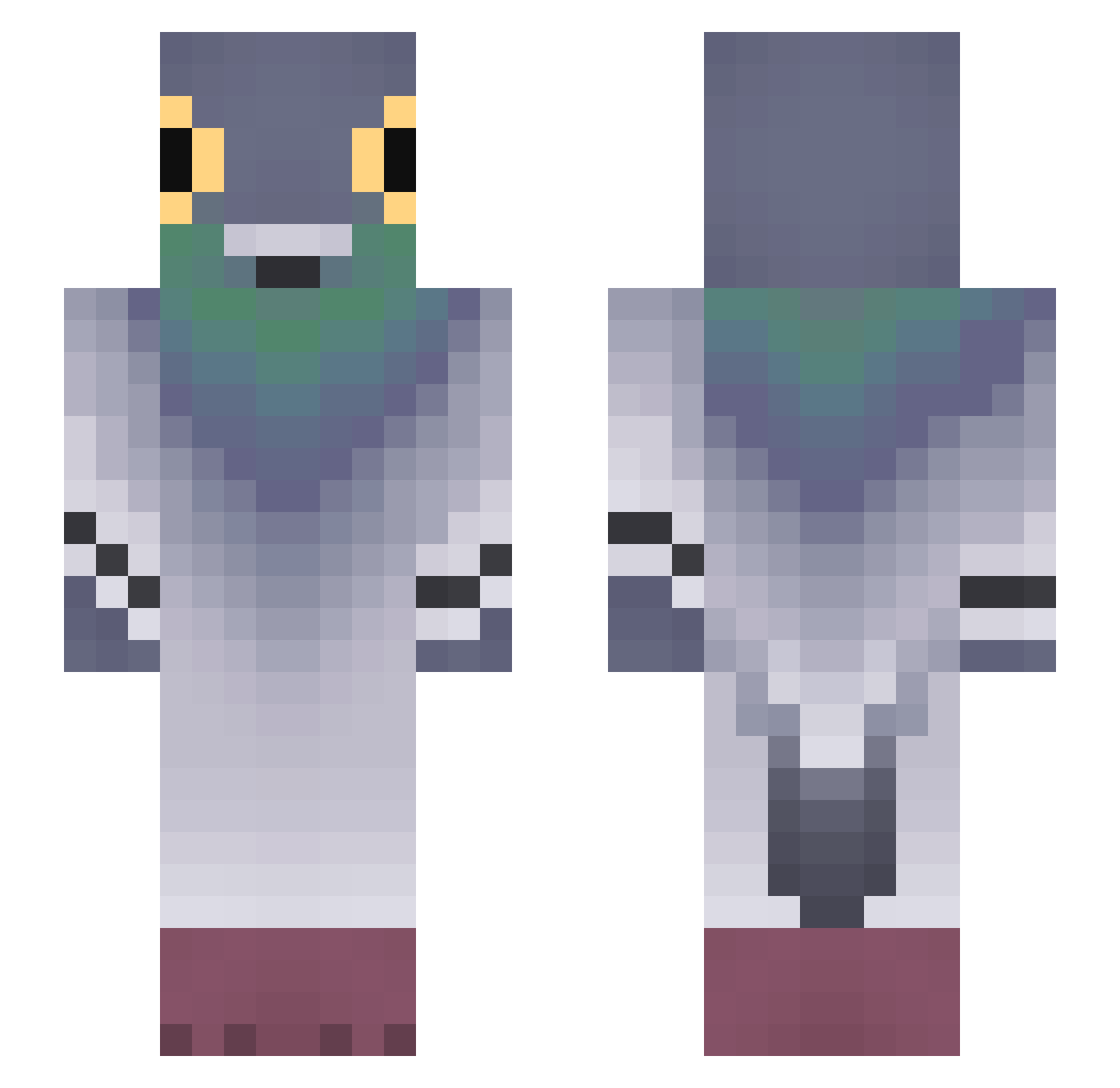
Current Minecraft skin of the player chagrid, loaded from the official Mojang API. Rotate the 3D model with your mouse or finger, then download the skin as a PNG file and use it in Minecraft: Bedrock Edition or Java Edition for free. When chagrid changes their skin, this page updates automatically and the old skin stays in the history below.
Other players with this skin (753)
chagrid was the 593rd player we have seen with this skin, first spotted on 11.10.2026. The same skin was seen on these players. Open a nickname to see their current skin and skin history.
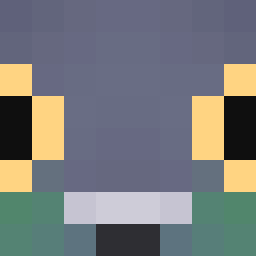 trent_316 strattf0rdd Arsikovich joored GMax316 mr_bigtoe1 7dud pigeonchik xufr min090923 TheRelativeApe GhostedBTW Sinitsaa veil112 DRDINOSOURS ycbrg ChizuKiname wygryw123 okayness Eldaa ExE_10 oumf BlackChoko MooguL1 SebsonFighter Giorg09 niksa05 LiaVishn Valen_Falu12 ggaja SLAIFER001 klocus2137 102woreknakoty CSKC2705 EUMAIN TheSillyCow BeingOfLove Mimi2exe Elno_1305 Xluroyy crot4to qt_doge AllDropped v1ermo WolfLover11 vulona hal_xki TurtleTheMurtle kallmio Tide_Vanty MaanBanaan6 iDahr kebizuiqiang TheEggmeister1 YeziTwT asheroni mania3635 exwerr Wiesiuu qndreap
More Pigeon Minecraft skins
How to install the chagrid skin
- Press the Download button above to save the skin as a PNG file.
- Minecraft: Bedrock Edition (PE): open the Dressing Room from the main menu (or tap your character → Edit Character), go to Classic Skins → Owned, press the + (new skin) button, choose the downloaded PNG and pick the Slim (Alex) model. Works on PC and mobile; consoles cannot import custom skins.
- Minecraft: Java Edition: open the Minecraft Launcher, go to the Skins tab, click New Skin, load the PNG, pick the Slim (Alex) model and press Save & Use. You can also upload it at minecraft.net → Profile → Change Skin.
The skin does not show up after import - what should I do?
Restart Minecraft and open the Dressing Room again - imported skins sometimes appear only after a restart. Also make sure you selected the imported skin and picked the Slim (Alex) model.
Which model should I choose, Classic or Slim?
This skin is designed for the Slim (Alex) model. If you pick the wrong model, the arms of the skin will look stretched or squeezed.
Is the skin of chagrid free to download?
Yes. Press Download, save the PNG file and use it in Minecraft: Bedrock Edition or Java Edition - no payment or registration needed. The skin also works on multiplayer servers and Realms.
More skins
Looking for more? Go back to all Minecraft skins and check the top skins of the week, month and all time, or find any player's skin by nickname.