
chachiafk - Minecraft Skins & Skin History
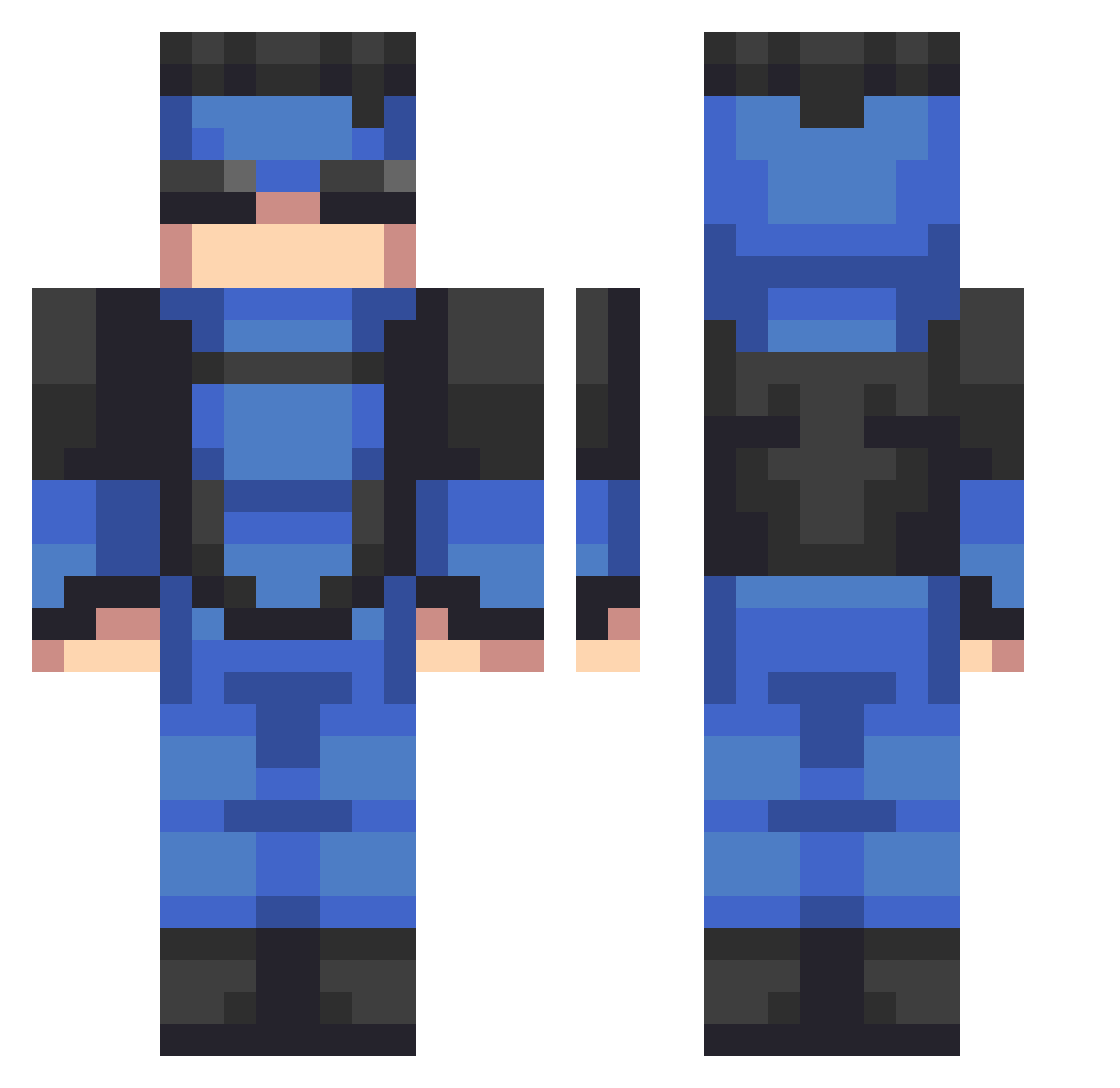
Current Minecraft skin of the player chachiafk, loaded from the official Mojang API. Rotate the 3D model with your mouse or finger, then download the skin as a PNG file and use it in Minecraft: Bedrock Edition or Java Edition for free. When chachiafk changes their skin, this page updates automatically and the old skin stays in the history below.
Other players with this skin (535)
chachiafk was the 255th player we have seen with this skin, first spotted on 12.09.2026. The same skin was seen on these players. Open a nickname to see their current skin and skin history.
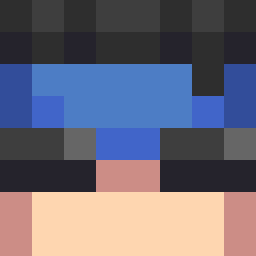 GavNAy_YT Dumaca SashaTheOne007 Alwxvnp witek2292 Yorssh EasyGamerLman Skrtii IAmRex78 xd_matt1330 Viscious_S AMSF2 YoWamoe ViperTTU JaredGaming2010 Moonlight090412 Tr0pical__ Megarod392 Avocii Korosainail InNiggethWePray RadioheadLuver85 Avat031 Kareo7310 ItsTheConcept NukeyW SpikedMoon33566 SanguiniusF DonJuanW pdzz7 InvincibleMC Tman_powerful26 The3 a_bean_boi JackMySadBoy sorenut djdude230703 ParadiseSmile f_link18 zleaxz LordDrqco 9L6 Wsuoz kolby060509 Sqwiibble TunaLovesU sxptix Boogie642 Cowrilla TheEpicLasagna Goodz00 Dasherr827 BRUHH266 tendressa rxjaron MrAkatsuBean21 statefarm8074 Sunyzn bidoof45 Papachriss
More Solid Snake Minecraft skins
How to install the chachiafk skin
- Press the Download button above to save the skin as a PNG file.
- Minecraft: Bedrock Edition (PE): open the Dressing Room from the main menu (or tap your character → Edit Character), go to Classic Skins → Owned, press the + (new skin) button, choose the downloaded PNG and pick the Classic (Steve) model. Works on PC and mobile; consoles cannot import custom skins.
- Minecraft: Java Edition: open the Minecraft Launcher, go to the Skins tab, click New Skin, load the PNG, pick the Classic (Steve) model and press Save & Use. You can also upload it at minecraft.net → Profile → Change Skin.
The skin does not show up after import - what should I do?
Restart Minecraft and open the Dressing Room again - imported skins sometimes appear only after a restart. Also make sure you selected the imported skin and picked the Classic (Steve) model.
Which model should I choose, Classic or Slim?
This skin is designed for the Classic (Steve) model. If you pick the wrong model, the arms of the skin will look stretched or squeezed.
Is the skin of chachiafk free to download?
Yes. Press Download, save the PNG file and use it in Minecraft: Bedrock Edition or Java Edition - no payment or registration needed. The skin also works on multiplayer servers and Realms.
More skins
Looking for more? Go back to all Minecraft skins and check the top skins of the week, month and all time, or find any player's skin by nickname.