
cey_0504 - Minecraft Skins & Skin History
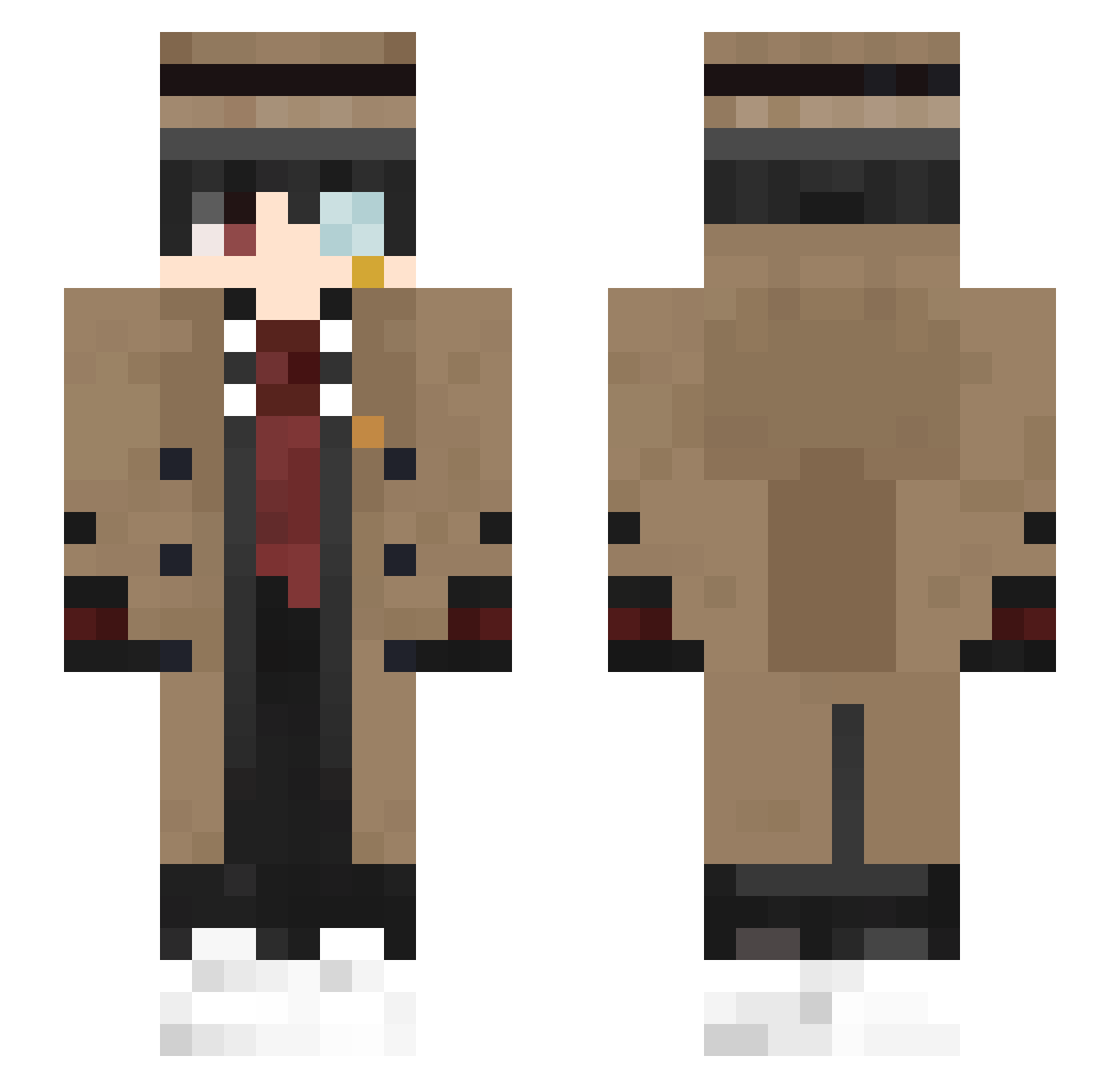
Current Minecraft skin of the player cey_0504, loaded from the official Mojang API. Rotate the 3D model with your mouse or finger, then download the skin as a PNG file and use it in Minecraft: Bedrock Edition or Java Edition for free. When cey_0504 changes their skin, this page updates automatically and the old skin stays in the history below.
Other players with this skin (363)
cey_0504 was the 43rd player we have seen with this skin, first spotted on 07.08.2026. The same skin was seen on these players. Open a nickname to see their current skin and skin history.
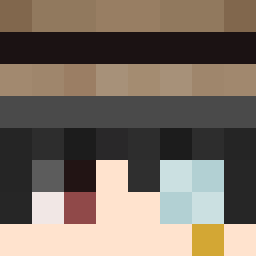 Maliss13 JHdragon8864 Lobo24MC President_H_999 Pooldead_ hyetson SSunmu Niclas9910 HoshikuzuQAQ Heldiq ImOpaks wonho6203 Artica3 Roselle_Gustav88 AcidZXC liansidio shepe_0 saramambiche99 DR3IK0 WuCg SIMKIL YellowFlow cskoo0101 Korzonsuzi Larissa3 Stefan_eu phieamoh YoskoKT FERCOX Vitricks MinecraftMania05 hypanty setMG Tink1kss Oksza_pl xianrz sazeron Epsilon_QAQ TiRu1007 sinns1007 Sparrosity DamperPamper peru0ver Franca_Edu StarrySky166
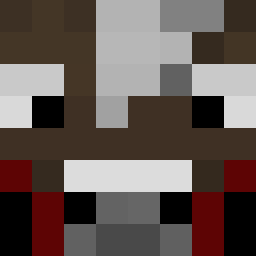 LulLil _Ruzo ManualZero50073 Mr__Boxs Ringo_XC CanCrowe debbub stoneking1 Veseeeee Sam121200 Farining dreampasr Jay_03w mix_agames underheart57
More Yugi Amane Minecraft skins
How to install the cey_0504 skin
- Press the Download button above to save the skin as a PNG file.
- Minecraft: Bedrock Edition (PE): open the Dressing Room from the main menu (or tap your character → Edit Character), go to Classic Skins → Owned, press the + (new skin) button, choose the downloaded PNG and pick the Slim (Alex) model. Works on PC and mobile; consoles cannot import custom skins.
- Minecraft: Java Edition: open the Minecraft Launcher, go to the Skins tab, click New Skin, load the PNG, pick the Slim (Alex) model and press Save & Use. You can also upload it at minecraft.net → Profile → Change Skin.
The skin does not show up after import - what should I do?
Restart Minecraft and open the Dressing Room again - imported skins sometimes appear only after a restart. Also make sure you selected the imported skin and picked the Slim (Alex) model.
Which model should I choose, Classic or Slim?
This skin is designed for the Slim (Alex) model. If you pick the wrong model, the arms of the skin will look stretched or squeezed.
Is the skin of cey_0504 free to download?
Yes. Press Download, save the PNG file and use it in Minecraft: Bedrock Edition or Java Edition - no payment or registration needed. The skin also works on multiplayer servers and Realms.
More skins
Looking for more? Go back to all Minecraft skins and check the top skins of the week, month and all time, or find any player's skin by nickname.