
catlover5592950 - Minecraft Skins & Skin History
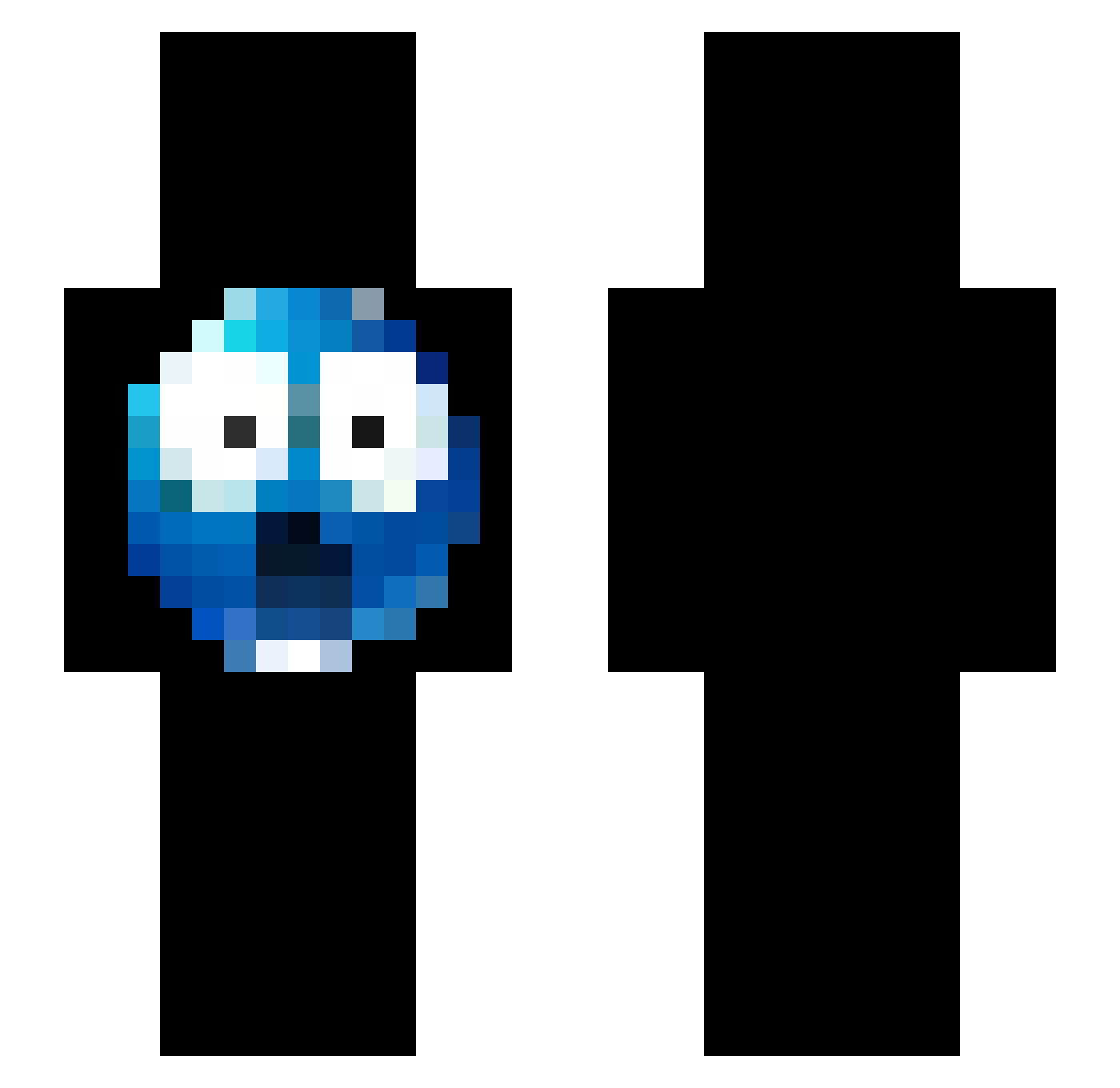
Current Minecraft skin of the player catlover5592950, loaded from the official Mojang API. Rotate the 3D model with your mouse or finger, then download the skin as a PNG file and use it in Minecraft: Bedrock Edition or Java Edition for free. When catlover5592950 changes their skin, this page updates automatically and the old skin stays in the history below.
Other players with this skin (280)
catlover5592950 was the 45th player we have seen with this skin, first spotted on 09.08.2026. The same skin was seen on these players. Open a nickname to see their current skin and skin history.
 MrMLP1321 xANN13
 knziss Breeze1912 YuthiNashram plasticstic ___fin SGremu zaradedasz yeppsh Masomeniardium DarnellIsBlack Misjonarz_ TimelapS1 zXunnie greeckze icechip101 Hydosu SadJester lloveminhamae APBOI nahhwu ensar2
 100_ cocohjs JacobTheMirage TheBIackMan69
 mazetown ddamilol HipsterGrandpa1 spartvn onLY857
 Bartek186666
 vitorkroeff lucsgaming 0rlexy 5c7 juehlz ilikedogs442
 Pippoo78 Mushy231 MrWiWi Jeranek flamingburgier69 Pedaleks7 ockyibrahim YavorP Ginekomaster Trdiego__ nightitle sskade Br3adcrumbzz LiveBroadcasting encinitascn4 poopman62 _sen67 William_br71 Secreto_ matchahter g10ck
How to install the catlover5592950 skin
- Press the Download button above to save the skin as a PNG file.
- Minecraft: Bedrock Edition (PE): open the Dressing Room from the main menu (or tap your character → Edit Character), go to Classic Skins → Owned, press the + (new skin) button, choose the downloaded PNG and pick the Slim (Alex) model. Works on PC and mobile; consoles cannot import custom skins.
- Minecraft: Java Edition: open the Minecraft Launcher, go to the Skins tab, click New Skin, load the PNG, pick the Slim (Alex) model and press Save & Use. You can also upload it at minecraft.net → Profile → Change Skin.
The skin does not show up after import - what should I do?
Restart Minecraft and open the Dressing Room again - imported skins sometimes appear only after a restart. Also make sure you selected the imported skin and picked the Slim (Alex) model.
Which model should I choose, Classic or Slim?
This skin is designed for the Slim (Alex) model. If you pick the wrong model, the arms of the skin will look stretched or squeezed.
Is the skin of catlover5592950 free to download?
Yes. Press Download, save the PNG file and use it in Minecraft: Bedrock Edition or Java Edition - no payment or registration needed. The skin also works on multiplayer servers and Realms.
More skins
Looking for more? Go back to all Minecraft skins and check the top skins of the week, month and all time, or find any player's skin by nickname.