
caster0116 - Minecraft Skins & Skin History
Current Minecraft skin of the player caster0116, loaded from the official Mojang API. Rotate the 3D model with your mouse or finger, then download the skin as a PNG file and use it in Minecraft: Bedrock Edition or Java Edition for free. When caster0116 changes their skin, this page updates automatically and the old skin stays in the history below.
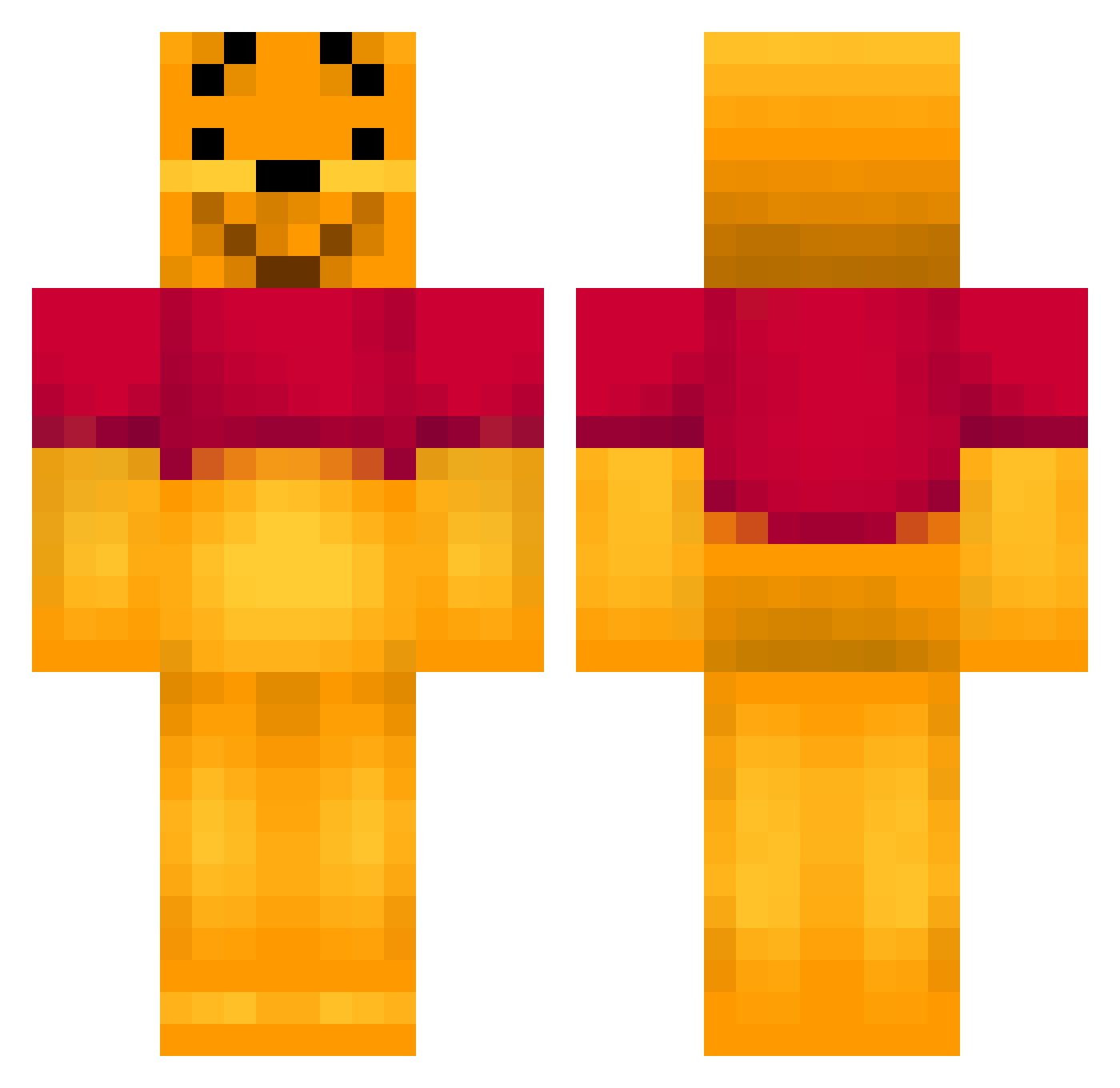
Other players with this skin (474)
caster0116 was the 449th player we have seen with this skin, first spotted on 13.11.2026. The same skin was seen on these players. Open a nickname to see their current skin and skin history.
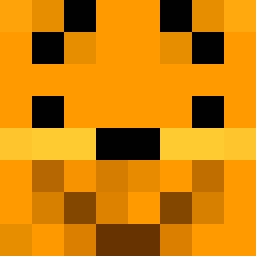 Chefio8 Lozzy02 Desculpe Mu11e Bat_fastard ButtMunch6969 Ronja2802 HerMooness xX_Jensdex_Xx RicePranks maggiepark nicolais2001 nuts8889 Epic_Guy2001 Whisper92 tillan03 sclu C_H_Bina jingood15 WealthyAsian edvard1997 RetroKey Samzi11a OllyTheBest The_floco123 Roti Donuts136 marcosss3 Bearstone maksnak StendhalGames houki1335 GroBerDogue laffustotalus danzboy_1234 BethanyAnne10 Taz282 sirlancelotte DoctorPoooh Saradras 79Potatoes pipemajor111 3xTreMe1 chip_kelly11 sedery Malvinconverse vmvulz superboo01 kenobenza Nacho5226 Pooh_Bear79 jack_is_wack Happy_Dragneel Chri475r Elli777 schwedenpower10 chelsprime leteddybear numelike JohnCraft4242
More Winnie The Pooh Minecraft skins
See all 378 Winnie The Pooh skins
How to install the caster0116 skin
- Press the Download button above to save the skin as a PNG file.
- Minecraft: Bedrock Edition (PE): open the Dressing Room from the main menu (or tap your character → Edit Character), go to Classic Skins → Owned, press the + (new skin) button, choose the downloaded PNG and pick the Classic (Steve) model. Works on PC and mobile; consoles cannot import custom skins.
- Minecraft: Java Edition: open the Minecraft Launcher, go to the Skins tab, click New Skin, load the PNG, pick the Classic (Steve) model and press Save & Use. You can also upload it at minecraft.net → Profile → Change Skin.
The skin does not show up after import - what should I do?
Restart Minecraft and open the Dressing Room again - imported skins sometimes appear only after a restart. Also make sure you selected the imported skin and picked the Classic (Steve) model.
Which model should I choose, Classic or Slim?
This skin is designed for the Classic (Steve) model. If you pick the wrong model, the arms of the skin will look stretched or squeezed.
Is the skin of caster0116 free to download?
Yes. Press Download, save the PNG file and use it in Minecraft: Bedrock Edition or Java Edition - no payment or registration needed. The skin also works on multiplayer servers and Realms.
More skins
Looking for more? Go back to all Minecraft skins and check the top skins of the week, month and all time, or find any player's skin by nickname.