
camopotter - Minecraft Skins & Skin History
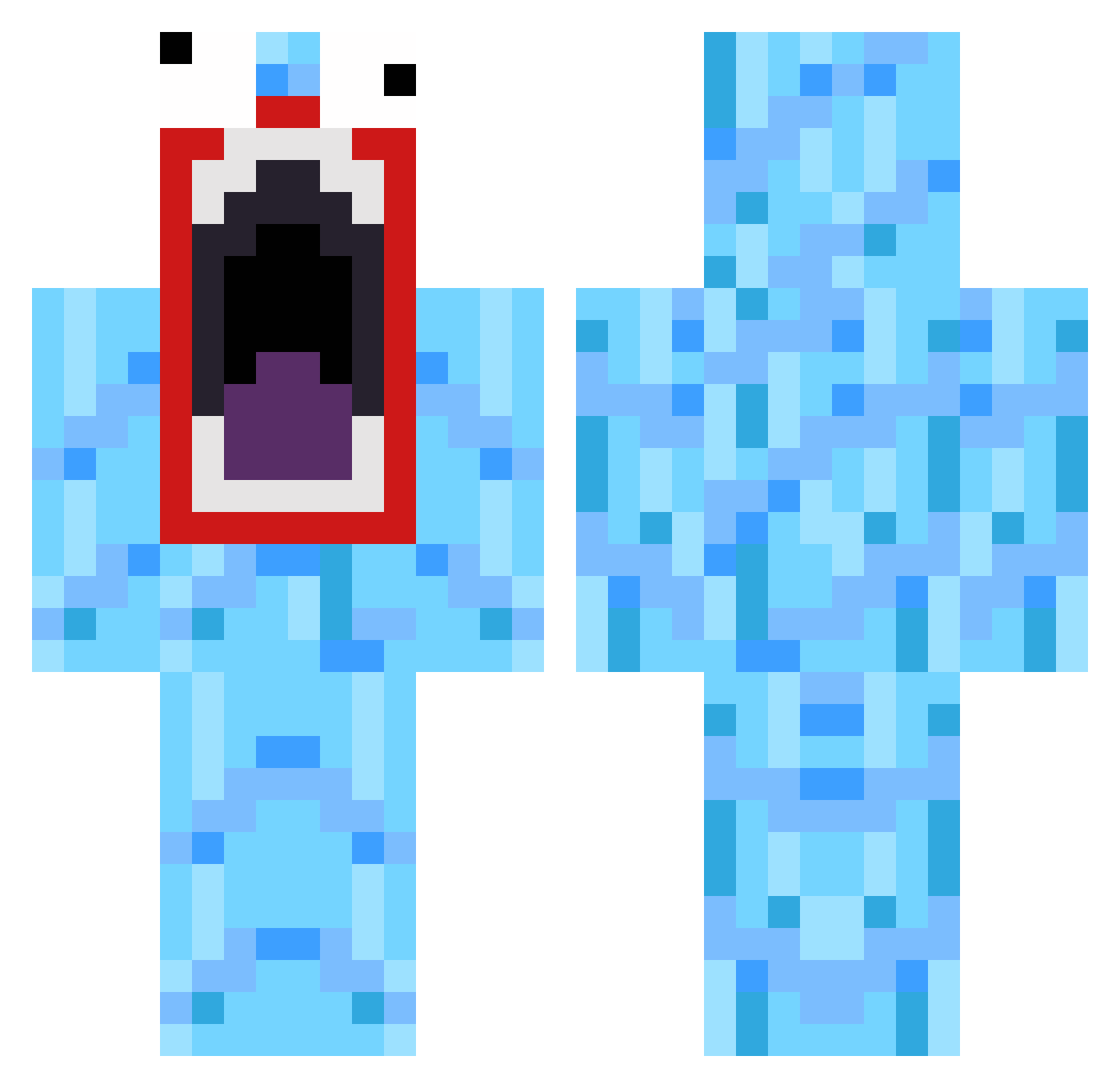
Current Minecraft skin of the player camopotter, loaded from the official Mojang API. Rotate the 3D model with your mouse or finger, then download the skin as a PNG file and use it in Minecraft: Bedrock Edition or Java Edition for free. When camopotter changes their skin, this page updates automatically and the old skin stays in the history below.
Other players with this skin (519)
camopotter was the 418th player we have seen with this skin, first spotted on 25.10.2026. The same skin was seen on these players. Open a nickname to see their current skin and skin history.
 picxou Vvardenfel ToastbrotMaker HommeAJE lizisapanda Stickyfeet48 MightyMeaty1 abbo92 Ludde_kudde_01 rawrsugar questsword DoggyHardStyle Guellermoblanco KWIMZ pom4ik farrelll1005 TheGruesomeGamer Nachoman_0510 YoRonaldo SikCatzLikeMe Weesko Lb3111 shaggy69a1 danthecannibal mv1234 Resc BigTinRobot Seeker12364 Pierce0408 Jookerx3 MinecrafterHenry deslank LaLucky fracture7 Dravidex StonesGames123 STOOOOFIN Zxyeq Novations parkerlynne ForsakenDookie Team_Paulo Airbus_a380 BankOfTheWest GODDAM84 jeppsus Goarmy3 Ryuuga83 Jacob1590 grey0895 JibbiJabbi whitepanda30 jpoeadoro Jeff_Sprinkle Sisco_Kid _MrLahey_ KYTAN ben19486 Stefan_crazy Haldooh
How to install the camopotter skin
- Press the Download button above to save the skin as a PNG file.
- Minecraft: Bedrock Edition (PE): open the Dressing Room from the main menu (or tap your character → Edit Character), go to Classic Skins → Owned, press the + (new skin) button, choose the downloaded PNG and pick the Classic (Steve) model. Works on PC and mobile; consoles cannot import custom skins.
- Minecraft: Java Edition: open the Minecraft Launcher, go to the Skins tab, click New Skin, load the PNG, pick the Classic (Steve) model and press Save & Use. You can also upload it at minecraft.net → Profile → Change Skin.
The skin does not show up after import - what should I do?
Restart Minecraft and open the Dressing Room again - imported skins sometimes appear only after a restart. Also make sure you selected the imported skin and picked the Classic (Steve) model.
Which model should I choose, Classic or Slim?
This skin is designed for the Classic (Steve) model. If you pick the wrong model, the arms of the skin will look stretched or squeezed.
Is the skin of camopotter free to download?
Yes. Press Download, save the PNG file and use it in Minecraft: Bedrock Edition or Java Edition - no payment or registration needed. The skin also works on multiplayer servers and Realms.
More skins
Looking for more? Go back to all Minecraft skins and check the top skins of the week, month and all time, or find any player's skin by nickname.