
cal_thedragon - Minecraft Skins & Skin History
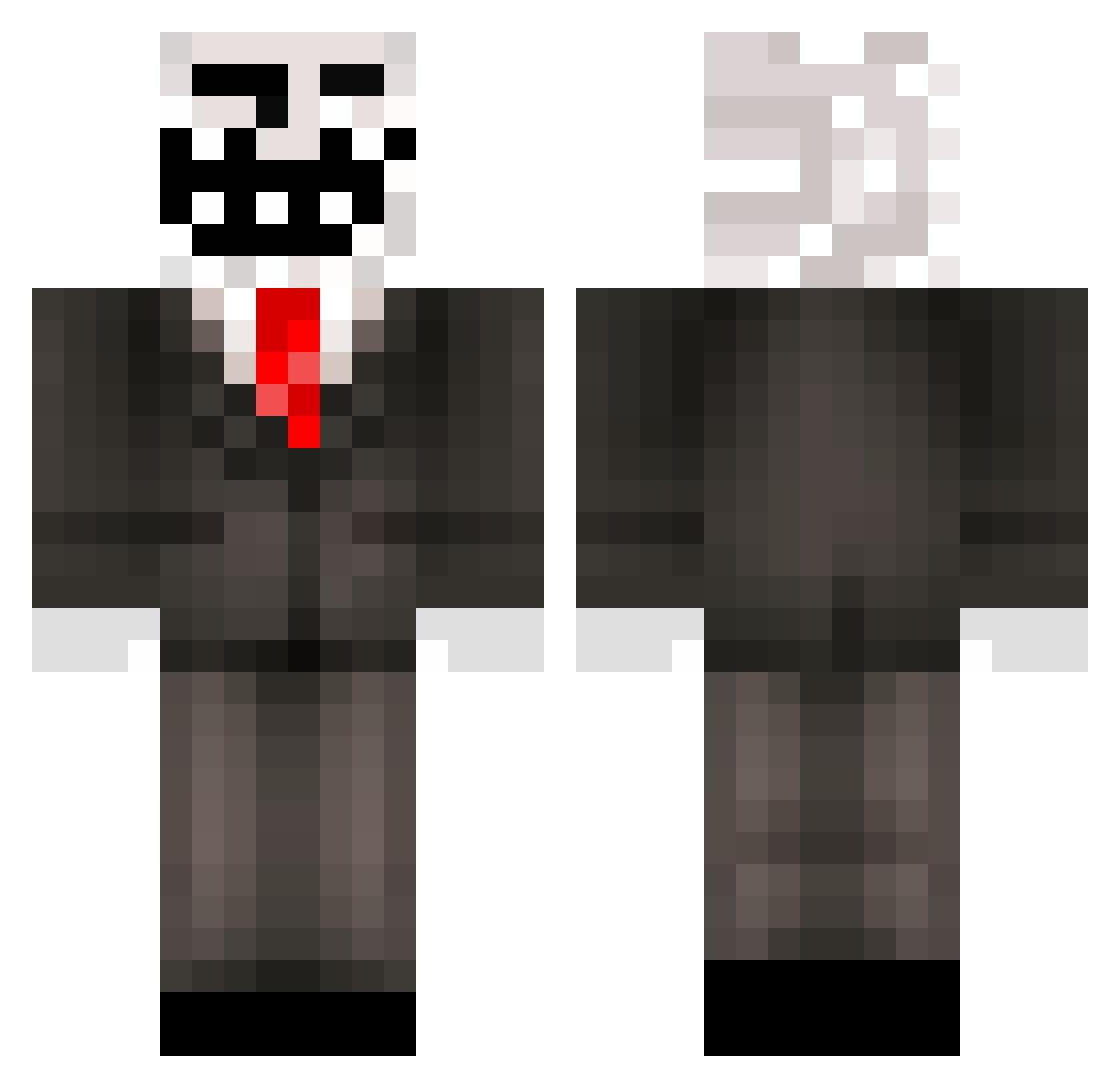
Current Minecraft skin of the player cal_thedragon, loaded from the official Mojang API. Rotate the 3D model with your mouse or finger, then download the skin as a PNG file and use it in Minecraft: Bedrock Edition or Java Edition for free. When cal_thedragon changes their skin, this page updates automatically and the old skin stays in the history below.
Other players with this skin (499)
cal_thedragon was the 452nd player we have seen with this skin, first spotted on 03.11.2026. The same skin was seen on these players. Open a nickname to see their current skin and skin history.
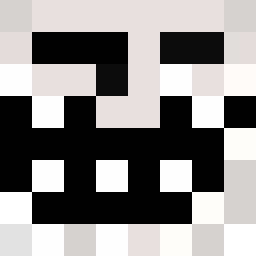 ChickenNiggo LordOfPigs420 __Melby__ statitopia jurajgv ByRastyPvP WWWIIINNNN zCadence SnitelZen 8_hikki_8 ggezfatneek Mxrtxn03 BicMac420 Deadly_kk NoggaOfChonks DeCipher1212 Captainsquid12 2013MineconCape Fabsterek mrtoast2090 GOEdits53 AlwaysTrolling TitanF1sh Iceray956 CorneliusConCon BrziTarmi zrk3n_ BaskingBall12 BeachFloppa MCsplashMC Top1___Alpha elLentes goodwitch localgoblin4198 ZaynMalik04 Lurkinger FraxSSR FukUNerd AnthonyDaGod EnoD1 Sir_Chud 666fabio russiangabe zCavaleiro2 grifierpopbob cbcobo xSlic_ sg256 blops3 JamJonVG ElxuYT iLovePepsi09 muhammed321 bxxwd AmayasW bezlitosny97pl I_kotik_I TheBelgianTich RoidMonster14 Andrew231
More Trollface Minecraft skins
How to install the cal_thedragon skin
- Press the Download button above to save the skin as a PNG file.
- Minecraft: Bedrock Edition (PE): open the Dressing Room from the main menu (or tap your character → Edit Character), go to Classic Skins → Owned, press the + (new skin) button, choose the downloaded PNG and pick the Classic (Steve) model. Works on PC and mobile; consoles cannot import custom skins.
- Minecraft: Java Edition: open the Minecraft Launcher, go to the Skins tab, click New Skin, load the PNG, pick the Classic (Steve) model and press Save & Use. You can also upload it at minecraft.net → Profile → Change Skin.
The skin does not show up after import - what should I do?
Restart Minecraft and open the Dressing Room again - imported skins sometimes appear only after a restart. Also make sure you selected the imported skin and picked the Classic (Steve) model.
Which model should I choose, Classic or Slim?
This skin is designed for the Classic (Steve) model. If you pick the wrong model, the arms of the skin will look stretched or squeezed.
Is the skin of cal_thedragon free to download?
Yes. Press Download, save the PNG file and use it in Minecraft: Bedrock Edition or Java Edition - no payment or registration needed. The skin also works on multiplayer servers and Realms.
More skins
Looking for more? Go back to all Minecraft skins and check the top skins of the week, month and all time, or find any player's skin by nickname.