
cadervader12 - Minecraft Skins & Skin History
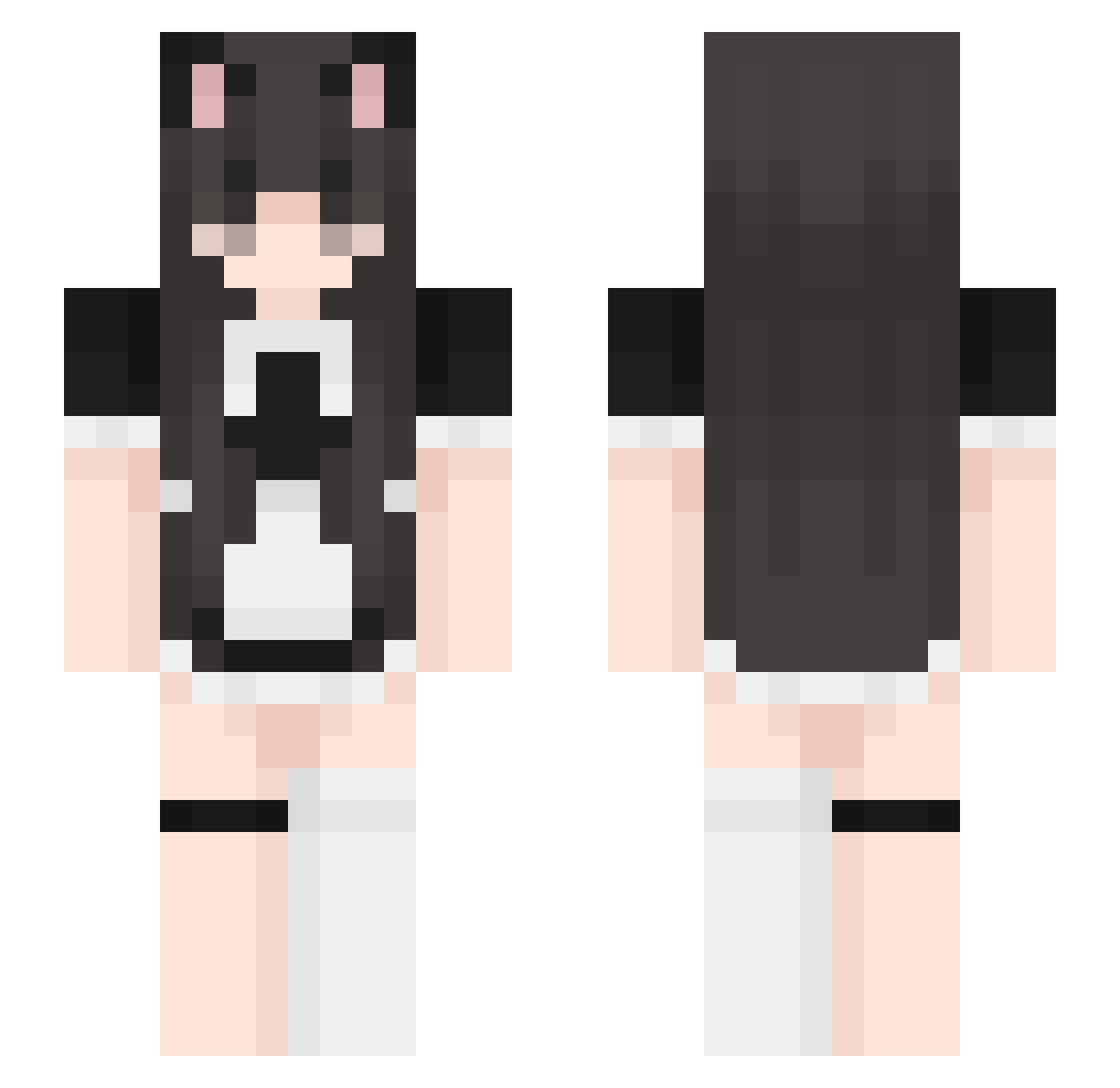
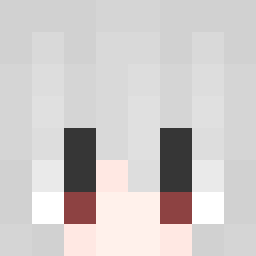
Current Minecraft skin of the player cadervader12, loaded from the official Mojang API. Rotate the 3D model with your mouse or finger, then download the skin as a PNG file and use it in Minecraft: Bedrock Edition or Java Edition for free. When cadervader12 changes their skin, this page updates automatically and the old skin stays in the history below.
Other players with this skin (442)
cadervader12 was the 123rd player we have seen with this skin, first spotted on 27.08.2026. The same skin was seen on these players. Open a nickname to see their current skin and skin history.
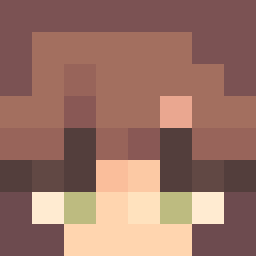 notMandM
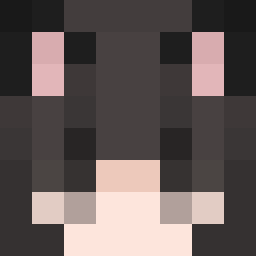 Thomasthema MimiGaming77 AnsonIsWeird Ashtiin hotaruinui Elmosius An0me1 wuchunxue babybexuwu Awshiee Arlokiel Blockmann2K Danian_435 meepyshmeepy pineappletest paranoodlefalls
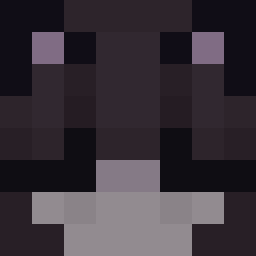 yofievt 548841 ZitriK0 dreamepiphany b0ng3r SAltygourds catboyqt Lynniechu JahairaMarcos kazutw RonanBry articwnd pachucysia nerdkittysg miyunity TheNopeAccos KSJ_min85 Foxxi_Love f1shytwin kimsunjester18 khlpo JUST_A_WALK c0410 betheroni EmmatheDork CutiePieK Romannaa migatoll wintrbear llkarox3ll yuras1a AprilApri ill_lil_li ShadyMC
 dcspacito Banaries LizardNeko nqpz CrazyUsagii Wei_07 Darusia_ Maskerade Andyzardd
More Maid Minecraft skins
How to install the cadervader12 skin
- Press the Download button above to save the skin as a PNG file.
- Minecraft: Bedrock Edition (PE): open the Dressing Room from the main menu (or tap your character → Edit Character), go to Classic Skins → Owned, press the + (new skin) button, choose the downloaded PNG and pick the Slim (Alex) model. Works on PC and mobile; consoles cannot import custom skins.
- Minecraft: Java Edition: open the Minecraft Launcher, go to the Skins tab, click New Skin, load the PNG, pick the Slim (Alex) model and press Save & Use. You can also upload it at minecraft.net → Profile → Change Skin.
The skin does not show up after import - what should I do?
Restart Minecraft and open the Dressing Room again - imported skins sometimes appear only after a restart. Also make sure you selected the imported skin and picked the Slim (Alex) model.
Which model should I choose, Classic or Slim?
This skin is designed for the Slim (Alex) model. If you pick the wrong model, the arms of the skin will look stretched or squeezed.
Is the skin of cadervader12 free to download?
Yes. Press Download, save the PNG file and use it in Minecraft: Bedrock Edition or Java Edition - no payment or registration needed. The skin also works on multiplayer servers and Realms.
More skins
Looking for more? Go back to all Minecraft skins and check the top skins of the week, month and all time, or find any player's skin by nickname.