
butterlord117 - Minecraft Skins & Skin History
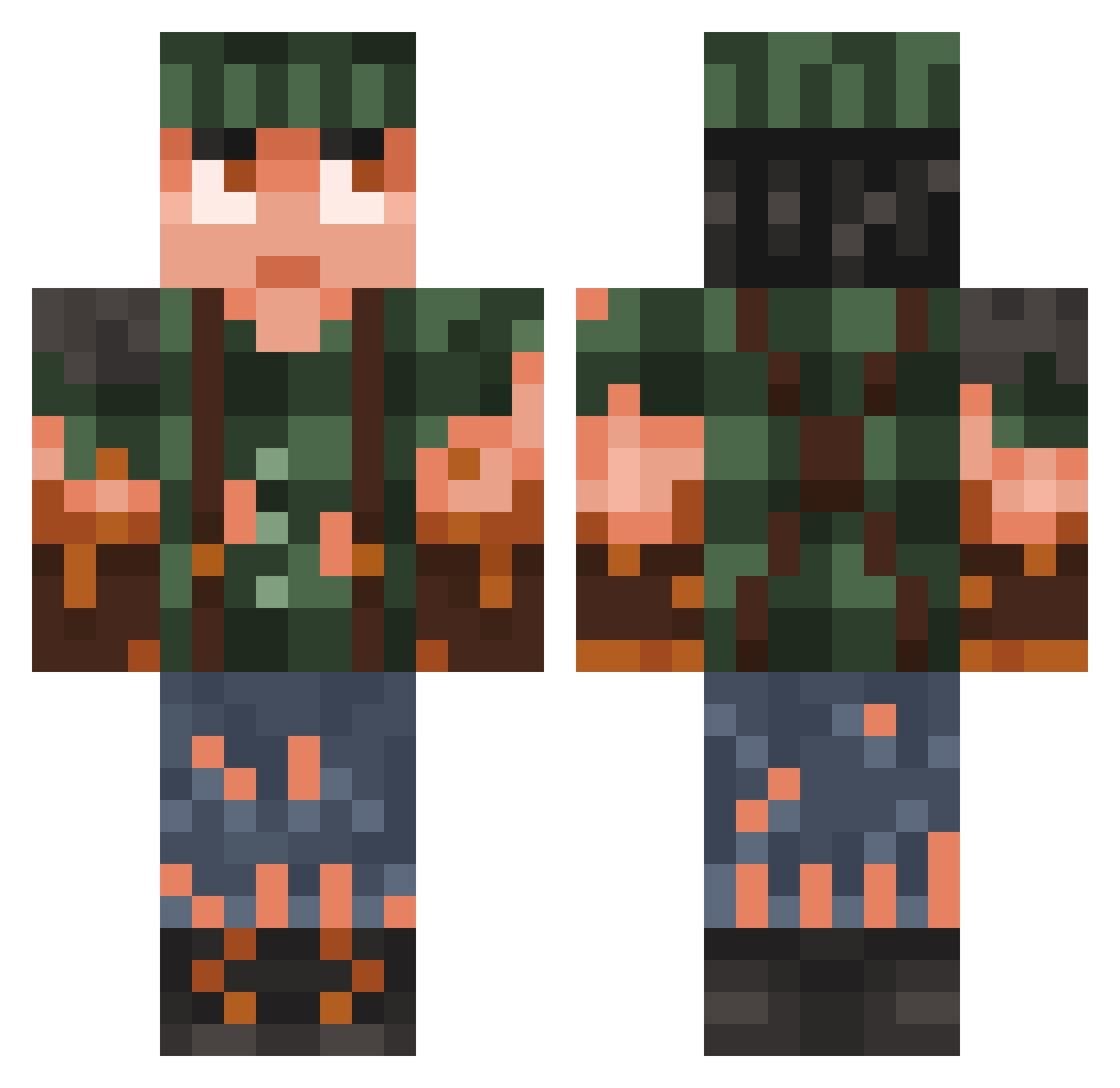
Current Minecraft skin of the player butterlord117, loaded from the official Mojang API. Rotate the 3D model with your mouse or finger, then download the skin as a PNG file and use it in Minecraft: Bedrock Edition or Java Edition for free. When butterlord117 changes their skin, this page updates automatically and the old skin stays in the history below.
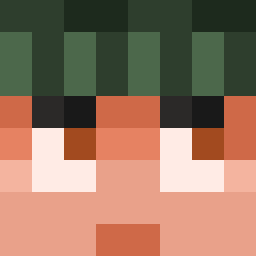
Other players with this skin (782)
butterlord117 was the 174th player we have seen with this skin, first spotted on 17.08.2026. The same skin was seen on these players. Open a nickname to see their current skin and skin history.
 SchwertKek JJWH10 moockwald KalterHotDog plyght_ Lukkain Pickle427 ImBakedCheech FlyForce22 duderastah ROBIN0106 _67_JuLkA_67_ Officialhs35 BOSSYY1 bb314 LiLAppleBloom Aria122012 WrigglyCafe1304 Kevin_802euEE Jamy18
 Coopar13 MathysTheGoat DreadIV WAR2016 exefolks RacingLegend01 kai1270 philectric lihtson saerdna02 Radioactive_Rain blocky_198 MISTERPANTER tourre123856 DriiiZzz Fabii_11 Andriy_ GPmR Dugica YOKYarg xOiwiOx AnotherMember Cou51n Bomboclatious Qesul18 Simsen87 IFeelYouBro Devine360 Bad_Biscuit_ Minnnyme Fredoguy615 Halbtagsspieler Foster_2204 KyungS0028 ZaiGor1 Nicau90 Dewolfus XxUnderdogxX25 Lukiluke312 soviet56
More Survivor Minecraft skins
How to install the butterlord117 skin
- Press the Download button above to save the skin as a PNG file.
- Minecraft: Bedrock Edition (PE): open the Dressing Room from the main menu (or tap your character → Edit Character), go to Classic Skins → Owned, press the + (new skin) button, choose the downloaded PNG and pick the Classic (Steve) model. Works on PC and mobile; consoles cannot import custom skins.
- Minecraft: Java Edition: open the Minecraft Launcher, go to the Skins tab, click New Skin, load the PNG, pick the Classic (Steve) model and press Save & Use. You can also upload it at minecraft.net → Profile → Change Skin.
The skin does not show up after import - what should I do?
Restart Minecraft and open the Dressing Room again - imported skins sometimes appear only after a restart. Also make sure you selected the imported skin and picked the Classic (Steve) model.
Which model should I choose, Classic or Slim?
This skin is designed for the Classic (Steve) model. If you pick the wrong model, the arms of the skin will look stretched or squeezed.
Is the skin of butterlord117 free to download?
Yes. Press Download, save the PNG file and use it in Minecraft: Bedrock Edition or Java Edition - no payment or registration needed. The skin also works on multiplayer servers and Realms.
More skins
Looking for more? Go back to all Minecraft skins and check the top skins of the week, month and all time, or find any player's skin by nickname.