
buffalo2 - Minecraft Skins & Skin History
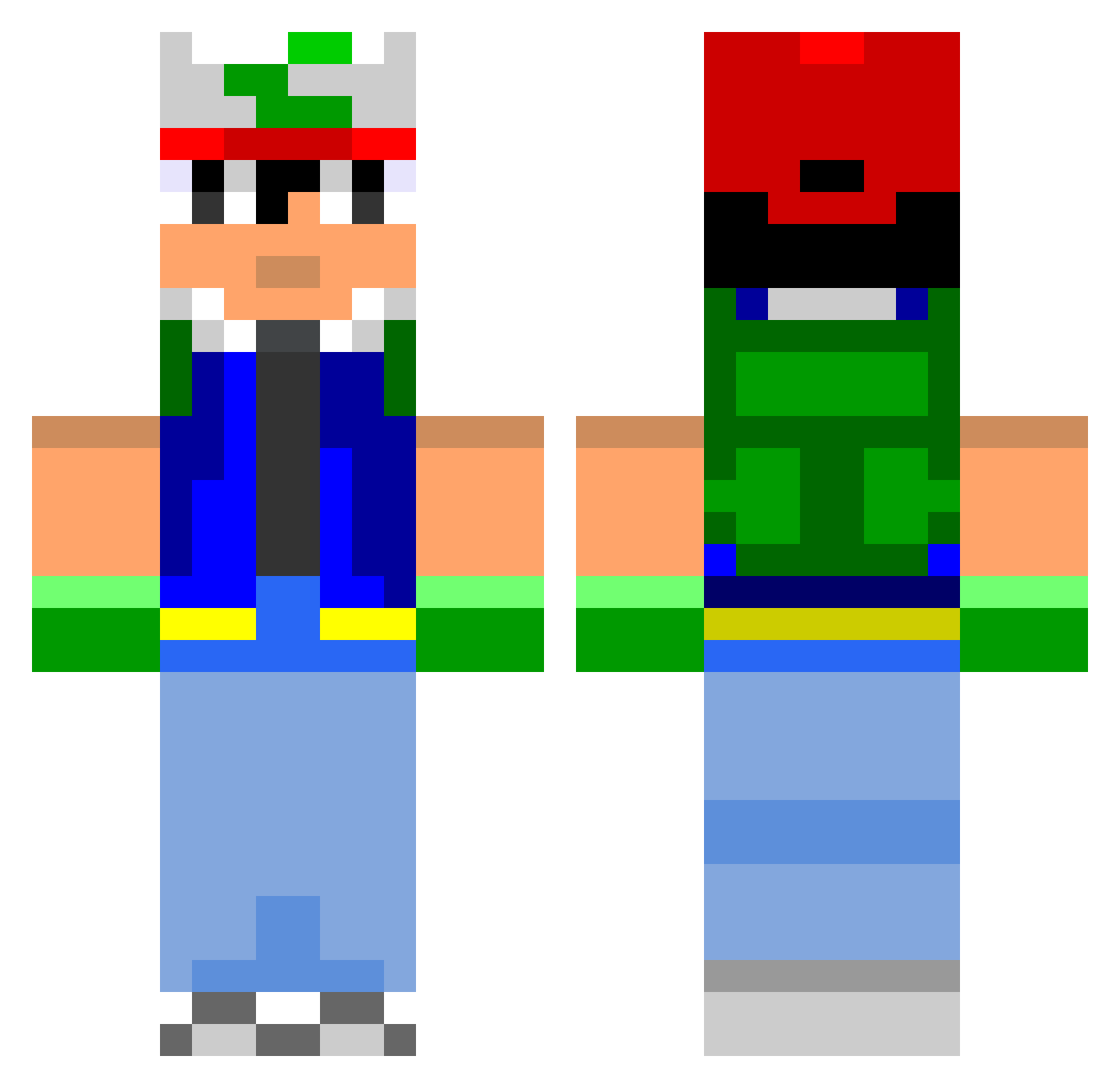
Current Minecraft skin of the player buffalo2, loaded from the official Mojang API. Rotate the 3D model with your mouse or finger, then download the skin as a PNG file and use it in Minecraft: Bedrock Edition or Java Edition for free. When buffalo2 changes their skin, this page updates automatically and the old skin stays in the history below.
Other players with this skin (800)
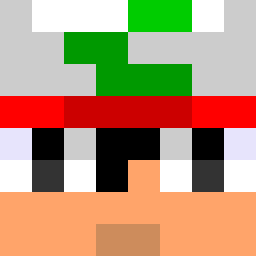
buffalo2 was the 287th player we have seen with this skin, first spotted on 06.09.2026. The same skin was seen on these players. Open a nickname to see their current skin and skin history.
 bleh1993 jetp SuperLazy420 Zaarf gertalmon Crawford2000 iiactionzii juicecraft TitoOliveira Noobwon surg2 Kwertis AndyAbarth PokemonPhenom Joehs unique_mob Terligz TheRamen21 felixl66 BDC_OTP nyelZzz Brokemon117 Martumal Rizzlanl MrBanana123 Chas__Chan mojojojosef CodyM789 orus6 mmmm7289 pawl__ steven1413 fireball1x jcrumbs trippenballz527 pisseur noto1998 AKowalske Turtle_Beast GasmasqMusic SGTPozy FireAce1507 XDAwesome Xochiquetzal777 system67520 JimiSteel Zexion5 Radbromance KingOfGames captainshoveller pighair47 Zorocey Calpods Simti77 mascen Corakz bgs1223 ILLTREATMENT Joojan phatticarlson
More Ash Ketchum Minecraft skins
How to install the buffalo2 skin
- Press the Download button above to save the skin as a PNG file.
- Minecraft: Bedrock Edition (PE): open the Dressing Room from the main menu (or tap your character → Edit Character), go to Classic Skins → Owned, press the + (new skin) button, choose the downloaded PNG and pick the Classic (Steve) model. Works on PC and mobile; consoles cannot import custom skins.
- Minecraft: Java Edition: open the Minecraft Launcher, go to the Skins tab, click New Skin, load the PNG, pick the Classic (Steve) model and press Save & Use. You can also upload it at minecraft.net → Profile → Change Skin.
The skin does not show up after import - what should I do?
Restart Minecraft and open the Dressing Room again - imported skins sometimes appear only after a restart. Also make sure you selected the imported skin and picked the Classic (Steve) model.
Which model should I choose, Classic or Slim?
This skin is designed for the Classic (Steve) model. If you pick the wrong model, the arms of the skin will look stretched or squeezed.
Is the skin of buffalo2 free to download?
Yes. Press Download, save the PNG file and use it in Minecraft: Bedrock Edition or Java Edition - no payment or registration needed. The skin also works on multiplayer servers and Realms.
More skins
Looking for more? Go back to all Minecraft skins and check the top skins of the week, month and all time, or find any player's skin by nickname.