
bossaja - Minecraft Skins & Skin History
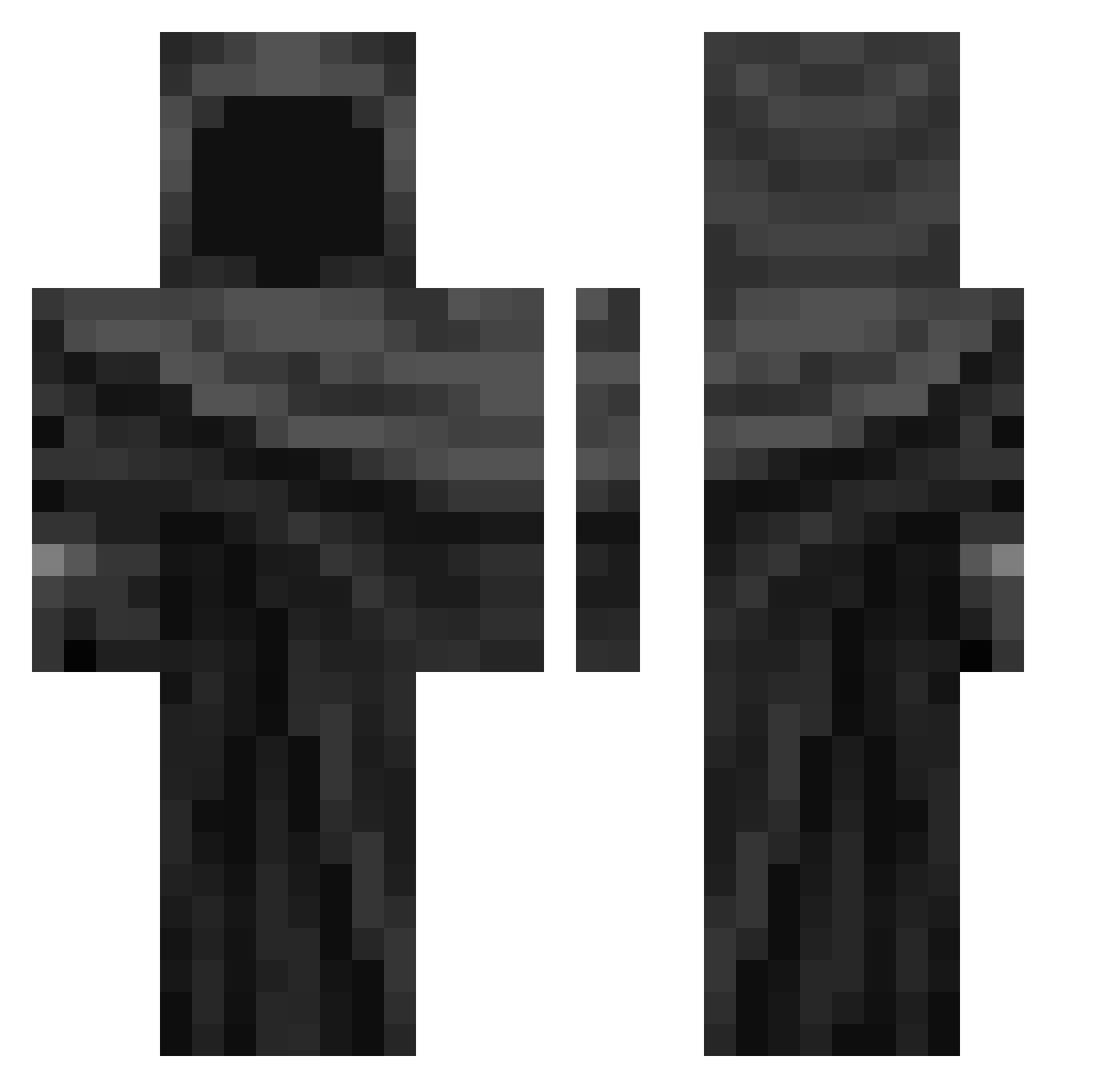
Current Minecraft skin of the player bossaja, loaded from the official Mojang API. Rotate the 3D model with your mouse or finger, then download the skin as a PNG file and use it in Minecraft: Bedrock Edition or Java Edition for free. When bossaja changes their skin, this page updates automatically and the old skin stays in the history below.
Other players with this skin (343)
bossaja was the 67th player we have seen with this skin, first spotted on 11.08.2026. The same skin was seen on these players. Open a nickname to see their current skin and skin history.
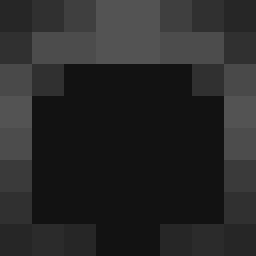 Sergeant_Serg EASYv3 Danielpro8935 Gas3243
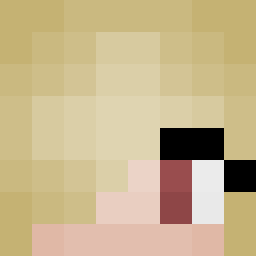 ob3cura Voxey GorzenTR iDanny_23 ZzzOrion Banshuo Josbell Jlc1210
 Lezabe brailyn45 Paross_ beaucrr ferx2010 resxntful cheese_ball12343 Dardug Time_Keeper23 skelly628 eboh luciano079 Sozact Festikk_ Rainkiumteo MikeHates Cuis777
 acneonmyskin 77Wish
 Farunervous SECNOT_ TheKaisuis69 barcik009 Loadinqq
 2saucy cattlefarm SONBBANG Darkspark21 Qcskilll inxborn BananafeA aalw d0brzynxv Anxtc LeDiis BigStomps Dodger07 azyzamine3bma moglicrncuga vverevvolff NewSportz uvedenrode ilovedragonball1 Cheerios1491 DownGato BigZootBoss ERAKurumi negraosz
More Cloak Minecraft skins
How to install the bossaja skin
- Press the Download button above to save the skin as a PNG file.
- Minecraft: Bedrock Edition (PE): open the Dressing Room from the main menu (or tap your character → Edit Character), go to Classic Skins → Owned, press the + (new skin) button, choose the downloaded PNG and pick the Classic (Steve) model. Works on PC and mobile; consoles cannot import custom skins.
- Minecraft: Java Edition: open the Minecraft Launcher, go to the Skins tab, click New Skin, load the PNG, pick the Classic (Steve) model and press Save & Use. You can also upload it at minecraft.net → Profile → Change Skin.
The skin does not show up after import - what should I do?
Restart Minecraft and open the Dressing Room again - imported skins sometimes appear only after a restart. Also make sure you selected the imported skin and picked the Classic (Steve) model.
Which model should I choose, Classic or Slim?
This skin is designed for the Classic (Steve) model. If you pick the wrong model, the arms of the skin will look stretched or squeezed.
Is the skin of bossaja free to download?
Yes. Press Download, save the PNG file and use it in Minecraft: Bedrock Edition or Java Edition - no payment or registration needed. The skin also works on multiplayer servers and Realms.
More skins
Looking for more? Go back to all Minecraft skins and check the top skins of the week, month and all time, or find any player's skin by nickname.