
boomboxman - Minecraft Skins & Skin History
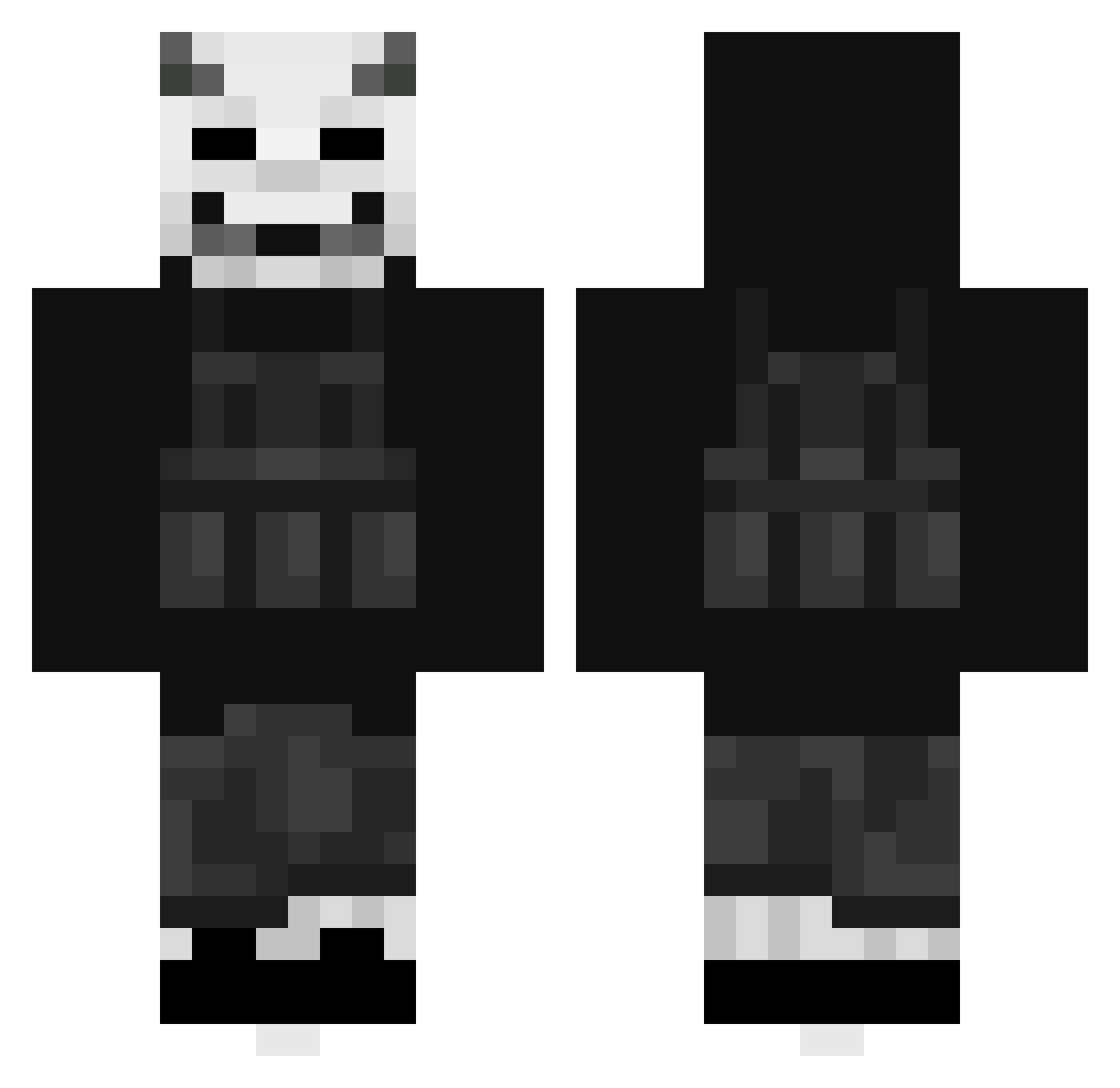
Current Minecraft skin of the player boomboxman, loaded from the official Mojang API. Rotate the 3D model with your mouse or finger, then download the skin as a PNG file and use it in Minecraft: Bedrock Edition or Java Edition for free. When boomboxman changes their skin, this page updates automatically and the old skin stays in the history below.
Other players with this skin (404)
boomboxman was the 64th player we have seen with this skin, first spotted on 09.08.2026. The same skin was seen on these players. Open a nickname to see their current skin and skin history.
 trojanfireandice DeathlyDucky SykoSocial HyEnnA_ RazzifiV3 St1ngers_ ffelix555 Wizzikins DragosDDM Danix288 Desuki69 Shakaboo shadowkid1_1 gapingstar NetherCZ HydroTempest KaseIsGut ARedHotDog xiim Cap_Quack1218 logi653 Bloodex999 gg_yodo
 UnRaiding Kojee53 CommodoreHappy ggwp881 Teshix savonair TheNamesAims GuiR09 cQTetsu llHusll Zukatoto GSHWOLF OfficialArez SkraaXx Nekozillus GShpot lazarko2006 zYummers Hectorskrrrt Aawg NikolasGames145 propivipi Undesimo
 ModernPond11 VoidShiro672 SirEnterich LilBain04 zUnknown_ Efrox_35 LilVro720 Matumartinez OpaKampfGurke i_have_drip DylanVox ComfyBH mostlyghostly43 abbepil
More Demon Mask Minecraft skins
How to install the boomboxman skin
- Press the Download button above to save the skin as a PNG file.
- Minecraft: Bedrock Edition (PE): open the Dressing Room from the main menu (or tap your character → Edit Character), go to Classic Skins → Owned, press the + (new skin) button, choose the downloaded PNG and pick the Classic (Steve) model. Works on PC and mobile; consoles cannot import custom skins.
- Minecraft: Java Edition: open the Minecraft Launcher, go to the Skins tab, click New Skin, load the PNG, pick the Classic (Steve) model and press Save & Use. You can also upload it at minecraft.net → Profile → Change Skin.
The skin does not show up after import - what should I do?
Restart Minecraft and open the Dressing Room again - imported skins sometimes appear only after a restart. Also make sure you selected the imported skin and picked the Classic (Steve) model.
Which model should I choose, Classic or Slim?
This skin is designed for the Classic (Steve) model. If you pick the wrong model, the arms of the skin will look stretched or squeezed.
Is the skin of boomboxman free to download?
Yes. Press Download, save the PNG file and use it in Minecraft: Bedrock Edition or Java Edition - no payment or registration needed. The skin also works on multiplayer servers and Realms.
More skins
Looking for more? Go back to all Minecraft skins and check the top skins of the week, month and all time, or find any player's skin by nickname.