
bobthebuilder150 - Minecraft Skins & Skin History
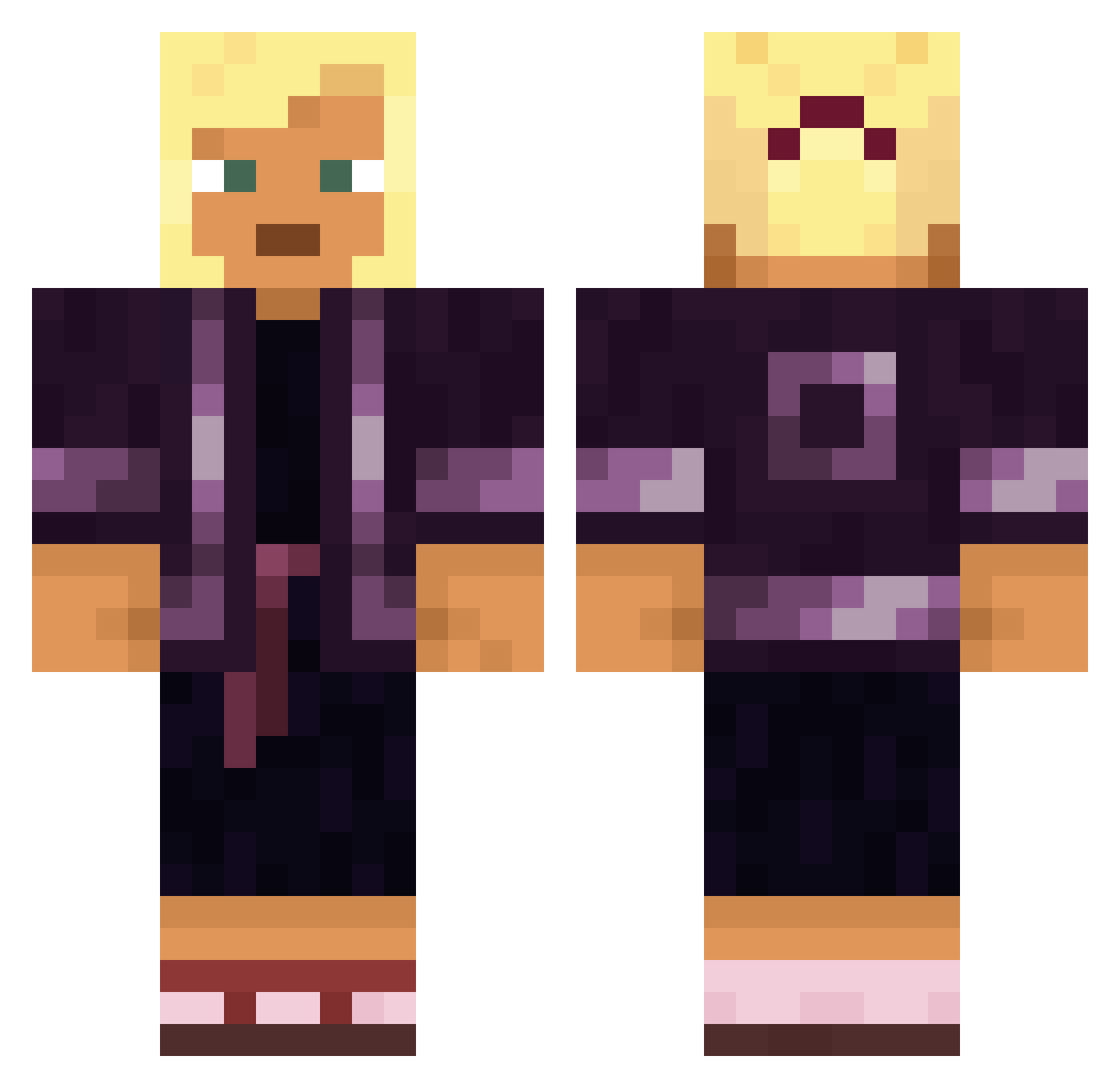
Current Minecraft skin of the player bobthebuilder150, loaded from the official Mojang API. Rotate the 3D model with your mouse or finger, then download the skin as a PNG file and use it in Minecraft: Bedrock Edition or Java Edition for free. When bobthebuilder150 changes their skin, this page updates automatically and the old skin stays in the history below.
Other players with this skin (1568)
bobthebuilder150 was the 798th player we have seen with this skin, first spotted on 21.09.2026. The same skin was seen on these players. Open a nickname to see their current skin and skin history.
 SjonnieDerpson biordixx Alternativeness Ivancho081 Landor2811 N3kkerii67 mona0218 Afronimri isostacy MathPlays_ CONKING Remobilized JamaicaJane ImKuroh Nayty Filienka TiXqtan Laimus swagbrosyt Sears HoanganhVN Almeisan nomenclate InconvenientYeti Vincenzo15062024 Husan_Hashmudi retrovision Fabienne748 Immunochemistry universitas Battalion XRP_needs_to_die Dreyc ZhurB Deborra Clifffffy CalebRaidz qiyiguotv DylanCrook02 Leviathan2009 hydrogeology outwood Smexyfox123 EterLate jackattack74 MatroK Reanimates Alienexa autobusik1337 Godlemke Marte_Bizzy BathTub snowdedd Shiralee DonKoops TempestRanga santildc Eddie734 Kagoezzer Aneurism75
More Kimono Minecraft skins
How to install the bobthebuilder150 skin
- Press the Download button above to save the skin as a PNG file.
- Minecraft: Bedrock Edition (PE): open the Dressing Room from the main menu (or tap your character → Edit Character), go to Classic Skins → Owned, press the + (new skin) button, choose the downloaded PNG and pick the Classic (Steve) model. Works on PC and mobile; consoles cannot import custom skins.
- Minecraft: Java Edition: open the Minecraft Launcher, go to the Skins tab, click New Skin, load the PNG, pick the Classic (Steve) model and press Save & Use. You can also upload it at minecraft.net → Profile → Change Skin.
The skin does not show up after import - what should I do?
Restart Minecraft and open the Dressing Room again - imported skins sometimes appear only after a restart. Also make sure you selected the imported skin and picked the Classic (Steve) model.
Which model should I choose, Classic or Slim?
This skin is designed for the Classic (Steve) model. If you pick the wrong model, the arms of the skin will look stretched or squeezed.
Is the skin of bobthebuilder150 free to download?
Yes. Press Download, save the PNG file and use it in Minecraft: Bedrock Edition or Java Edition - no payment or registration needed. The skin also works on multiplayer servers and Realms.
More skins
Looking for more? Go back to all Minecraft skins and check the top skins of the week, month and all time, or find any player's skin by nickname.