
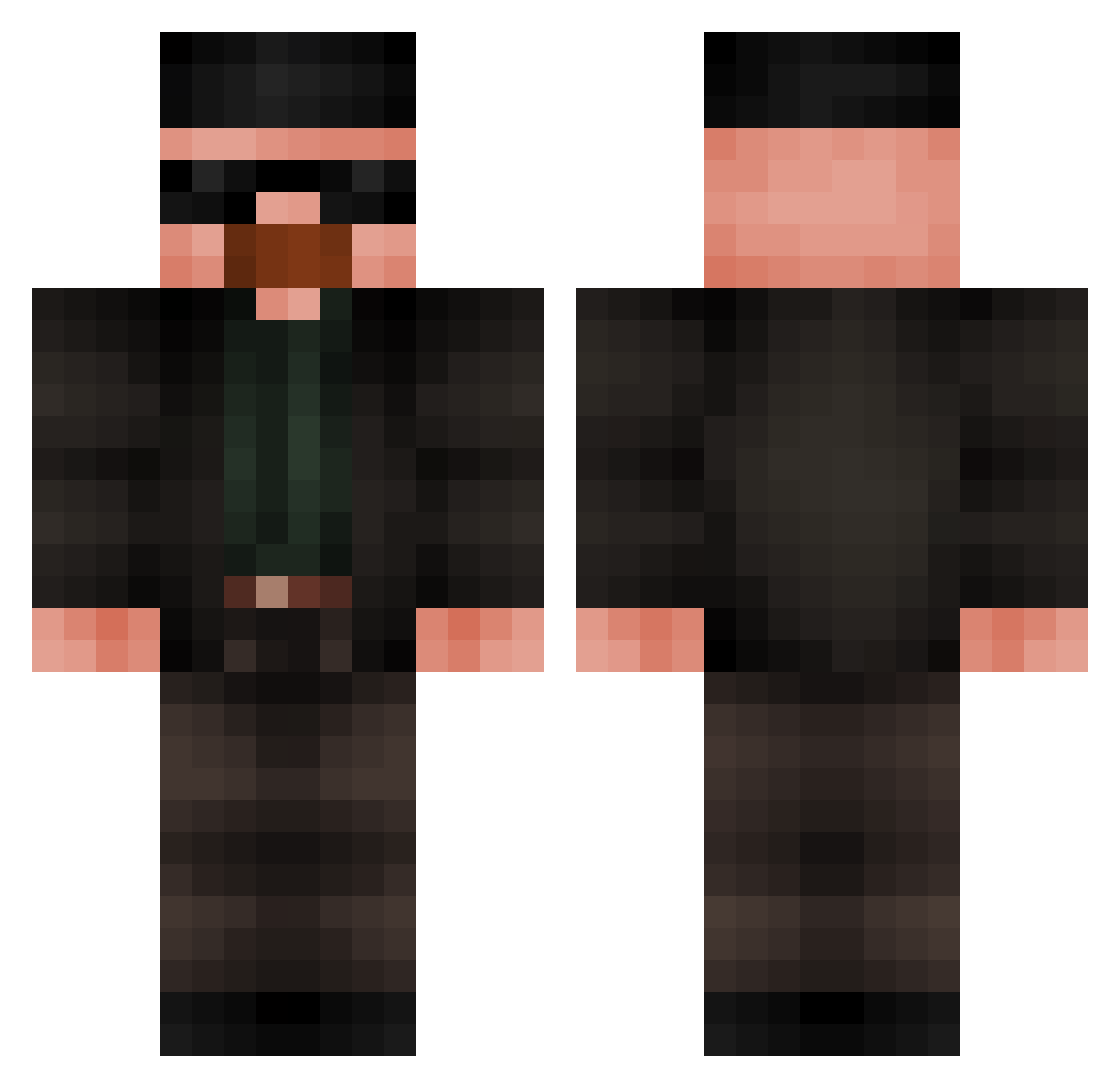
Current Minecraft skin of the player bobstura, loaded from the official Mojang API. Rotate the 3D model with your mouse or finger, then download the skin as a PNG file and use it in Minecraft: Bedrock Edition or Java Edition for free. When bobstura changes their skin, this page updates automatically and the old skin stays in the history below.
Other players with this skin (418)
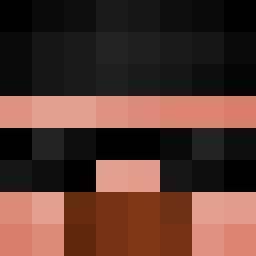
bobstura was the 193rd player we have seen with this skin, first spotted on 31.08.2026. The same skin was seen on these players. Open a nickname to see their current skin and skin history.
 Dryton01 Vmesia_zwei _mirkas_ Samet_OP antie10 Gunter_JM artfulbird MaximDerGraue RogueBuda uglyahjit CARRIEM8 AlmostWhiteGuy JoSugnuNoppy vertz7 MRDANGALL Creynor IzzyBizzyDaGizzy VITOOOOOOOR BipedGames 2AM_Ben Daddy_Skully MungMan69 Sinequanone Fisch_kop StreetNips ioannis21 Sam_000 balls_torsion icemannq MAH_QP xuttzyvsx7x Operator322 _MineDragster_ sebooloni SherlockJoe GustavoPrimo Mxrcll07 Hadyy62 TrenMonkey777 xz_Fire TarikYilmazer Zapatata MarcoAntonio1 npinsly7 xKayZ_ WumboBtw Erickstation Bebka_23
 balisticninja71 Theonewhoknock9 Martmans ourou35 schlaxinger TtvOak007StarYT arthur_roi HeyTayven Jpalma Dream_Selayer FatShady_69 KUIOP_
More Heisenberg Minecraft skins
How to install the bobstura skin
- Press the Download button above to save the skin as a PNG file.
- Minecraft: Bedrock Edition (PE): open the Dressing Room from the main menu (or tap your character → Edit Character), go to Classic Skins → Owned, press the + (new skin) button, choose the downloaded PNG and pick the Classic (Steve) model. Works on PC and mobile; consoles cannot import custom skins.
- Minecraft: Java Edition: open the Minecraft Launcher, go to the Skins tab, click New Skin, load the PNG, pick the Classic (Steve) model and press Save & Use. You can also upload it at minecraft.net → Profile → Change Skin.
The skin does not show up after import - what should I do?
Restart Minecraft and open the Dressing Room again - imported skins sometimes appear only after a restart. Also make sure you selected the imported skin and picked the Classic (Steve) model.
Which model should I choose, Classic or Slim?
This skin is designed for the Classic (Steve) model. If you pick the wrong model, the arms of the skin will look stretched or squeezed.
Is the skin of bobstura free to download?
Yes. Press Download, save the PNG file and use it in Minecraft: Bedrock Edition or Java Edition - no payment or registration needed. The skin also works on multiplayer servers and Realms.
More skins
Looking for more? Go back to all Minecraft skins and check the top skins of the week, month and all time, or find any player's skin by nickname.