
bobbert_MC - Minecraft Skins & Skin History
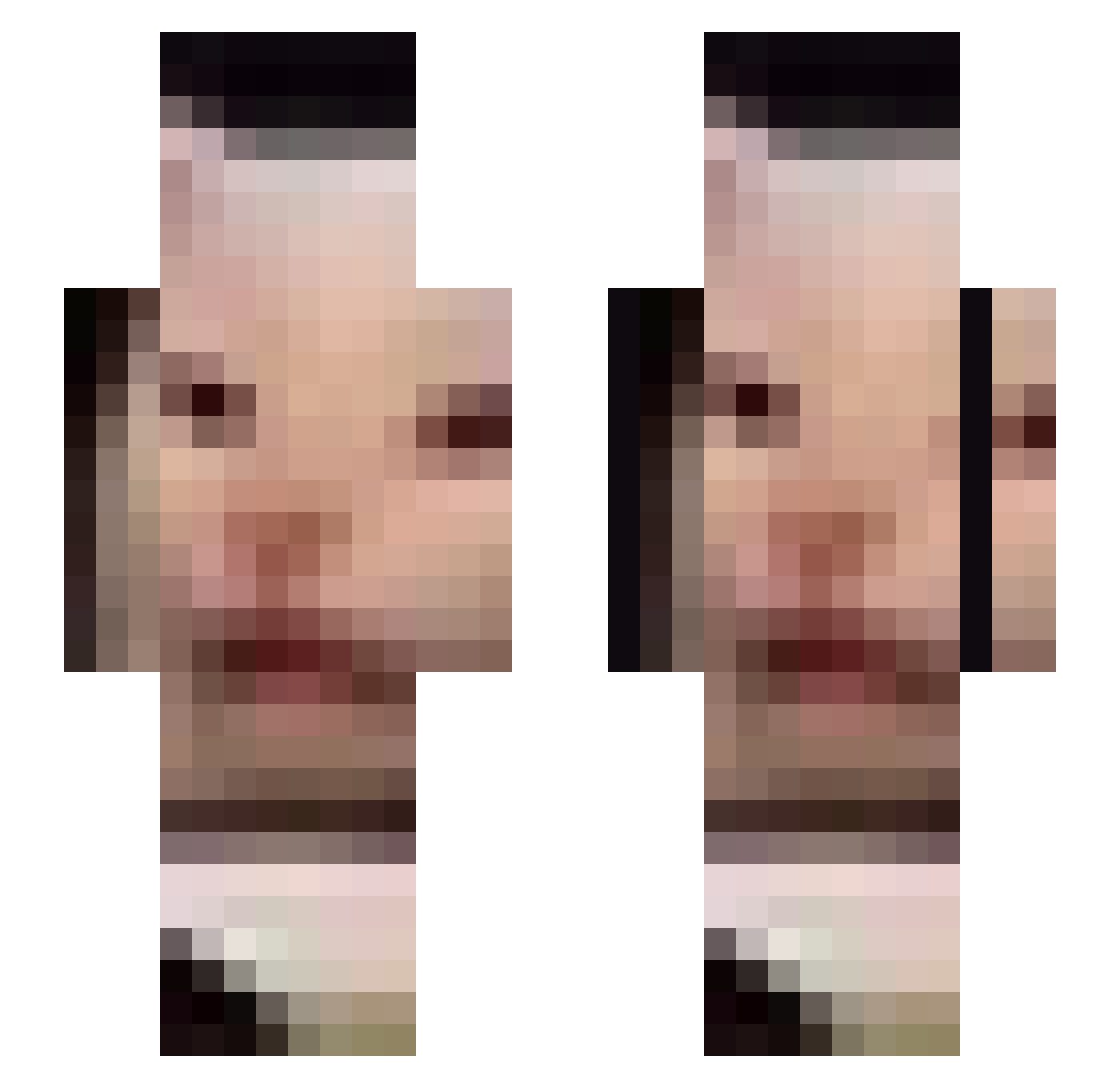
Current Minecraft skin of the player bobbert_MC, loaded from the official Mojang API. Rotate the 3D model with your mouse or finger, then download the skin as a PNG file and use it in Minecraft: Bedrock Edition or Java Edition for free. When bobbert_MC changes their skin, this page updates automatically and the old skin stays in the history below.
Other players with this skin (802)
bobbert_MC was the 775th player we have seen with this skin, first spotted on 14.11.2026. The same skin was seen on these players. Open a nickname to see their current skin and skin history.
 alvsva greenbeans000 Anascoq homoculus Satsujinkei Rezzlea guo_msmc_ji7 TakenALiking froggerchamp SunnyW00 PEACHFUZZ13 MineGal007 xEtaarZz sejong0913 LinkGirl33 lukchen jukes890316 Sulilium ReDeleting crasher29707 huak95 EggRoll_ 1euclid kuyak aew0ni BerryLemonade BigKingggg yiyoon0113 XlXlXlX nutgatherer NTAGalie Chr0myne The_Old_Spice ChadAsian Kkill95 PinballPlayer77 bambuni goat_puncher FSFMayoYT Charsmars Niels_moederkoek ddvir TruthBot73 Lucyferek221 bubba930 Ensome MassiveBiceps Gochu85 ZhiHeng_ Emeriss guit8art8ist Dead_space101 samm1es Vinogradniy_Sok iVanblu crocNball z9z4 JoshieBanks CloudyWhisky KoLDeNiZe
More Beluga Cat Minecraft skins
How to install the bobbert_MC skin
- Press the Download button above to save the skin as a PNG file.
- Minecraft: Bedrock Edition (PE): open the Dressing Room from the main menu (or tap your character → Edit Character), go to Classic Skins → Owned, press the + (new skin) button, choose the downloaded PNG and pick the Slim (Alex) model. Works on PC and mobile; consoles cannot import custom skins.
- Minecraft: Java Edition: open the Minecraft Launcher, go to the Skins tab, click New Skin, load the PNG, pick the Slim (Alex) model and press Save & Use. You can also upload it at minecraft.net → Profile → Change Skin.
The skin does not show up after import - what should I do?
Restart Minecraft and open the Dressing Room again - imported skins sometimes appear only after a restart. Also make sure you selected the imported skin and picked the Slim (Alex) model.
Which model should I choose, Classic or Slim?
This skin is designed for the Slim (Alex) model. If you pick the wrong model, the arms of the skin will look stretched or squeezed.
Is the skin of bobbert_MC free to download?
Yes. Press Download, save the PNG file and use it in Minecraft: Bedrock Edition or Java Edition - no payment or registration needed. The skin also works on multiplayer servers and Realms.
More skins
Looking for more? Go back to all Minecraft skins and check the top skins of the week, month and all time, or find any player's skin by nickname.