
blazerboy6 - Minecraft Skins & Skin History
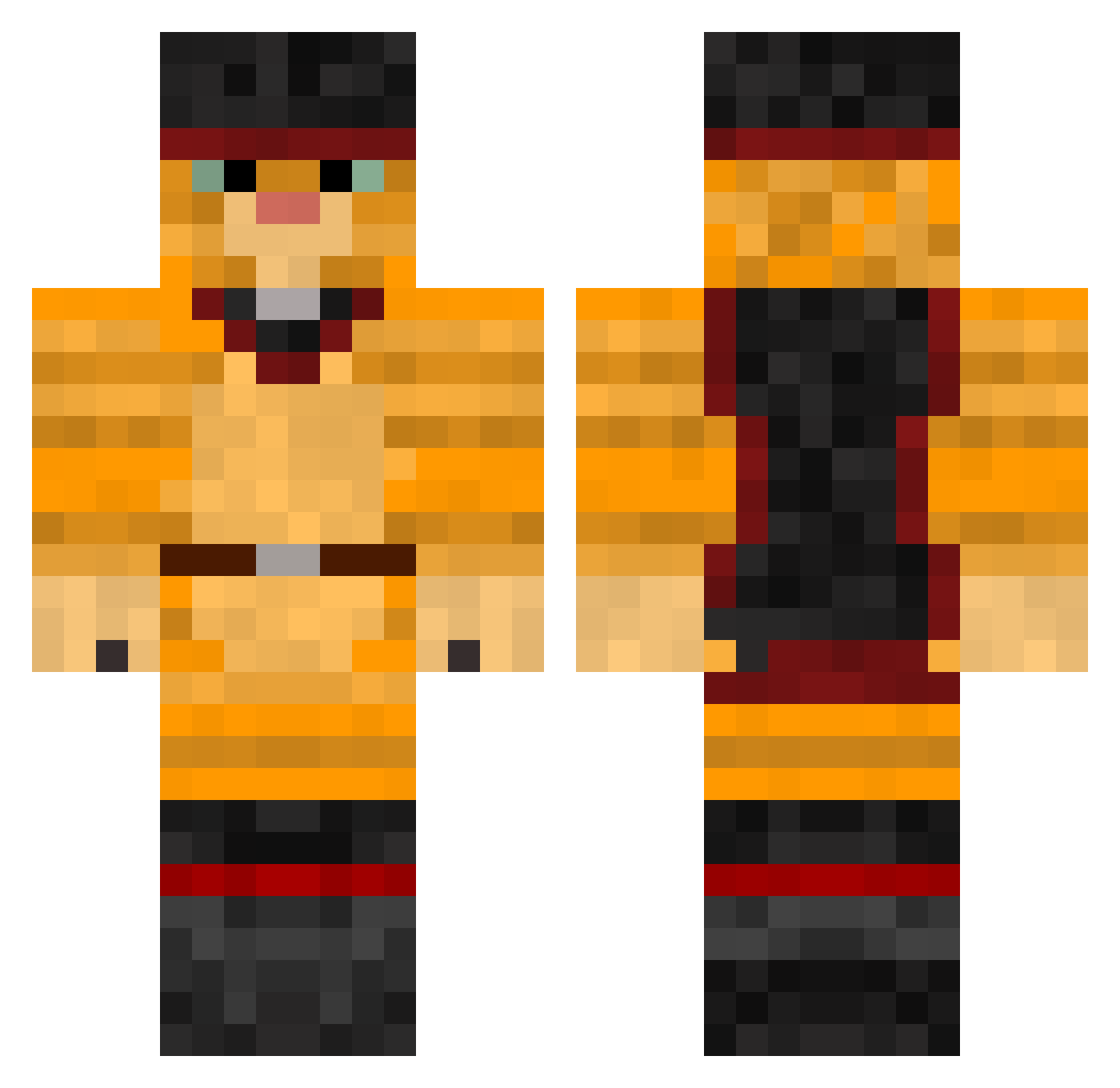
Current Minecraft skin of the player blazerboy6, loaded from the official Mojang API. Rotate the 3D model with your mouse or finger, then download the skin as a PNG file and use it in Minecraft: Bedrock Edition or Java Edition for free. When blazerboy6 changes their skin, this page updates automatically and the old skin stays in the history below.
Other players with this skin (379)
blazerboy6 was the 11th player we have seen with this skin, first spotted on 24.07.2026. The same skin was seen on these players. Open a nickname to see their current skin and skin history.
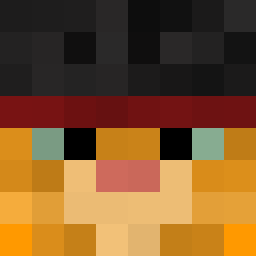 apple_seed94 MooooseGoooose pantojajo ellaluna SirTimefy Cfjanderson KingOfFail LivLovesToast Eltranor Nizze1777 minemillionaire Eliasx97 garack RubenDeMachtige 4lex_real TurboDanian Tratoon kot_bayn catTBE nibby78 FreneticNutta meatclaw FlippestFlop Fraternitas dsgj Optimus_pingvin rectus_29 Mastermclaster bazzallb007 amzirK Slawter2k dino0815 SilverCat914 vonElling fluffytinykitty DJGIO1998 Hodoly_ daryldutch JonasKwas GLoStiks coldwiel Tornaderouge Chris0979 xShadowMisakix AFGWells Williame999 MikeIggy Rucii shudyson djmcleikkiheikki DarkPudding DrTrees heavymetalcat05 Aurantium hothatcat666 L1nelis ReTurN_ conmanx2000 BENanaCAT ziljan
More Puss In Boots Minecraft skins
See all 62 Puss In Boots skins
How to install the blazerboy6 skin
- Press the Download button above to save the skin as a PNG file.
- Minecraft: Bedrock Edition (PE): open the Dressing Room from the main menu (or tap your character → Edit Character), go to Classic Skins → Owned, press the + (new skin) button, choose the downloaded PNG and pick the Classic (Steve) model. Works on PC and mobile; consoles cannot import custom skins.
- Minecraft: Java Edition: open the Minecraft Launcher, go to the Skins tab, click New Skin, load the PNG, pick the Classic (Steve) model and press Save & Use. You can also upload it at minecraft.net → Profile → Change Skin.
The skin does not show up after import - what should I do?
Restart Minecraft and open the Dressing Room again - imported skins sometimes appear only after a restart. Also make sure you selected the imported skin and picked the Classic (Steve) model.
Which model should I choose, Classic or Slim?
This skin is designed for the Classic (Steve) model. If you pick the wrong model, the arms of the skin will look stretched or squeezed.
Is the skin of blazerboy6 free to download?
Yes. Press Download, save the PNG file and use it in Minecraft: Bedrock Edition or Java Edition - no payment or registration needed. The skin also works on multiplayer servers and Realms.
More skins
Looking for more? Go back to all Minecraft skins and check the top skins of the week, month and all time, or find any player's skin by nickname.