
blanket11111 - Minecraft Skins & Skin History
Current Minecraft skin of the player blanket11111, loaded from the official Mojang API. Rotate the 3D model with your mouse or finger, then download the skin as a PNG file and use it in Minecraft: Bedrock Edition or Java Edition for free. When blanket11111 changes their skin, this page updates automatically and the old skin stays in the history below.
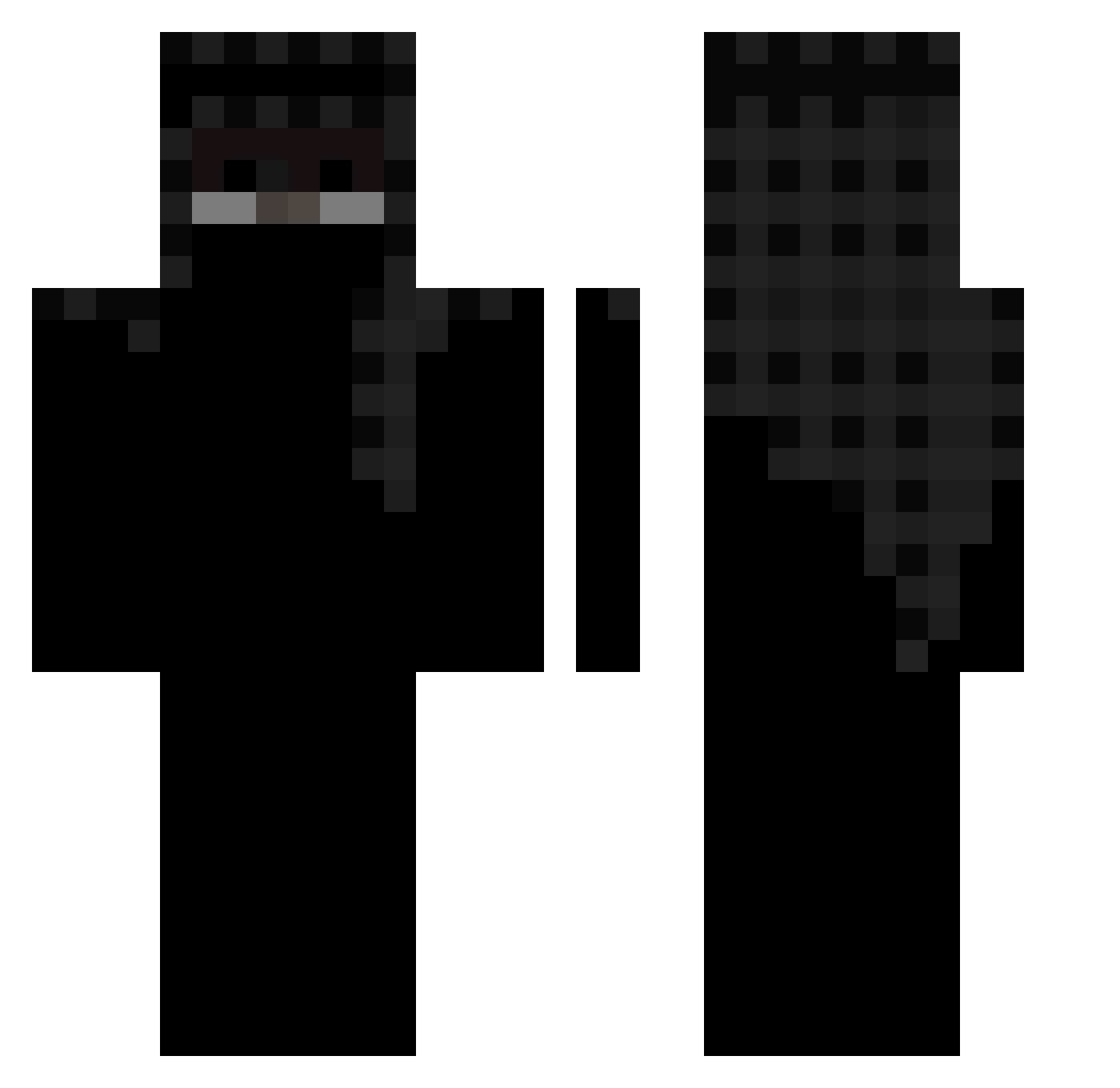
Other players with this skin (163)
blanket11111 was the 39th player we have seen with this skin, first spotted on 24.08.2026. The same skin was seen on these players. Open a nickname to see their current skin and skin history.
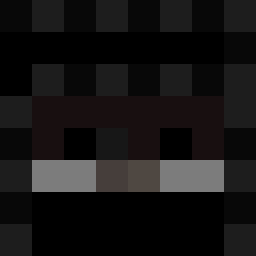 Tresix_ dream6670 Dezislost mqrijuana amdi7_ IamNotPlayz_BMGO NewVersion DemonSlayerOP
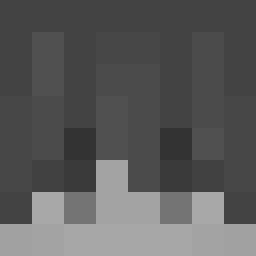 Aimifyy Bentley13blu tutu00 1337siur
 726z BlackCold_ straighhht Andre12B cxnfu wyzerka_ zerufka Riky_on SUSHlroll24
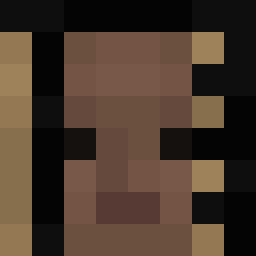 twofrkalvin
 HeitorNovaes SefIsHere FuscaoPreto amit_94 reflowing Manhal_JK_ TheFixter124 Therealestt7 ItzGusha Kapi_4 TVHG Alrehc D1rtie brunoiagames CreedAlbi llUnholyll 24k_darkness BigMonk64 B5Y nonactivz Komistus_ zSqfe Littlewolfbunny ssaaas Zyeady Bebesito4563
 Alkaon feasibly FlyingCat03 Kz1q iusehuzuni8 FinnnHuman SkyJosep 28mx voxls_ SoyAnthqny JustAhMaD1 Yhpex
More Arabian Minecraft skins
How to install the blanket11111 skin
- Press the Download button above to save the skin as a PNG file.
- Minecraft: Bedrock Edition (PE): open the Dressing Room from the main menu (or tap your character → Edit Character), go to Classic Skins → Owned, press the + (new skin) button, choose the downloaded PNG and pick the Classic (Steve) model. Works on PC and mobile; consoles cannot import custom skins.
- Minecraft: Java Edition: open the Minecraft Launcher, go to the Skins tab, click New Skin, load the PNG, pick the Classic (Steve) model and press Save & Use. You can also upload it at minecraft.net → Profile → Change Skin.
The skin does not show up after import - what should I do?
Restart Minecraft and open the Dressing Room again - imported skins sometimes appear only after a restart. Also make sure you selected the imported skin and picked the Classic (Steve) model.
Which model should I choose, Classic or Slim?
This skin is designed for the Classic (Steve) model. If you pick the wrong model, the arms of the skin will look stretched or squeezed.
Is the skin of blanket11111 free to download?
Yes. Press Download, save the PNG file and use it in Minecraft: Bedrock Edition or Java Edition - no payment or registration needed. The skin also works on multiplayer servers and Realms.
More skins
Looking for more? Go back to all Minecraft skins and check the top skins of the week, month and all time, or find any player's skin by nickname.