
birkevang - Minecraft Skins & Skin History
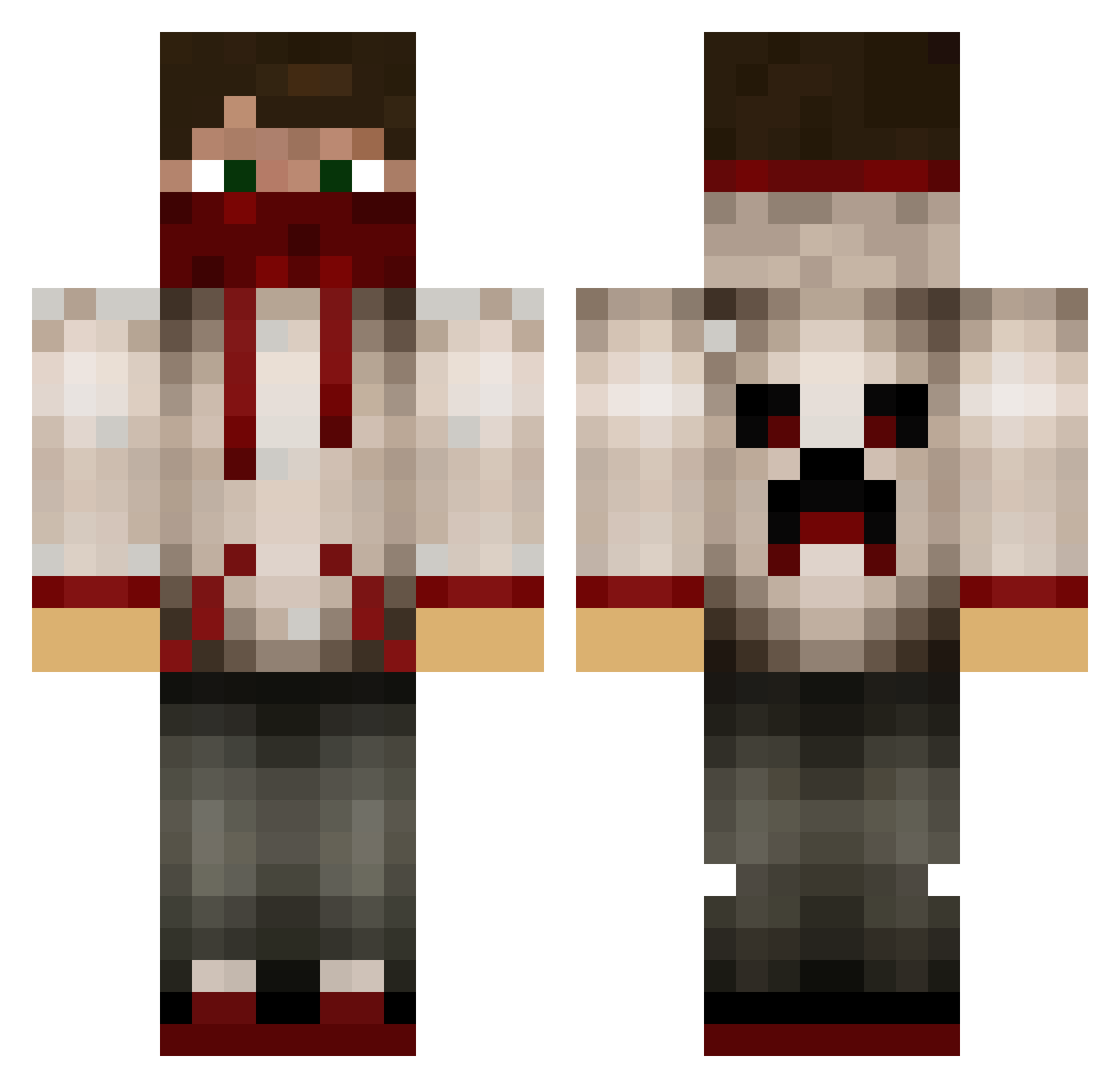
Current Minecraft skin of the player birkevang, loaded from the official Mojang API. Rotate the 3D model with your mouse or finger, then download the skin as a PNG file and use it in Minecraft: Bedrock Edition or Java Edition for free. When birkevang changes their skin, this page updates automatically and the old skin stays in the history below.
Other players with this skin (629)
birkevang was the 18th player we have seen with this skin, first spotted on 26.07.2026. The same skin was seen on these players. Open a nickname to see their current skin and skin history.
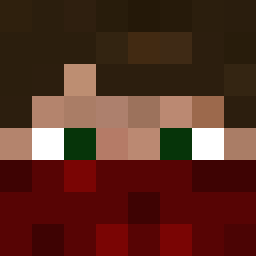 apshd TheUnskilled Kingcumba13 alexirv MoRiTz_DiEhL Bobchik28 HeatoNtrip BootsyTheOne TeoBaut_ jose5270598 brock_ali KaiserKai87 BadRanger56 willminecraft175 rangerrot xShikox MrJawor Spics22 badges FexioN dean_reynold Ripken1408 Rotorak Pandro1 bigGNs5 laxer1885 DemonBoy0W Skidude066 SwagGarrett Biezer11 bandit7455 Zackmanmc MINENET602 saintmon13 firefly119v2 rd72 baconlover64224 Lildeebo11 passi74 MrBretten Zikooo Patplainville goldeneagle7510 killmachine0808 AlexPlayzMC1 shinebot333 Stadtlas27 gumballmike bernaut1 sircatfish CaptFluffy07 lamatama IndigenousDude nerd098 Zedbogs igoreks4321 Joeygamer005 Shadow_Comboz AJPlays_MC swags123
More Bandana Minecraft skins
How to install the birkevang skin
- Press the Download button above to save the skin as a PNG file.
- Minecraft: Bedrock Edition (PE): open the Dressing Room from the main menu (or tap your character → Edit Character), go to Classic Skins → Owned, press the + (new skin) button, choose the downloaded PNG and pick the Classic (Steve) model. Works on PC and mobile; consoles cannot import custom skins.
- Minecraft: Java Edition: open the Minecraft Launcher, go to the Skins tab, click New Skin, load the PNG, pick the Classic (Steve) model and press Save & Use. You can also upload it at minecraft.net → Profile → Change Skin.
The skin does not show up after import - what should I do?
Restart Minecraft and open the Dressing Room again - imported skins sometimes appear only after a restart. Also make sure you selected the imported skin and picked the Classic (Steve) model.
Which model should I choose, Classic or Slim?
This skin is designed for the Classic (Steve) model. If you pick the wrong model, the arms of the skin will look stretched or squeezed.
Is the skin of birkevang free to download?
Yes. Press Download, save the PNG file and use it in Minecraft: Bedrock Edition or Java Edition - no payment or registration needed. The skin also works on multiplayer servers and Realms.
More skins
Looking for more? Go back to all Minecraft skins and check the top skins of the week, month and all time, or find any player's skin by nickname.