
bertelini - Minecraft Skins & Skin History
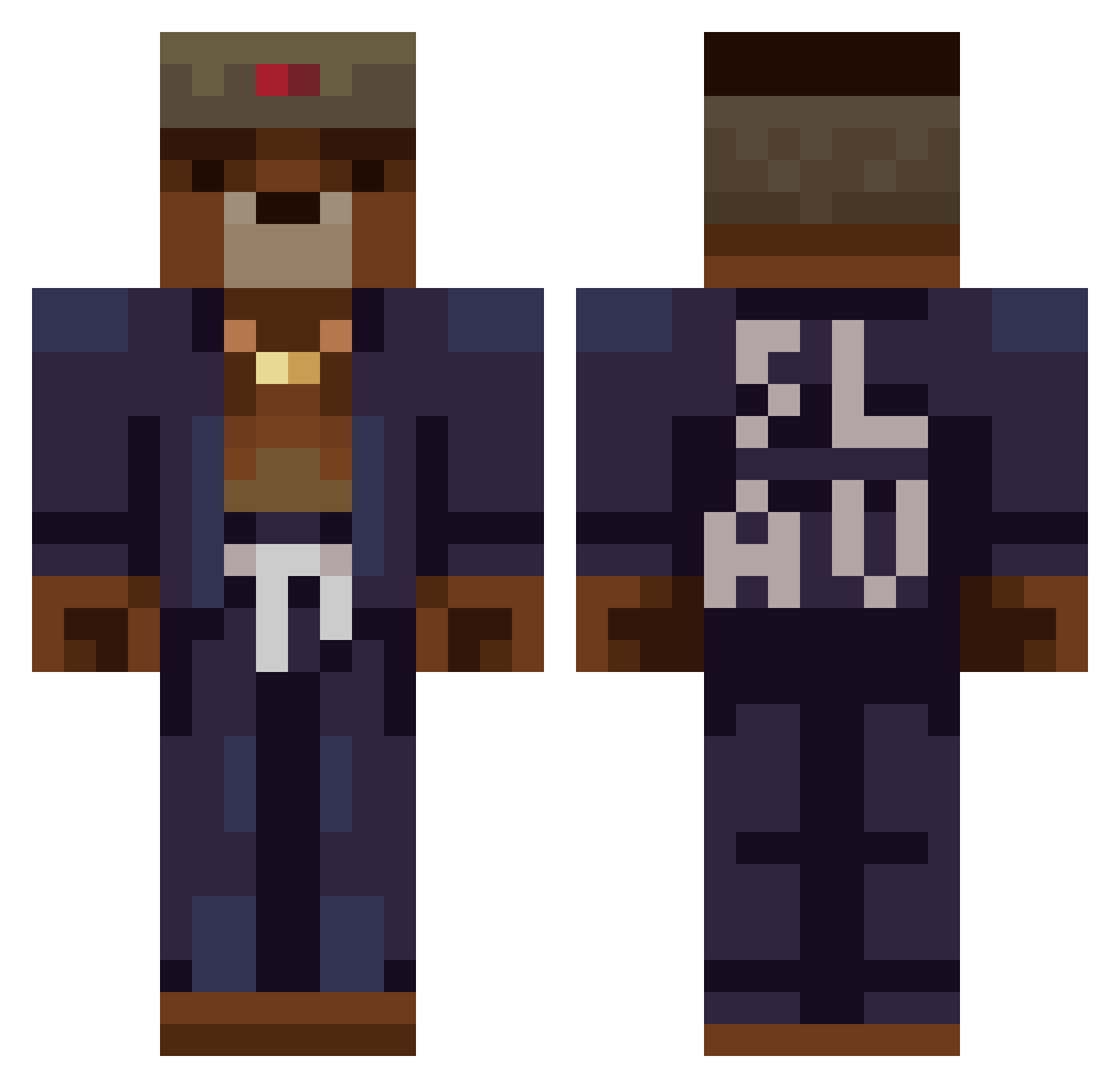
Current Minecraft skin of the player bertelini, loaded from the official Mojang API. Rotate the 3D model with your mouse or finger, then download the skin as a PNG file and use it in Minecraft: Bedrock Edition or Java Edition for free. When bertelini changes their skin, this page updates automatically and the old skin stays in the history below.
Other players with this skin (368)
bertelini was the 41st player we have seen with this skin, first spotted on 04.08.2026. The same skin was seen on these players. Open a nickname to see their current skin and skin history.
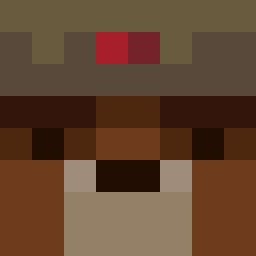 Cnideria Delicated GT4GOD TheCowWithAutism Giena_ J1mmy1337 _Nordh_ Shan_H TheGamingG1rl ChoIesteroI Demononer MrLolita01 Suleyman_Sefik BenXtr3me52 Gr4h4m TM_HiW3 CleverBear0 SpyFfox Joosh1 ArthesN Daguy25 FearlessComrade D1lxn_715 ArtBan LemmingWales Garyyyo tixcy raphamc101 Morlllllll NarGara JesusMatko Azzeed Mateee3 Hypnostup Face4Real Cross_fires Agent12Utka RussischWater Vxolo DedShot00 MamaHautMich Zawicek Mishu15 Bimek brightknight1 Suso15 urb1z Ketamientje OleThestrup p4xCWtu5 laineswapped Kosomaki CypresTube PandaAtoll21583 OceanGrinder ZamboTheBear Hr_Hyv BozerGhoster S0me0ne3lse ileciz677
More Slav Minecraft skins
How to install the bertelini skin
- Press the Download button above to save the skin as a PNG file.
- Minecraft: Bedrock Edition (PE): open the Dressing Room from the main menu (or tap your character → Edit Character), go to Classic Skins → Owned, press the + (new skin) button, choose the downloaded PNG and pick the Classic (Steve) model. Works on PC and mobile; consoles cannot import custom skins.
- Minecraft: Java Edition: open the Minecraft Launcher, go to the Skins tab, click New Skin, load the PNG, pick the Classic (Steve) model and press Save & Use. You can also upload it at minecraft.net → Profile → Change Skin.
The skin does not show up after import - what should I do?
Restart Minecraft and open the Dressing Room again - imported skins sometimes appear only after a restart. Also make sure you selected the imported skin and picked the Classic (Steve) model.
Which model should I choose, Classic or Slim?
This skin is designed for the Classic (Steve) model. If you pick the wrong model, the arms of the skin will look stretched or squeezed.
Is the skin of bertelini free to download?
Yes. Press Download, save the PNG file and use it in Minecraft: Bedrock Edition or Java Edition - no payment or registration needed. The skin also works on multiplayer servers and Realms.
More skins
Looking for more? Go back to all Minecraft skins and check the top skins of the week, month and all time, or find any player's skin by nickname.