
bernardonovak_ - Minecraft Skins & Skin History
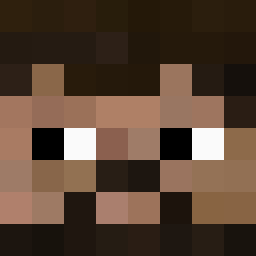
Current Minecraft skin of the player bernardonovak_, loaded from the official Mojang API. Rotate the 3D model with your mouse or finger, then download the skin as a PNG file and use it in Minecraft: Bedrock Edition or Java Edition for free. When bernardonovak_ changes their skin, this page updates automatically and the old skin stays in the history below.
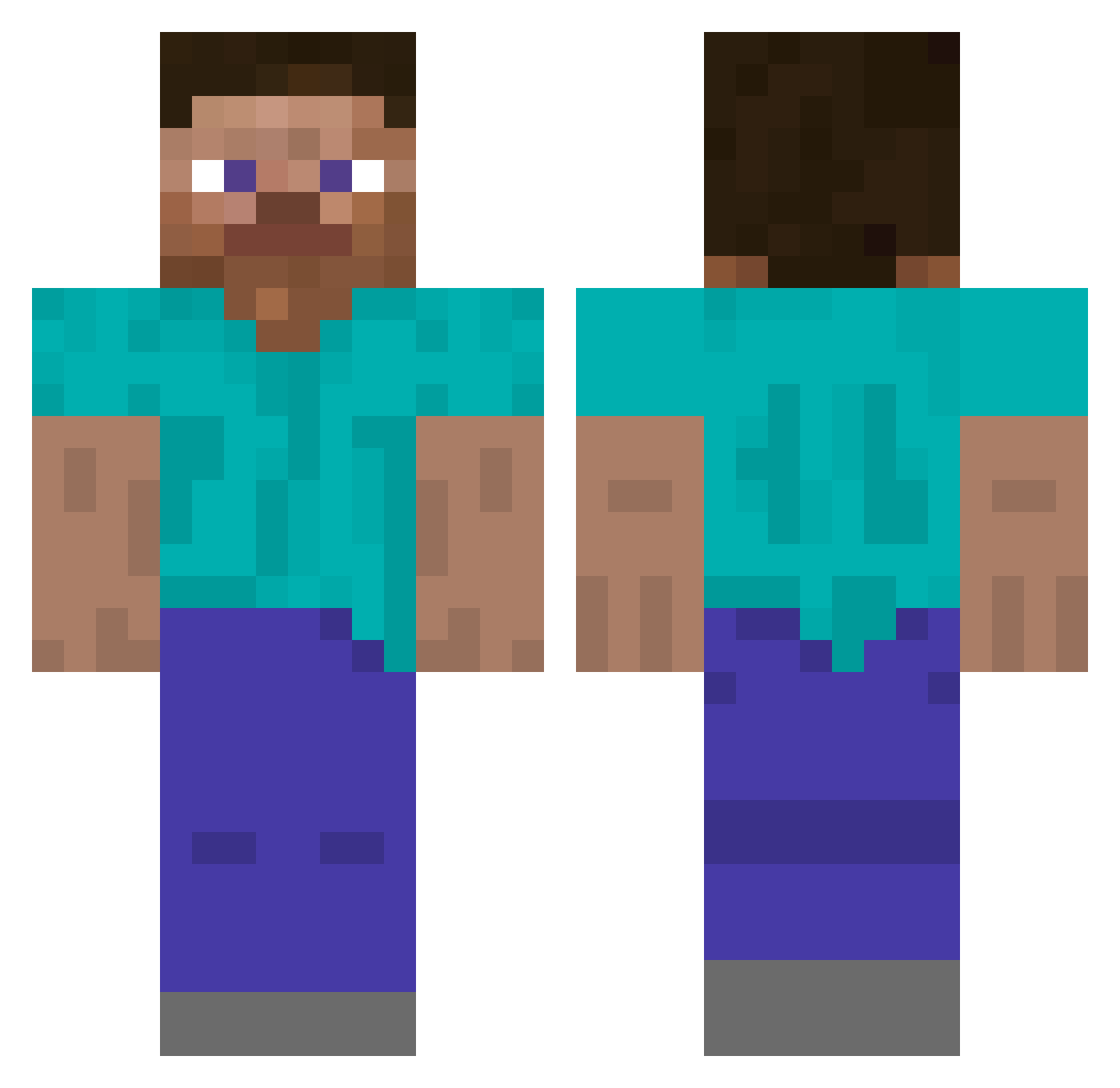
Other players with this skin (277)
bernardonovak_ was the 18th player we have seen with this skin, first spotted on 01.08.2026. The same skin was seen on these players. Open a nickname to see their current skin and skin history.
 ImOn9CrafBeta173 priscillien iYabuki kacper6123 Static_link builderofworlds0 Dybxd sharkzin_ xXvinizinXx
 human_v3 bluebunny05 IExist12 Okkkkkkkk Rat_Whizard PAVEL_KROT1 pobn zoznes R2shod guppygear LevitatingSquid legund26 yonie_23 NullRunner_5331 Yusan3016 jackal117 Samurai_Volnato Theprophesy KindledWisp txoria sebba1437 Danielisga s500beznomerov shinano_master
 BarretoSD iamneo20
 Matsa304 cm15k4p7100000cl Exzero05 Yaa356 Martanko jegelskeris
 Dexgamer83 gabeluuu aniquin YesButActuallyYe _xIllusionx_ xTitanN1 LiiNawaf29 Bricky_bricks ilovminecraft531 BalkanPrinceZam uuniola Xaerenity
 doquknn Yooniss ssslala2 SirAndersson edvbnm Bluedev93 AnirudhSK
How to install the bernardonovak_ skin
- Press the Download button above to save the skin as a PNG file.
- Minecraft: Bedrock Edition (PE): open the Dressing Room from the main menu (or tap your character → Edit Character), go to Classic Skins → Owned, press the + (new skin) button, choose the downloaded PNG and pick the Classic (Steve) model. Works on PC and mobile; consoles cannot import custom skins.
- Minecraft: Java Edition: open the Minecraft Launcher, go to the Skins tab, click New Skin, load the PNG, pick the Classic (Steve) model and press Save & Use. You can also upload it at minecraft.net → Profile → Change Skin.
The skin does not show up after import - what should I do?
Restart Minecraft and open the Dressing Room again - imported skins sometimes appear only after a restart. Also make sure you selected the imported skin and picked the Classic (Steve) model.
Which model should I choose, Classic or Slim?
This skin is designed for the Classic (Steve) model. If you pick the wrong model, the arms of the skin will look stretched or squeezed.
Is the skin of bernardonovak_ free to download?
Yes. Press Download, save the PNG file and use it in Minecraft: Bedrock Edition or Java Edition - no payment or registration needed. The skin also works on multiplayer servers and Realms.
More skins
Looking for more? Go back to all Minecraft skins and check the top skins of the week, month and all time, or find any player's skin by nickname.