
bauga - Minecraft Skins & Skin History
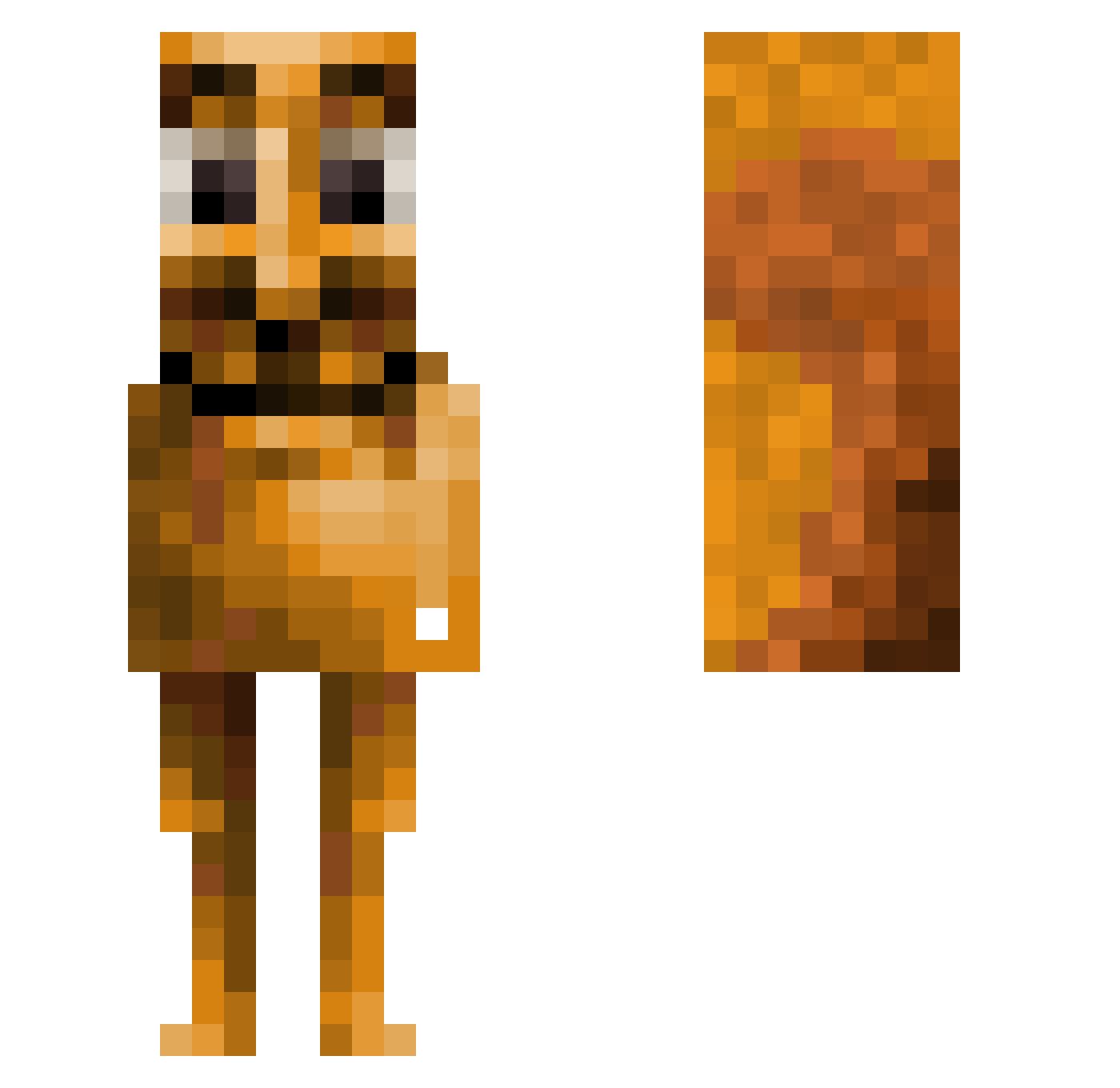
Current Minecraft skin of the player bauga, loaded from the official Mojang API. Rotate the 3D model with your mouse or finger, then download the skin as a PNG file and use it in Minecraft: Bedrock Edition or Java Edition for free. When bauga changes their skin, this page updates automatically and the old skin stays in the history below.
Other players with this skin (157)
bauga was the 111th player we have seen with this skin, first spotted on 03.10.2026. The same skin was seen on these players. Open a nickname to see their current skin and skin history.
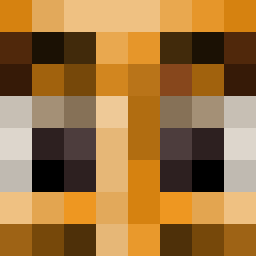 xxgamerboi27 sQubeeek ShoshiK Derek73 ttmlol Dhinch KrutoiUzbek 12Vanish21 peterxoz P0UG_ ozgur97 gab3_112 dradnats1 WweeR4 MaGuare v_v_v_v_v_v_v_v_ waisyy OsamaBinSwaggn JEDMINER zSleepa Damdim Dylankakas Madvibe Loprong choiichoii qwertyuiuko fetuchini_parra ukor68 Homchomww malonefid iGluteosSixSeven Seakali Hdoggy_Dog hamaking111 kalgaim The_Goated_Horns ce7t Sahurgoonking mucch8 George_McSteel akpolo DziDzii777 kissluu Coolest_11 BobTheBuilder37 morsaking12 Lilsteww Szymonowski2646 fratm_francesc Da_monkey21 ez92 cebwasd de_polca finninfinity Chaos_Phoe proxxon2003 s1maz_ LinhBeargvjUwU asiankidyang dawciu13811
More Cringe Minecraft skins
How to install the bauga skin
- Press the Download button above to save the skin as a PNG file.
- Minecraft: Bedrock Edition (PE): open the Dressing Room from the main menu (or tap your character → Edit Character), go to Classic Skins → Owned, press the + (new skin) button, choose the downloaded PNG and pick the Slim (Alex) model. Works on PC and mobile; consoles cannot import custom skins.
- Minecraft: Java Edition: open the Minecraft Launcher, go to the Skins tab, click New Skin, load the PNG, pick the Slim (Alex) model and press Save & Use. You can also upload it at minecraft.net → Profile → Change Skin.
The skin does not show up after import - what should I do?
Restart Minecraft and open the Dressing Room again - imported skins sometimes appear only after a restart. Also make sure you selected the imported skin and picked the Slim (Alex) model.
Which model should I choose, Classic or Slim?
This skin is designed for the Slim (Alex) model. If you pick the wrong model, the arms of the skin will look stretched or squeezed.
Is the skin of bauga free to download?
Yes. Press Download, save the PNG file and use it in Minecraft: Bedrock Edition or Java Edition - no payment or registration needed. The skin also works on multiplayer servers and Realms.
More skins
Looking for more? Go back to all Minecraft skins and check the top skins of the week, month and all time, or find any player's skin by nickname.