
bannybanby - Minecraft Skins & Skin History
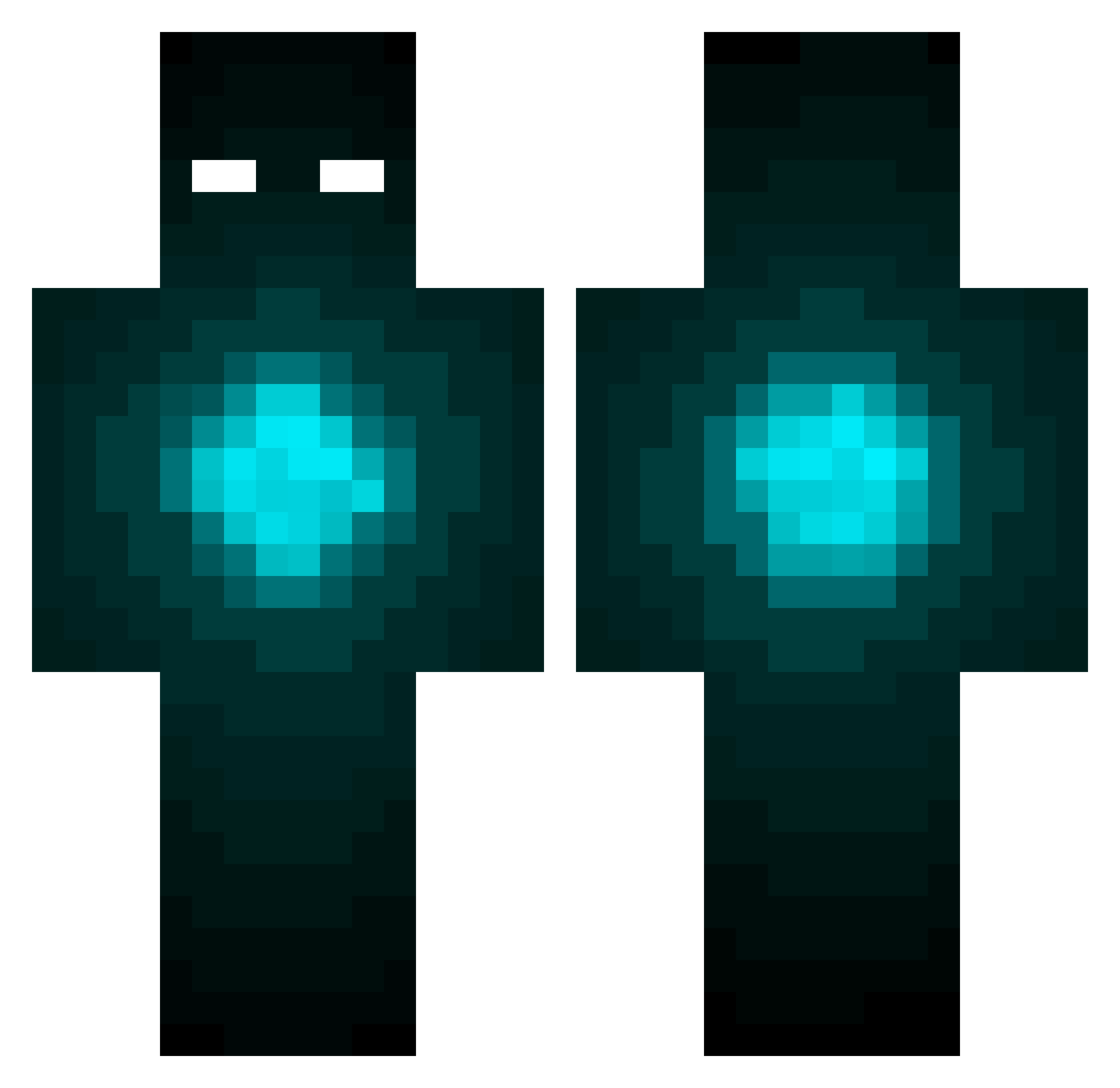
Current Minecraft skin of the player bannybanby, loaded from the official Mojang API. Rotate the 3D model with your mouse or finger, then download the skin as a PNG file and use it in Minecraft: Bedrock Edition or Java Edition for free. When bannybanby changes their skin, this page updates automatically and the old skin stays in the history below.
Other players with this skin (169)
bannybanby was the 50th player we have seen with this skin, first spotted on 22.08.2026. The same skin was seen on these players. Open a nickname to see their current skin and skin history.
 Hel7ish cavamabelle I3UGRV catoconnor Opeshek BigShotOx Mastercord Gork_Pro YESmen123 DaJSeL Ksynko P_O_N_Z crazybaboon997 xhvs GAMETRIKX mcpapa2009 unfeel_ SrSneft Mazitz MiniDambro Ice_Fox8078 SrGolden ShyKhan Correa___ soldierrRXtf Prince_Xavier Causemos Trifla Illegal_Alien96 b33n xTrayx Bubba_bc RaginWulf MWVVV Moba_Welt ProCob8644 Eddy141213 Tu_yaa Tors_ shinyCLEM The_Cloud__ DarkOne_3505 TyguyNL WaltPete yehuangwu Luka0001 Traphouse_Diddy owlacurry RM_Gaudi Mrskeeter905 Schmity47 MusabTah Sorcers Ryoutatsu Drawba yamrd200 Formalizations Mc_romantic AlwayO slittle874
More Eyes Minecraft skins
How to install the bannybanby skin
- Press the Download button above to save the skin as a PNG file.
- Minecraft: Bedrock Edition (PE): open the Dressing Room from the main menu (or tap your character → Edit Character), go to Classic Skins → Owned, press the + (new skin) button, choose the downloaded PNG and pick the Classic (Steve) model. Works on PC and mobile; consoles cannot import custom skins.
- Minecraft: Java Edition: open the Minecraft Launcher, go to the Skins tab, click New Skin, load the PNG, pick the Classic (Steve) model and press Save & Use. You can also upload it at minecraft.net → Profile → Change Skin.
The skin does not show up after import - what should I do?
Restart Minecraft and open the Dressing Room again - imported skins sometimes appear only after a restart. Also make sure you selected the imported skin and picked the Classic (Steve) model.
Which model should I choose, Classic or Slim?
This skin is designed for the Classic (Steve) model. If you pick the wrong model, the arms of the skin will look stretched or squeezed.
Is the skin of bannybanby free to download?
Yes. Press Download, save the PNG file and use it in Minecraft: Bedrock Edition or Java Edition - no payment or registration needed. The skin also works on multiplayer servers and Realms.
More skins
Looking for more? Go back to all Minecraft skins and check the top skins of the week, month and all time, or find any player's skin by nickname.