
banggutten - Minecraft Skins & Skin History
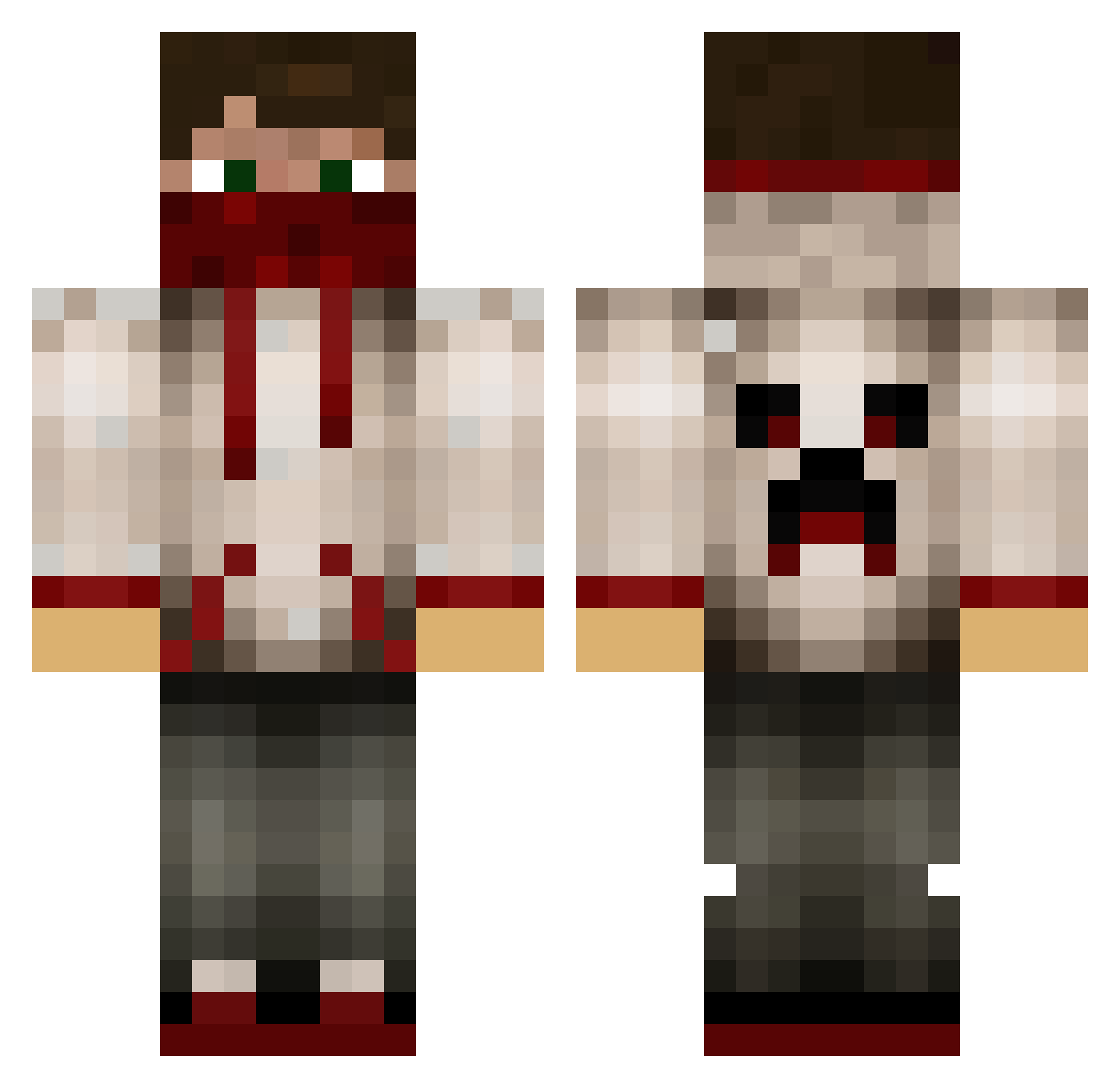
Current Minecraft skin of the player banggutten, loaded from the official Mojang API. Rotate the 3D model with your mouse or finger, then download the skin as a PNG file and use it in Minecraft: Bedrock Edition or Java Edition for free. When banggutten changes their skin, this page updates automatically and the old skin stays in the history below.
Other players with this skin (779)
banggutten was the 623rd player we have seen with this skin, first spotted on 31.10.2026. The same skin was seen on these players. Open a nickname to see their current skin and skin history.
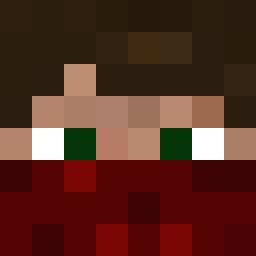 motorboat990 Night_Walker501 AdamLip11 Ayman_Craft SpanishAmercian7 PogEDogE Riot_Leader ryanmaster02 Abd4l HippStarlp GameOnKevin kudden10 Nick474 los1 Mattijs2000 De_Mullies Zock3r_1 CaptainFlipper Zombie_Boy413 black_raven1234 Mc_Dr3w HolyBlock harmenkiller2 Zlexy meikghost crocy101 HyperionRekker banditboss2213 Rusty_Monk coolmoneyman X22K Merronsk lukehx3 BBtheMaster Mr_Twinkie5 Johnny1572 polvoso BaalSeBoss bbott tbone5025 IssaOsa123 FizzyPepzi Rex12354 makemecum jackyboygamer Jadecrafts DJ_Benjy Buzzy2000 fitrtiy XyloKeys nickphillies7 DewritosMC tomtomjumbo georgeleiwi Kris_091 Tip_Top_Thomas sukkung DerpDude16 wwwgabby Whatnoow
More Bandana Minecraft skins
How to install the banggutten skin
- Press the Download button above to save the skin as a PNG file.
- Minecraft: Bedrock Edition (PE): open the Dressing Room from the main menu (or tap your character → Edit Character), go to Classic Skins → Owned, press the + (new skin) button, choose the downloaded PNG and pick the Classic (Steve) model. Works on PC and mobile; consoles cannot import custom skins.
- Minecraft: Java Edition: open the Minecraft Launcher, go to the Skins tab, click New Skin, load the PNG, pick the Classic (Steve) model and press Save & Use. You can also upload it at minecraft.net → Profile → Change Skin.
The skin does not show up after import - what should I do?
Restart Minecraft and open the Dressing Room again - imported skins sometimes appear only after a restart. Also make sure you selected the imported skin and picked the Classic (Steve) model.
Which model should I choose, Classic or Slim?
This skin is designed for the Classic (Steve) model. If you pick the wrong model, the arms of the skin will look stretched or squeezed.
Is the skin of banggutten free to download?
Yes. Press Download, save the PNG file and use it in Minecraft: Bedrock Edition or Java Edition - no payment or registration needed. The skin also works on multiplayer servers and Realms.
More skins
Looking for more? Go back to all Minecraft skins and check the top skins of the week, month and all time, or find any player's skin by nickname.