
bananachicken5 - Minecraft Skins & Skin History
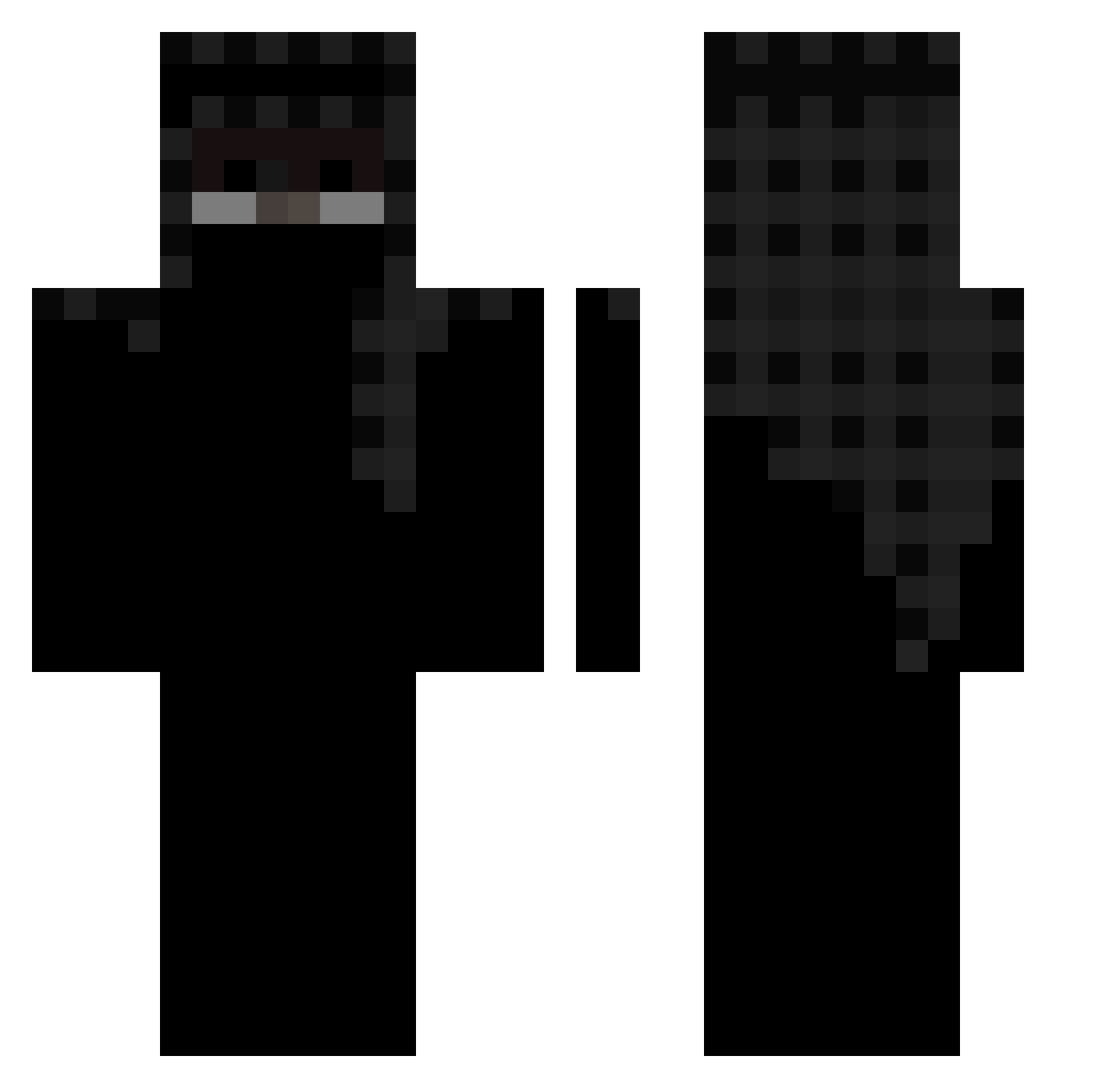
Current Minecraft skin of the player bananachicken5, loaded from the official Mojang API. Rotate the 3D model with your mouse or finger, then download the skin as a PNG file and use it in Minecraft: Bedrock Edition or Java Edition for free. When bananachicken5 changes their skin, this page updates automatically and the old skin stays in the history below.
Other players with this skin (453)
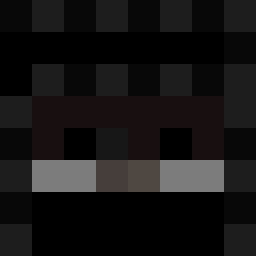
bananachicken5 was the 114th player we have seen with this skin, first spotted on 21.08.2026. The same skin was seen on these players. Open a nickname to see their current skin and skin history.
 Straig2 Chicken29843 ZXP9 Glalamafia Zurnaci24 Thrashkilla 422k Hurkay Golden_Baeza NautiCrecker YoungMuslami shhil MlodyBeamer KhangTo_ Mr_pug27 Corify Busto_ MCBakedPotato 1xxy Straight B0T_CB1 TwilightBill MaxButler3 Zeyrozi Drainzz XiHope52 lwny x262 JustSalihq Fiv3e Saulxyz DaddySnaggers xxwxvy kzg0 dadrop vyplol yawein jesussGG15 slipknot636 KubaMaseCZ AllahVLK wleevzy ImortalKiller FunkyMonkey_ KazekSzefito xyhd LegitR3 MewizIsHere alpya Sxmxn_TqZz GodOfShadows frym001 jus2karote Spray_JoD Vicinities EliteKiller0703 wianti Kaper201212 SzymuPL MiloTor2014
More Headscarf Minecraft skins
How to install the bananachicken5 skin
- Press the Download button above to save the skin as a PNG file.
- Minecraft: Bedrock Edition (PE): open the Dressing Room from the main menu (or tap your character → Edit Character), go to Classic Skins → Owned, press the + (new skin) button, choose the downloaded PNG and pick the Classic (Steve) model. Works on PC and mobile; consoles cannot import custom skins.
- Minecraft: Java Edition: open the Minecraft Launcher, go to the Skins tab, click New Skin, load the PNG, pick the Classic (Steve) model and press Save & Use. You can also upload it at minecraft.net → Profile → Change Skin.
The skin does not show up after import - what should I do?
Restart Minecraft and open the Dressing Room again - imported skins sometimes appear only after a restart. Also make sure you selected the imported skin and picked the Classic (Steve) model.
Which model should I choose, Classic or Slim?
This skin is designed for the Classic (Steve) model. If you pick the wrong model, the arms of the skin will look stretched or squeezed.
Is the skin of bananachicken5 free to download?
Yes. Press Download, save the PNG file and use it in Minecraft: Bedrock Edition or Java Edition - no payment or registration needed. The skin also works on multiplayer servers and Realms.
More skins
Looking for more? Go back to all Minecraft skins and check the top skins of the week, month and all time, or find any player's skin by nickname.